FIXONIC
SellSavedMy Fixonic
Official iFixit API visual reference

Philips Satinelle Gear Replacement

Use this guide if you need to replace the gear...

iFixit Library Philips Satinelle Moderate No estimate Guide 101151
Open the authorised source
Licensed iFixit integration

This attributed iFixit guide is displayed through Fixonic's recorded commercial API permission. iFixit remains the independent source and author of the procedure.

Guide overview

Before you begin

Use this guide if you need to replace the gear that turns the tweezers of your Philips Satinelle.

Step 1

Repair step

  • Unplug the device and remove the purple guard.
  • Remove the head by pressing the right side of the head (with the device facing away from you).
  • You will hear a 'click' and the head will become dislodged from the body of the device.
Step 2

Repair step

  • While wearing safety glasses, use a plastic opening tool to pry from right to left to pry out the tensor clip.
  • Be careful not to lose the clip. It will likely fly off when it releases.
Step 3

Repair step

  • The left side will swing down.
  • Remove the Tweezers.
Step 4

Repair step

  • Remove the plastic component that swings down.
  • Use fingernails to lift clips from stubs.
Step 5

Repair step

  • Using Needle Nose pliers remove metal roller track on both sides of the Tweezers Head.
Step 6

Repair step

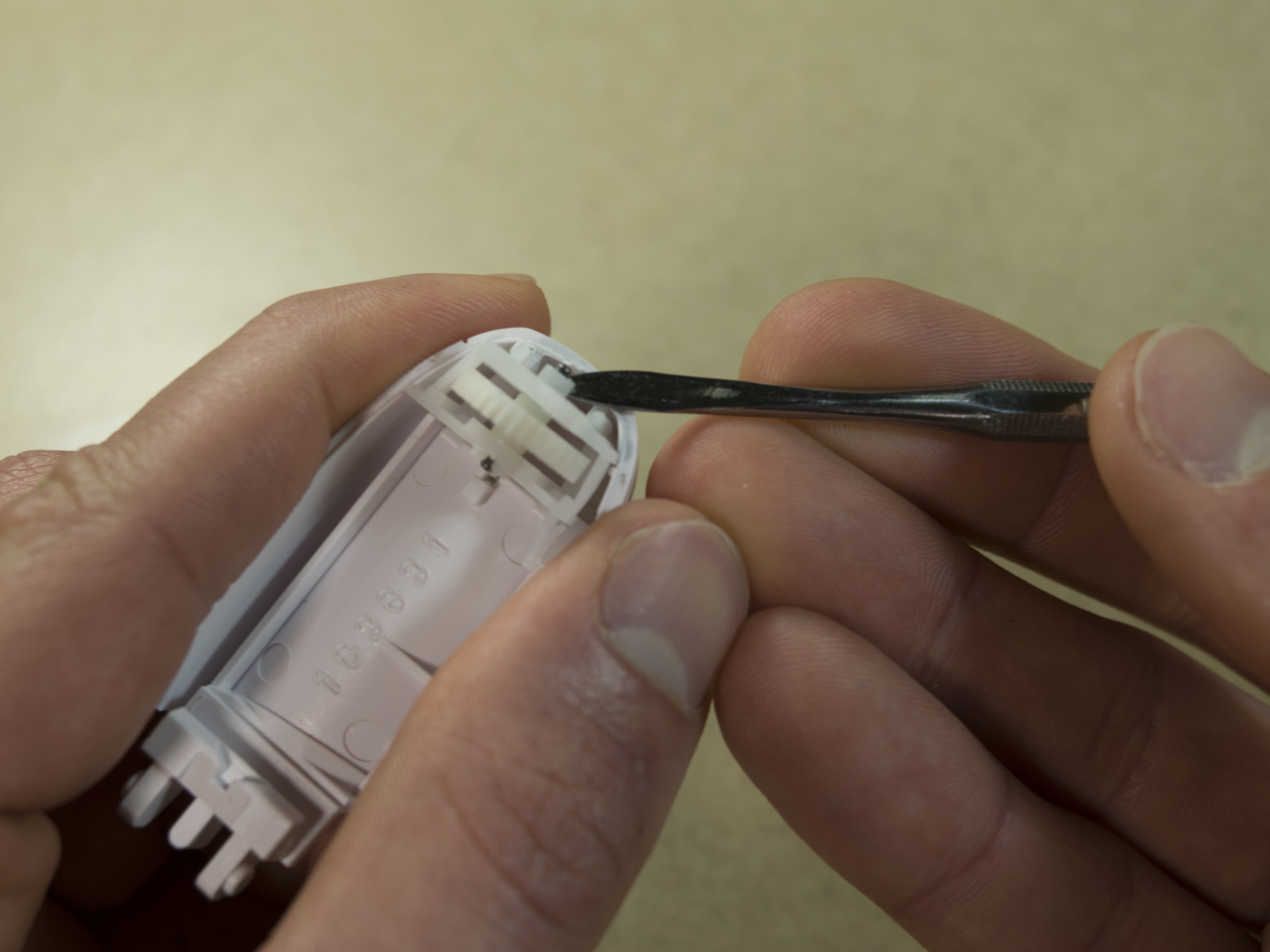
  • Use a spudger to pry the gear housing unit from the base.
Step 7

Repair step

  • Use your thumbnail and a pair of needle nose pliers to push out the gear housing retention pin.
Step 8

Repair step

  • Replace the gear and re-insert the pin.
  • Ensure that pin is protruding slightly, it should not be flush.