FIXONIC
SellSavedMy Fixonic
Official iFixit API visual reference

Insignia NS-24ER310NA17 Disassembly

This guide will take you through the process of...

iFixit Library Insignia NS-24ER310NA17 Moderate 10 minutes Guide 103341
Open the authorised source
Licensed iFixit integration

This attributed iFixit guide is displayed through Fixonic's recorded commercial API permission. iFixit remains the independent source and author of the procedure.

Guide overview

Before you begin

This guide will take you through the process of disassembling the housing of the Insignia NS-24ER310NA17 in order to gain access to the inner parts. This is a primary step for most replacement guides regarding this device.

Step 1

Repair step

  • Rest the TV on its top edge so you have access to the base.
  • Use a Phillips #2 screwdriver to remove the four screws on the bottom of the base.
  • Remove the base from the frame.
Step 2

Repair step

  • Lay the TV face down.
  • Use the Phillips #00 screwdriver to remove all of the screws from the the back of the TV.
Step 3

Pry the TV open

  • Stand the TV on its top edge.
  • Gently pry apart the front and back of the TV.
  • The two halves should pull apart easily since there are no longer any screws holding it together.
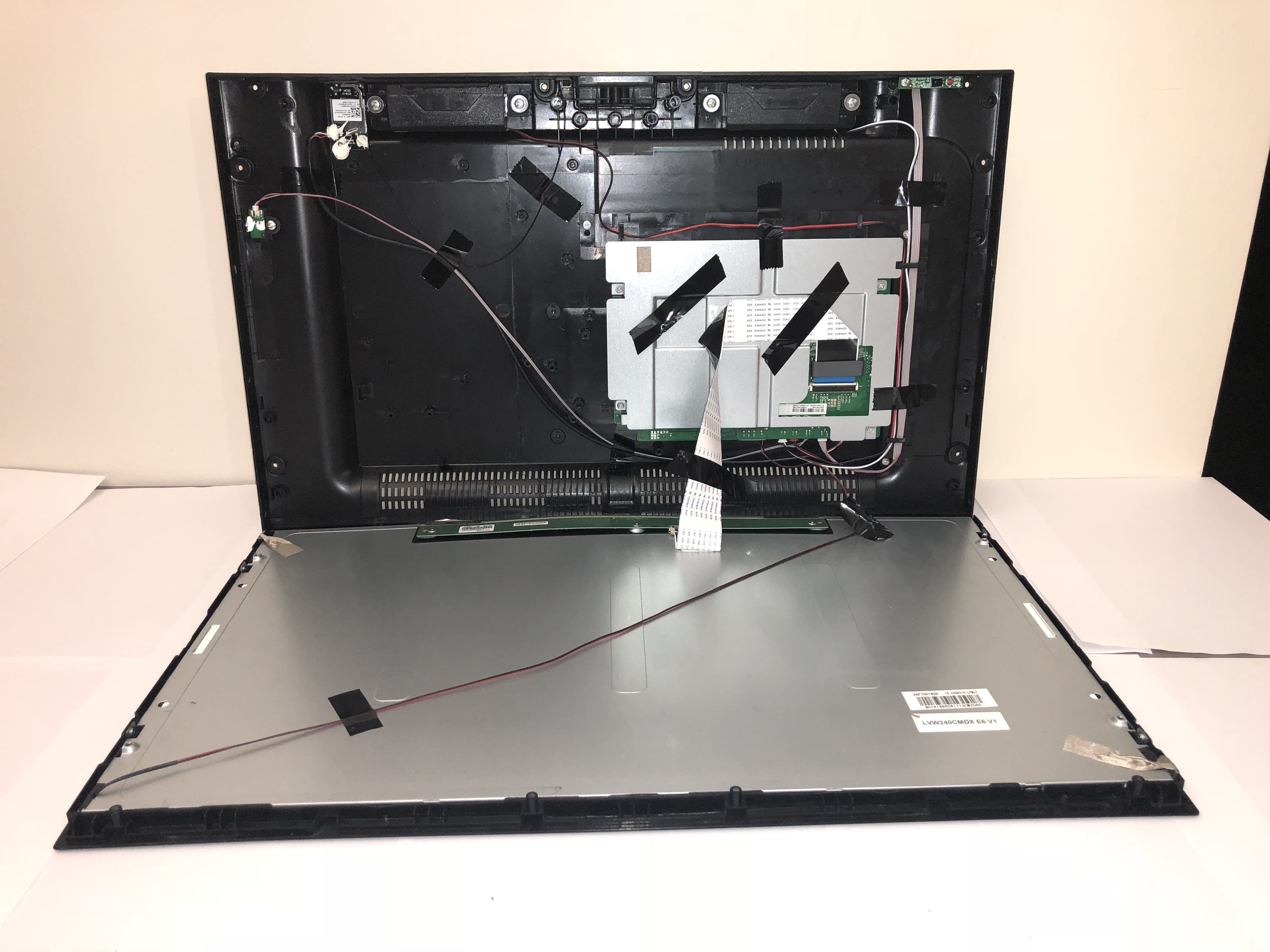
  • The two halves will still be connected by wires and cables that are taped to each side. Do not pull on these. We will remove them in the next step.
Step 4

Disconnect wires

  • As mentioned in the previous step, there are wires still connecting the two halves.
  • Remove all the pieces of tape to detach the wires from both sides.
  • You want to gently peel the tape off, without pulling on the wires.
Step 5

Repair step

  • Spread apart your TV the rest of the way, but do not disconnect any of the wires.
  • You should have a clear view of the inside on both sides.