FIXONIC
Before you begin
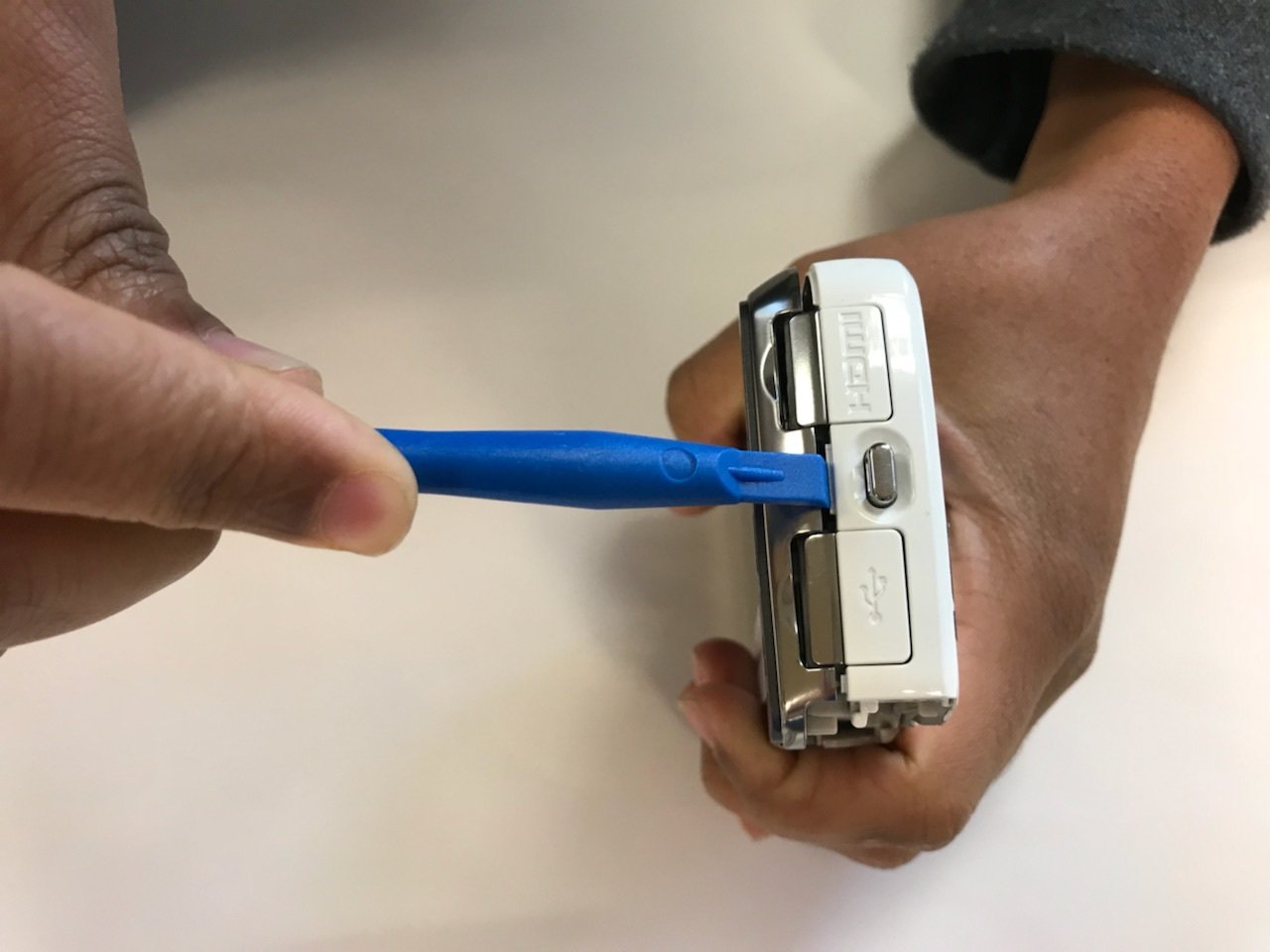
The reader will learn how to replace the back panel/touch screen of the Nikon Coolpix S800c. This may be necessary due to body damage or an improperly working screen that may be defective or cracked screen.
The reader will learn how to replace the back...
This attributed iFixit guide is displayed through Fixonic's recorded commercial API permission. iFixit remains the independent source and author of the procedure.
The reader will learn how to replace the back panel/touch screen of the Nikon Coolpix S800c. This may be necessary due to body damage or an improperly working screen that may be defective or cracked screen.