FIXONIC
SellSavedMy Fixonic
Official iFixit API visual reference

HP 15-f009wm RAM Replacement

This guide explains how to remove the RAM chip...

iFixit Library HP 15-f009wm Easy 5 minutes Guide 105088
Open the authorised source
Licensed iFixit integration

This attributed iFixit guide is displayed through Fixonic's recorded commercial API permission. iFixit remains the independent source and author of the procedure.

Guide overview

Before you begin

This guide explains how to remove the RAM chip from the HP 15-f009wm notebook computer. This could be done to either replace a malfunctioning chip or to upgrade to a larger chip.

Step 1

Repair step

  • Turn laptop upside down.
  • Flip the lock switch to the unlocked setting.
Step 2

Repair step

  • Flip the release switch.
  • Once the flip is switched, the battery should pop out.
Step 3

Repair step

  • Slide the battery out.
Step 4

Repair step

  • Remove the two Phillips #1 screws from the RAM panel.
Step 5

Repair step

  • Use the plastic opening tool to pop the panel off.
Step 6

Repair step

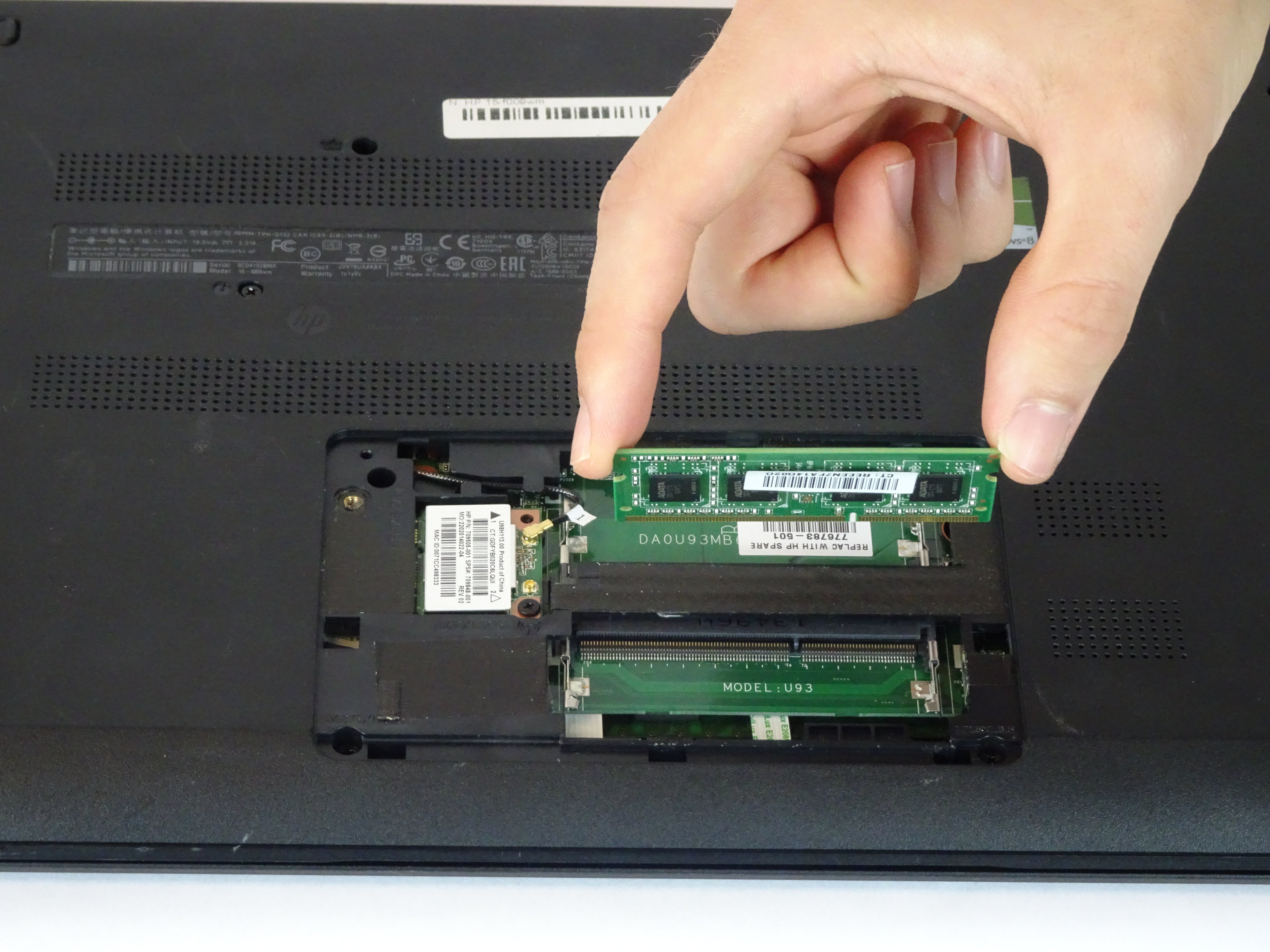
  • Release the tabs on each side of the chip by simultaneously pushing each tab away from the RAM.
  • These tabs lock the chip in place and releasing them will cause the chip to "pop" up.
Step 7

Repair step

  • Remove the RAM chip from the laptop.