FIXONIC
SellSavedMy Fixonic
Official iFixit API visual reference

Braven BRV-1M Outer Casing Replacement

Having a damaged outer casing can allow foreign...

iFixit Library Braven BRV-1M Easy 5 minutes Guide 105421
Open the authorised source
Licensed iFixit integration

This attributed iFixit guide is displayed through Fixonic's recorded commercial API permission. iFixit remains the independent source and author of the procedure.

Guide overview

Before you begin

Having a damaged outer casing can allow foreign material to enter the speaker. By following this guide, one can learn how to remove and replace the outer case of the device.

Step 1

Repair step

  • To remove the outer casing, use a 3mm Hex bit to remove the 4 large 12mm Hex screws on both sides of the device.
Step 2

Repair step

  • Using the Metal Spudger, carefully pry each side of the rubber casing away from the device.
  • A little resistance should be felt, but not enough to bend the spudger.
Step 3

Repair step

  • To remove the inner plastic casing, use a Phillips #00 head bit to remove the 16 small 9mm screws surrounding the top side of the device.
Step 4

Repair step

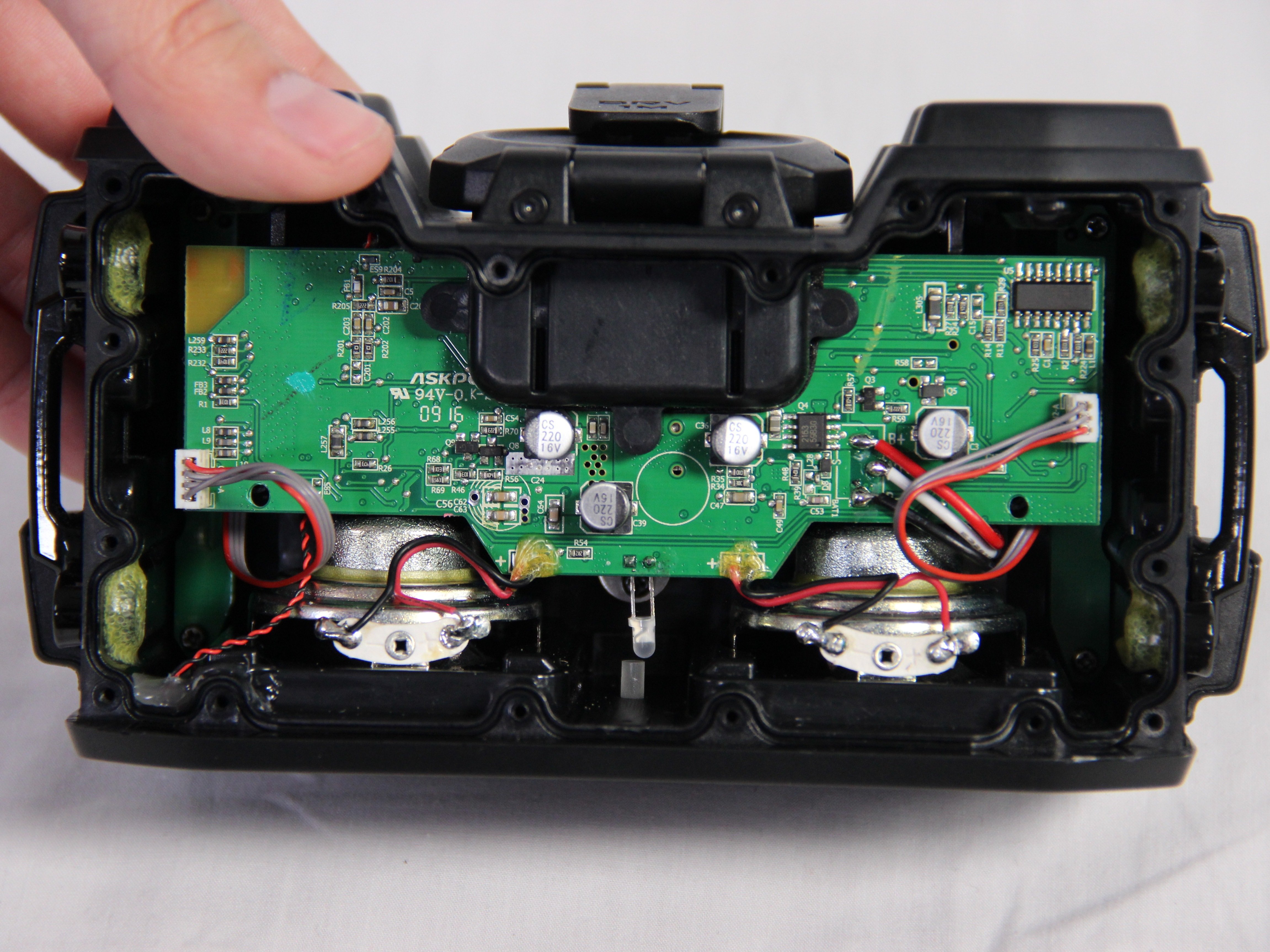
  • Carefully lift away the housing and replace the broken casing/component. Replace using the new casing.