
FIXONIC
SellSavedMy Fixonic
Official iFixit API visual reference

Sony Cyber-Shot DSC-H1 Back Panel Replacement

Keeping the back panel in good condition is key...

iFixit Library Sony Cyber-Shot DSC-H1 Easy 3 - 5 minutes Guide 105949
Open the authorised source
Licensed iFixit integration

This attributed iFixit guide is displayed through Fixonic's recorded commercial API permission. iFixit remains the independent source and author of the procedure.

Guide overview

Before you begin

Keeping the back panel in good condition is key to extending the lifetime of the camera.
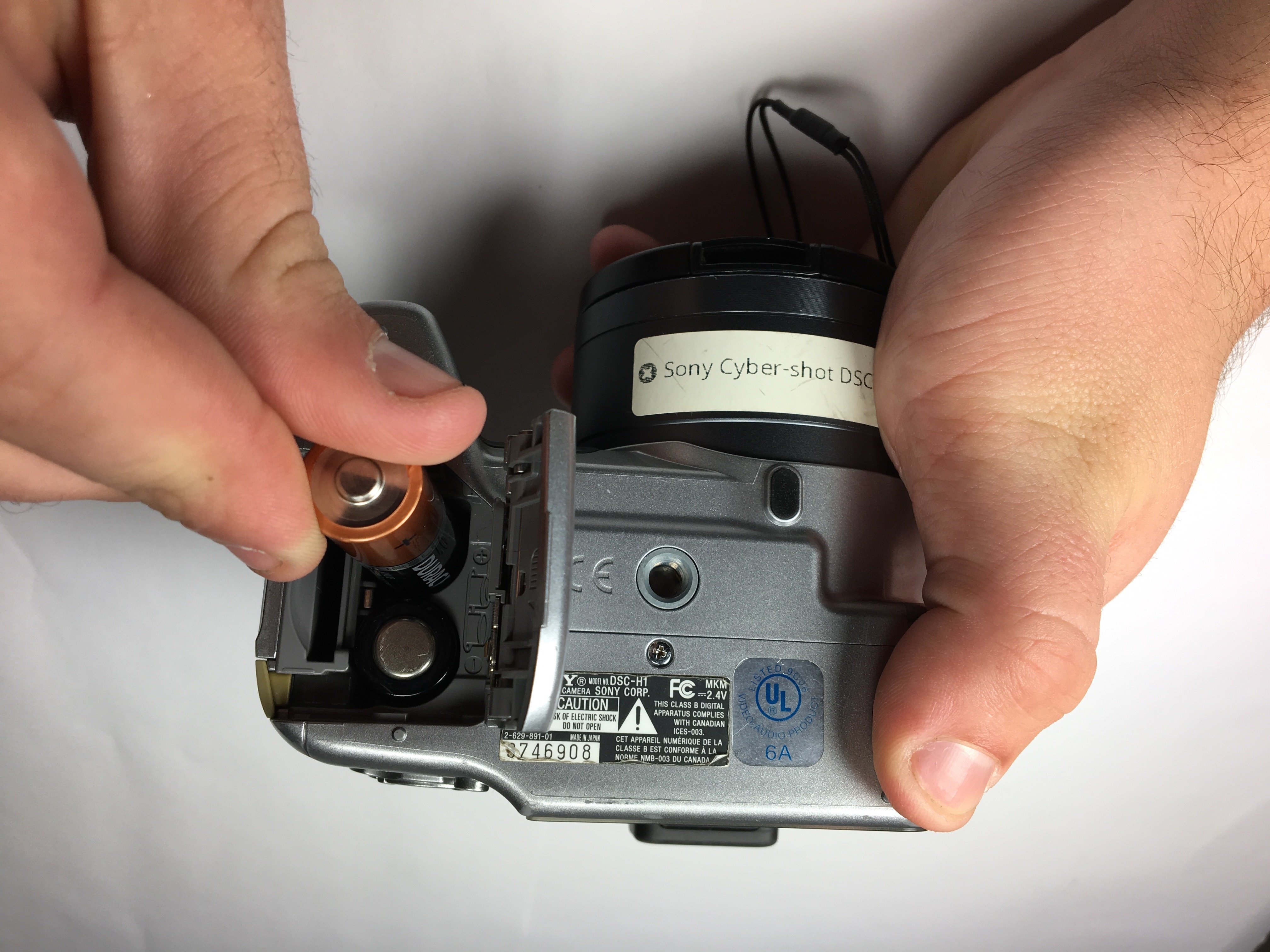
Step 1

Repair step

  • Power down the camera and remove the batteries.
Step 2

Repair step

  • Using a Phillips #0 screwdriver, remove all of the screws from the back panel casing.
  • There are six 5.22mm long, 3.00mm head diameter screws total.
  • The left side is not shown but there should be 1 screw on that side.
Step 3

Repair step

  • Remove the back casing.
  • The casing itself is sturdy so don't be afraid to remove it forcefully.