
FIXONIC
SellSavedMy Fixonic
Official iFixit API visual reference

Dell Precision M6600 LCD Replacement

This guide will walk you through the process of...

iFixit Library Dell Precision M6600 Moderate 30 - 45 minutes Guide 107244
Open the authorised source
Licensed iFixit integration

This attributed iFixit guide is displayed through Fixonic's recorded commercial API permission. iFixit remains the independent source and author of the procedure.

Guide overview

Before you begin

This guide will walk you through the process of safely removing and replacing the LCD screen on a Dell Precision M6600 laptop. If your screen is cracked, flickering, displaying distorted images, or experiencing backlight failure, replacing the LCD can restore full functionality to your device. Before starting this repair, power off your laptop, unplug it from any power source, and remove the battery to prevent electrical damage. Be mindful of fragile display connectors and handle internal components with care to avoid accidental damage.
Step 1

Repair step

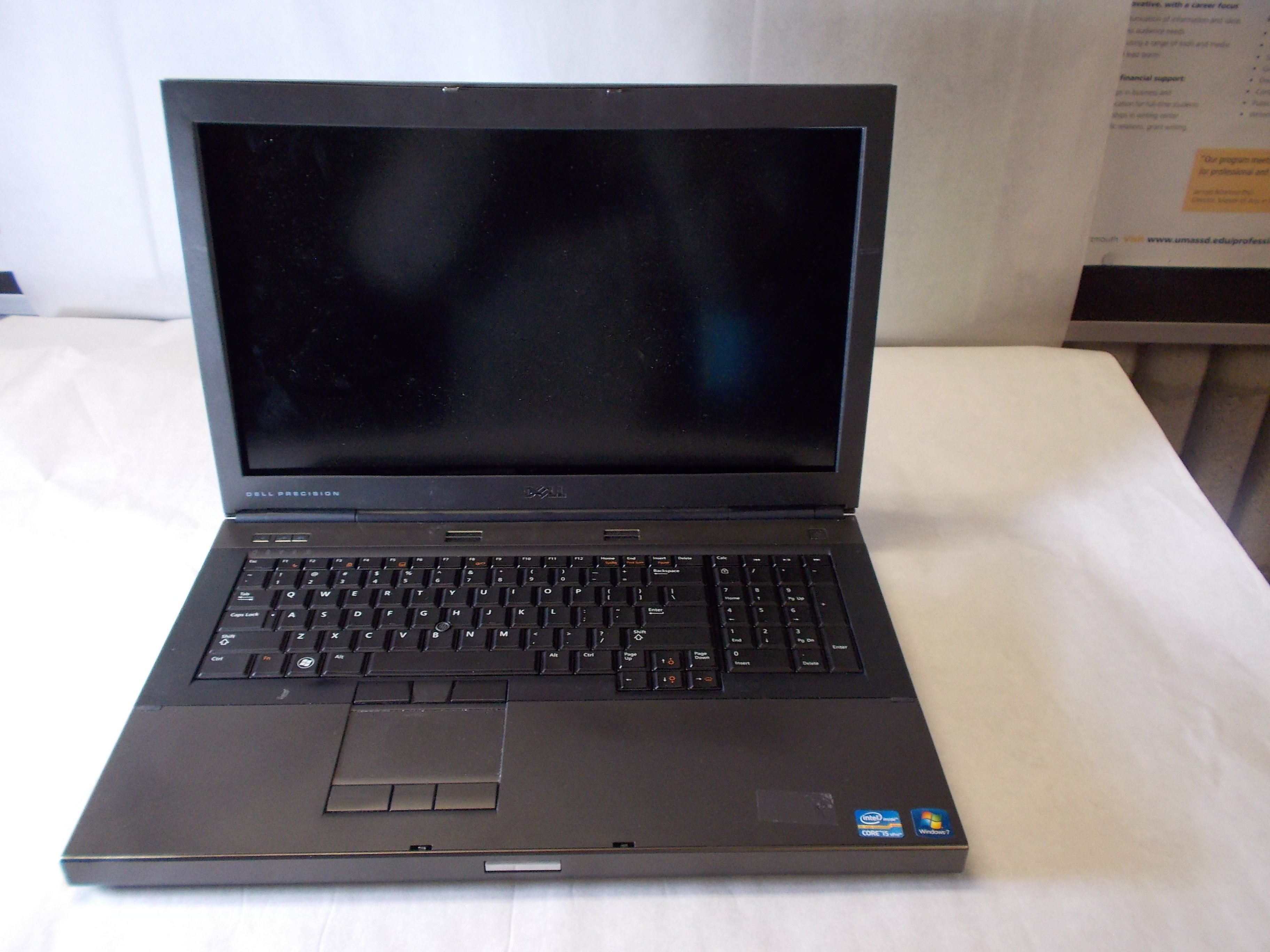
  • Open the laptop lid fully and place it on a stable surface to access the screen.
  • Make sure the laptop is unplugged and the battery is removed to prevent electrical hazards.
Step 2

Repair step

  • Use the iFixit opening tool to carefully pry around the edges of the screen bezel, starting from a corner or along the bottom edge. Gently work around the perimeter to release each of the clips.
  • Once it has been loosened, lift the bezel away from the display and set it aside in a safe place to prevent any damage.
Step 3

Repair step

  • Use a Phillips #0 screwdriver to remove the screws securing the LCD screen to the display frame.
  • Once all screws are removed, set them aside in a safe place.
Step 4

Repair step

  • Carefully disconnect the gold LCD cable from the back of the screen by gently pulling on only the connector, not the cable itself.
  • LCD connectors are fragile. apply gentle, even pressure when disconnecting to avoid bending or breaking the pins.
  • Once the cable is fully detached, lift the LCD screen out of the display assembly and place it on a clean, flat surface to prevent scratches or damage.