FIXONIC
SellSavedMy Fixonic
Official iFixit API visual reference

Holmes HBF2002A-W Blade Replacement

If you are having trouble trying to figure out...

iFixit Library Holmes HBF2002A-W Moderate 15 minutes - 1 hour Guide 110913
Open the authorised source
Licensed iFixit integration

This attributed iFixit guide is displayed through Fixonic's recorded commercial API permission. iFixit remains the independent source and author of the procedure.

Guide overview

Before you begin

If you are having trouble trying to figure out how to replace a fan blade? Then coming to the right person to help if the only good way to go. With this guide, I will go through step by step instructions on how to replace the blade in various easy steps.

Step 1

Repair step

  • In the marker, we have the screw that connects the fan to the box. Now using your tool, remove six 2mm Phillips #2 screws.
Step 2

Repair step

  • Next remove four 2mm screws on the blade itself, that holds the fan in place. So that way we can remove the fan out of the box.
Step 3

Repair step

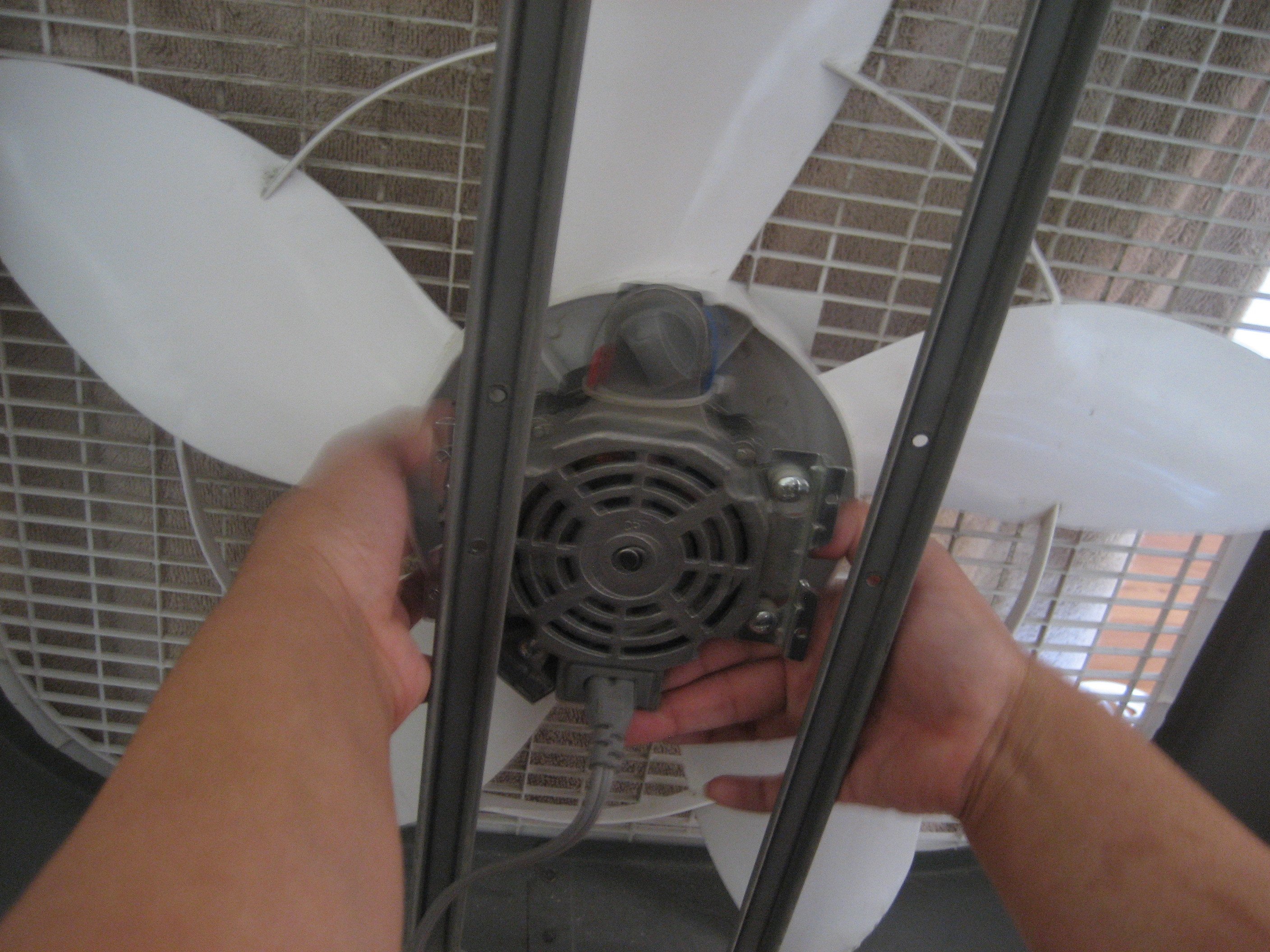
  • Be careful with this part. You have to remove the blade out of the box and can be a little difficult but it will get better when it starts to get out.
  • This fan blade will be removed and the new one will be replaced. The fan blade can be popped off. Once done, place the new one back on.
Step 4

Repair step

  • Once the new one is in place again. Place the screws back in.
Step 5

Repair step

  • Put the screws back inside to make sure the fan doesn't pop out of the box and harm anyone.
Step 6

Repair step

  • Keep screwing in the rest of your screws into the fan before continuing on the last step.
Step 7

Repair step

  • Once you screw in the last one, go ahead and plug in the fan.
  • When plugging in the fan. Make sure the fan is not turned on or else you will harm yourself or others.