
FIXONIC
SellSavedMy Fixonic
Official iFixit API visual reference

Samsung Galaxy Amp 2 Speaker Replacement

Disassemble a Galaxy Amp 2 phone in order to...

iFixit Library Samsung Galaxy Amp 2 Difficult 30 minutes Guide 112056
Open the authorised source
Licensed iFixit integration

This attributed iFixit guide is displayed through Fixonic's recorded commercial API permission. iFixit remains the independent source and author of the procedure.

Guide overview

Before you begin

Disassemble a Galaxy Amp 2 phone in order to replace the speaker. You might need to remove this piece if you can't hear the other person on the line during phone calls, or if your phone can't play music. This guide requires the careful use of a heat gun or blow dryer, and careful use is advised to avoid damaging the phone.

Step 1

Repair step

  • Insert your fingernail or an opening tool into the divot on the side of the phone. The divot is located to the left of the rear-facing camera.
  • Lift upwards and gently pry the rear panel off of the phone.
Step 2

Repair step

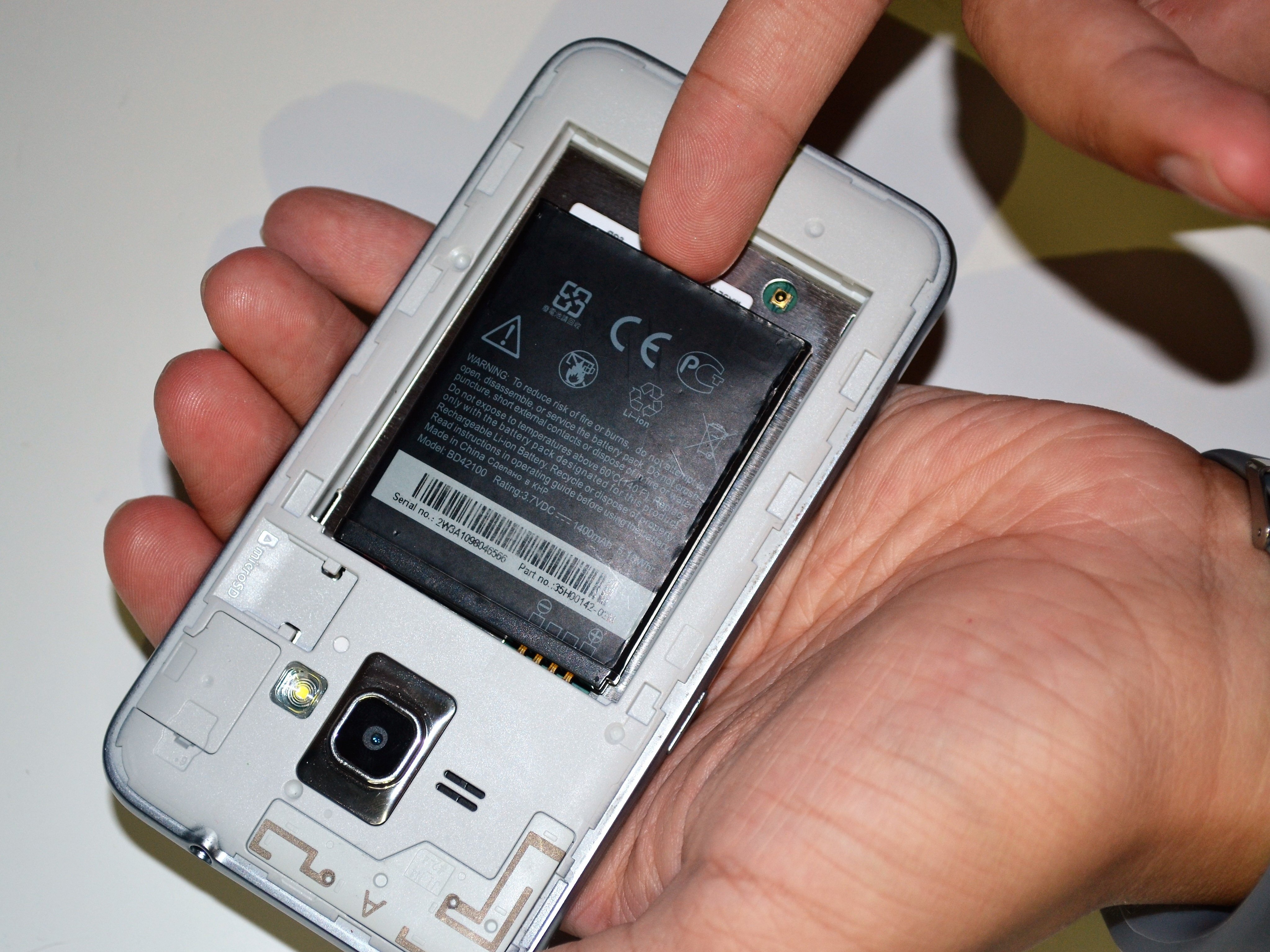
  • Insert a fingernail or plastic opening tool into the gap in the bottom right corner of the battery and lift upward.
  • Grip the battery and safely remove it from the phone.
Step 3

Repair step

  • Using angled tweezers, lift the small rectangular guard at upper right corner of the phone.
  • Disconnect the connector piece from the back panel.
Step 4

Repair step

  • Apply heat from heat gun or blow dryer on periphery of the screen for one to two minutes.
Step 5

Repair step

  • Use four plastic opening tools to gently pry off the screen.
  • Optional: Use a suction tool to pull the screen off.
Step 6

Repair step

  • Unscrew the nine 4.5mm PH screws using a screwdriver with a PH000 bit.
  • Push from the back panel to remove the bottom part of the motherboard.
  • Push from the front panel to remove the top part of the motherboard.
Step 7

Repair step

  • Gently pull the black piece that is connected to the top of the motherboard. This is the speaker.