FIXONIC
SellSavedMy Fixonic
Official iFixit API visual reference

Lorex A-MPX IR Bullet Camera Disassembly

Attributed iFixit repair guide for Lorex A-MPX IR Bullet Camera.

iFixit Library Lorex A-MPX IR Bullet Camera Moderate No estimate Guide 112278
Open the authorised source
Licensed iFixit integration

This attributed iFixit guide is displayed through Fixonic's recorded commercial API permission. iFixit remains the independent source and author of the procedure.

Step 1

Quick look

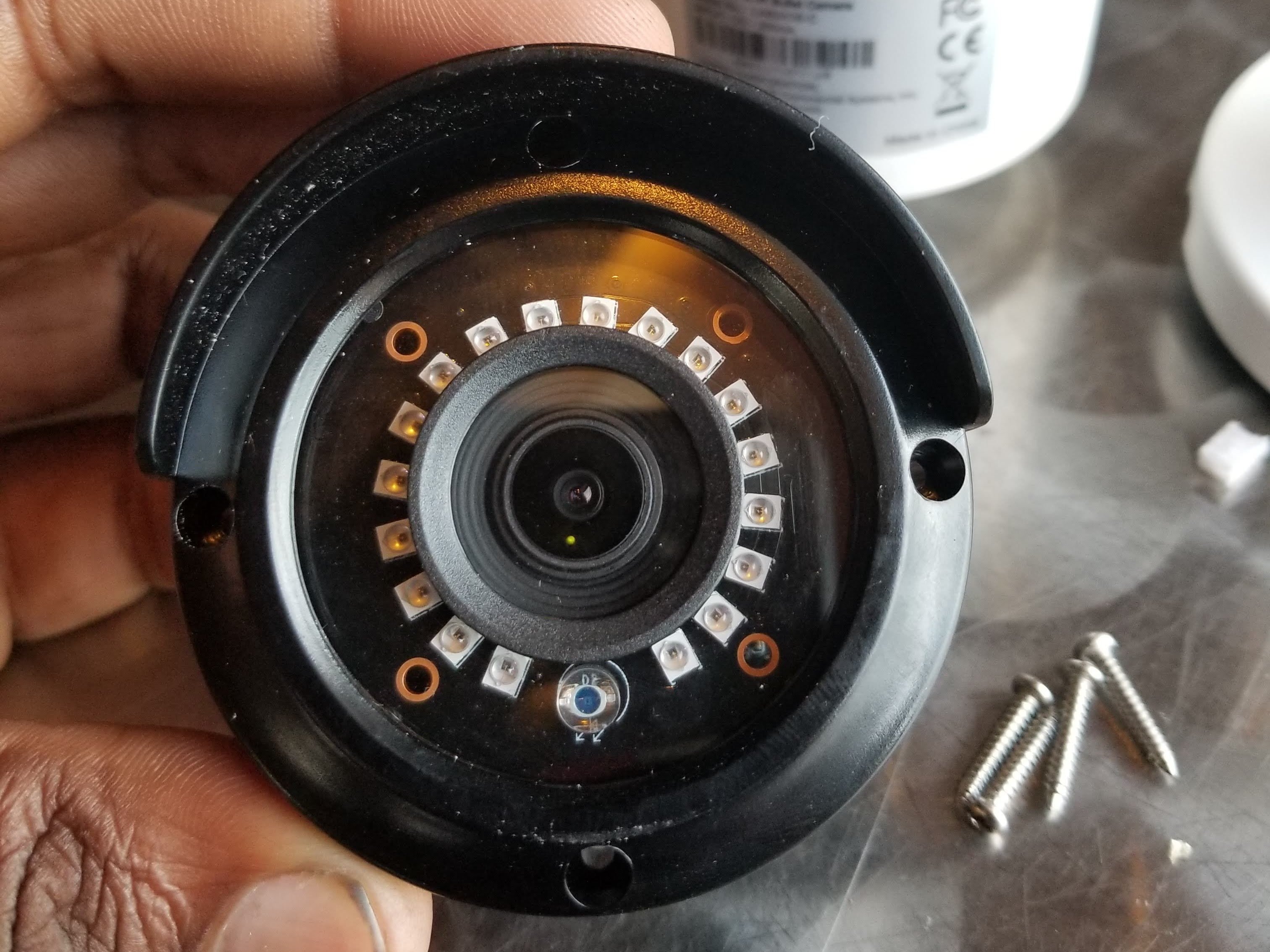
  • This little camera comes with the LHA4000 kit by Lorex.
  • It has a 4K sensor with motion sensor and infrared lights
Step 2

Removing the lense

  • Remove the 4 screws holding down the camera lens. They are standard Philipps #1
  • Be careful not to pull the sensor as it is still attached to the signal cables.
Step 3

Camera Sensor

  • The system board is directly attached to the back of the lens.
  • The connector is a simple 4 wires. This make it very easy to repair.
Step 4

Outer casing

  • There is a rubber grommet that keep moisture away from the inside of the board.
  • There IS also this sillica pack inside the camera if moisture ever breach in.
  • The base is fixed to the feet using a single Phillips #1 screw
  • In order to separate the camera from the feet, you will need to undo the connector. The wires are thin so be careful.
Step 5

Whole assembly

  • Very simple design for a very simple device. The whole assembly is held by 6 screws. Making it very easy to re-assemble.