FIXONIC
Before you begin
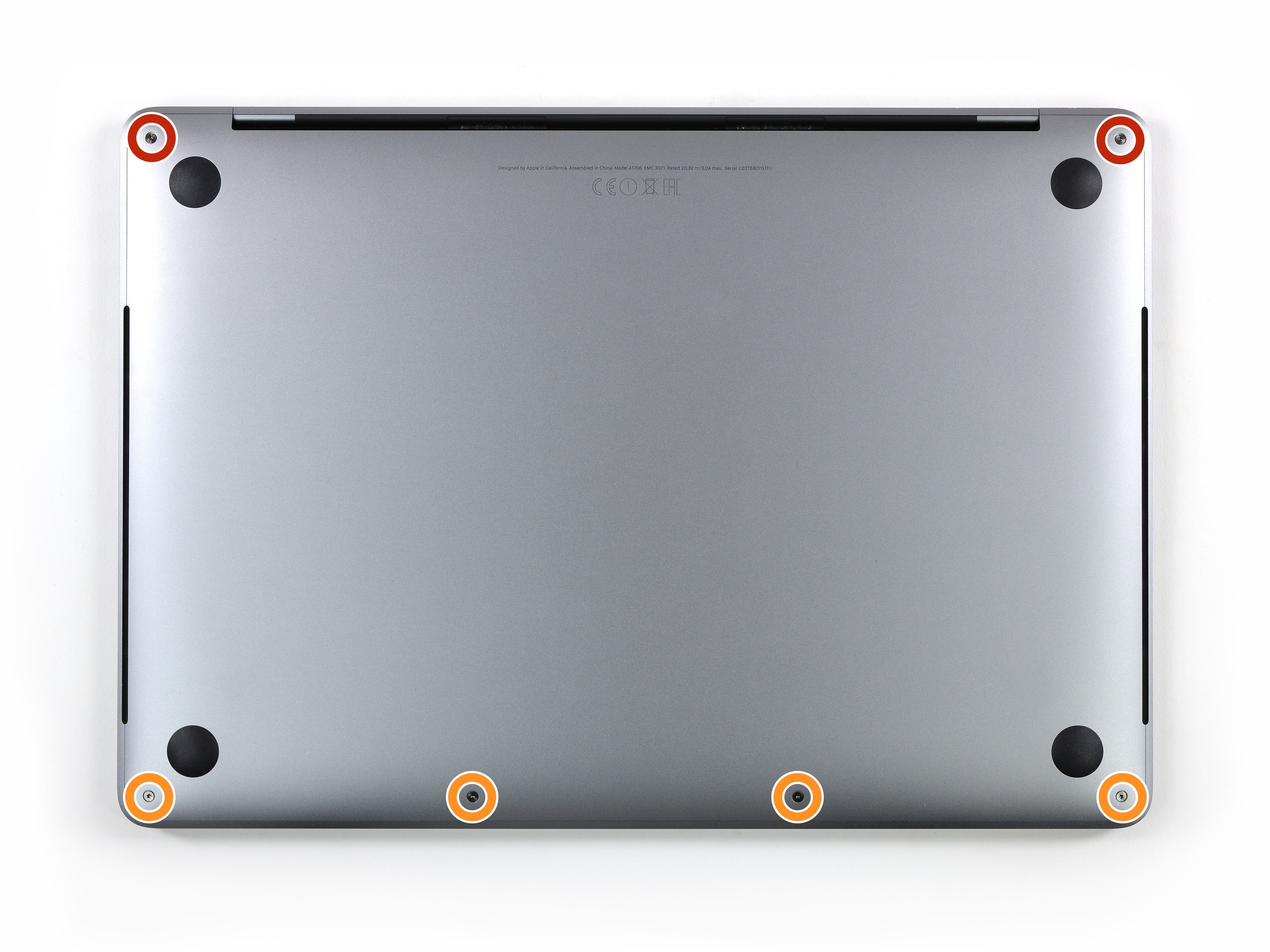
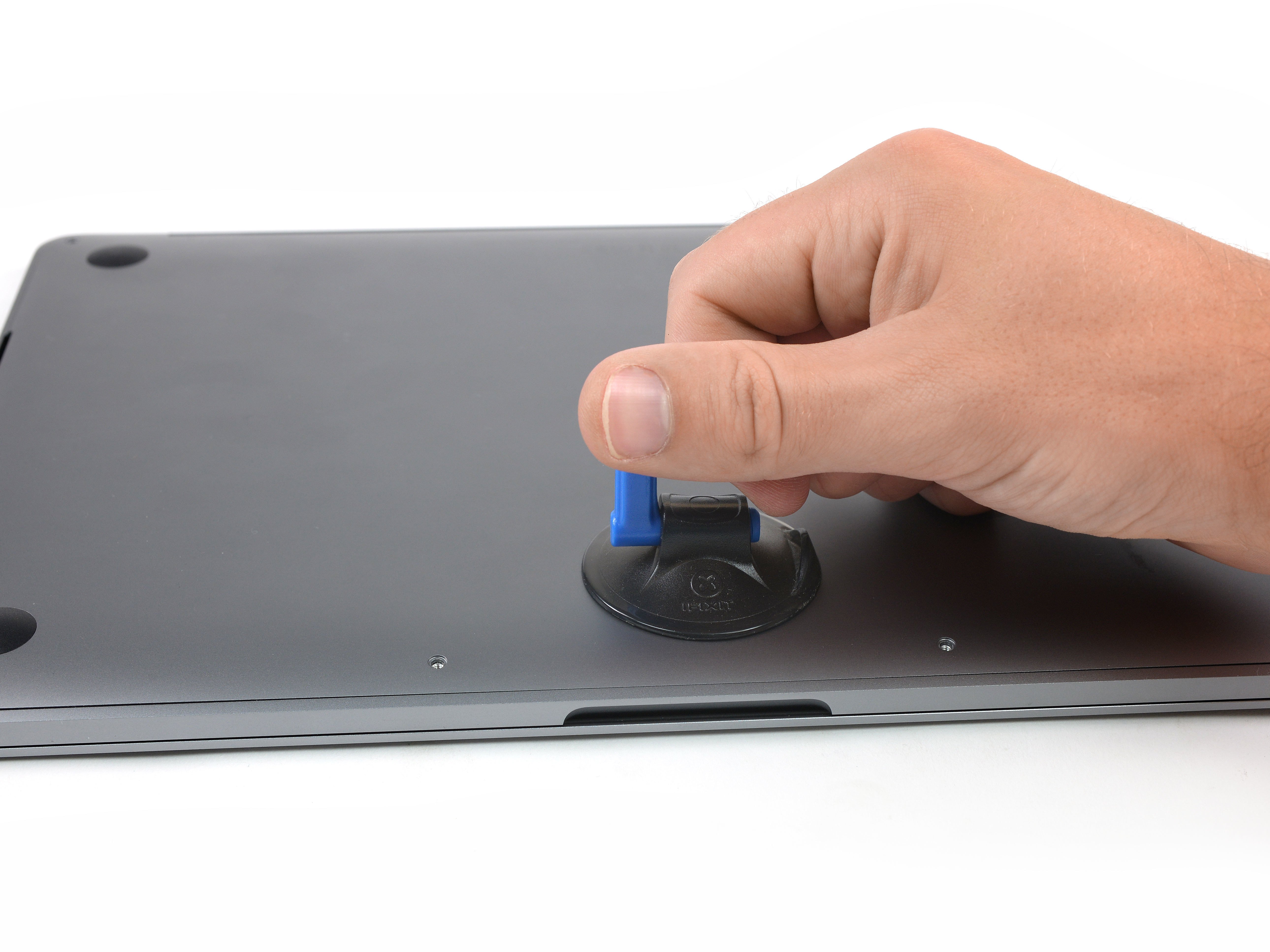
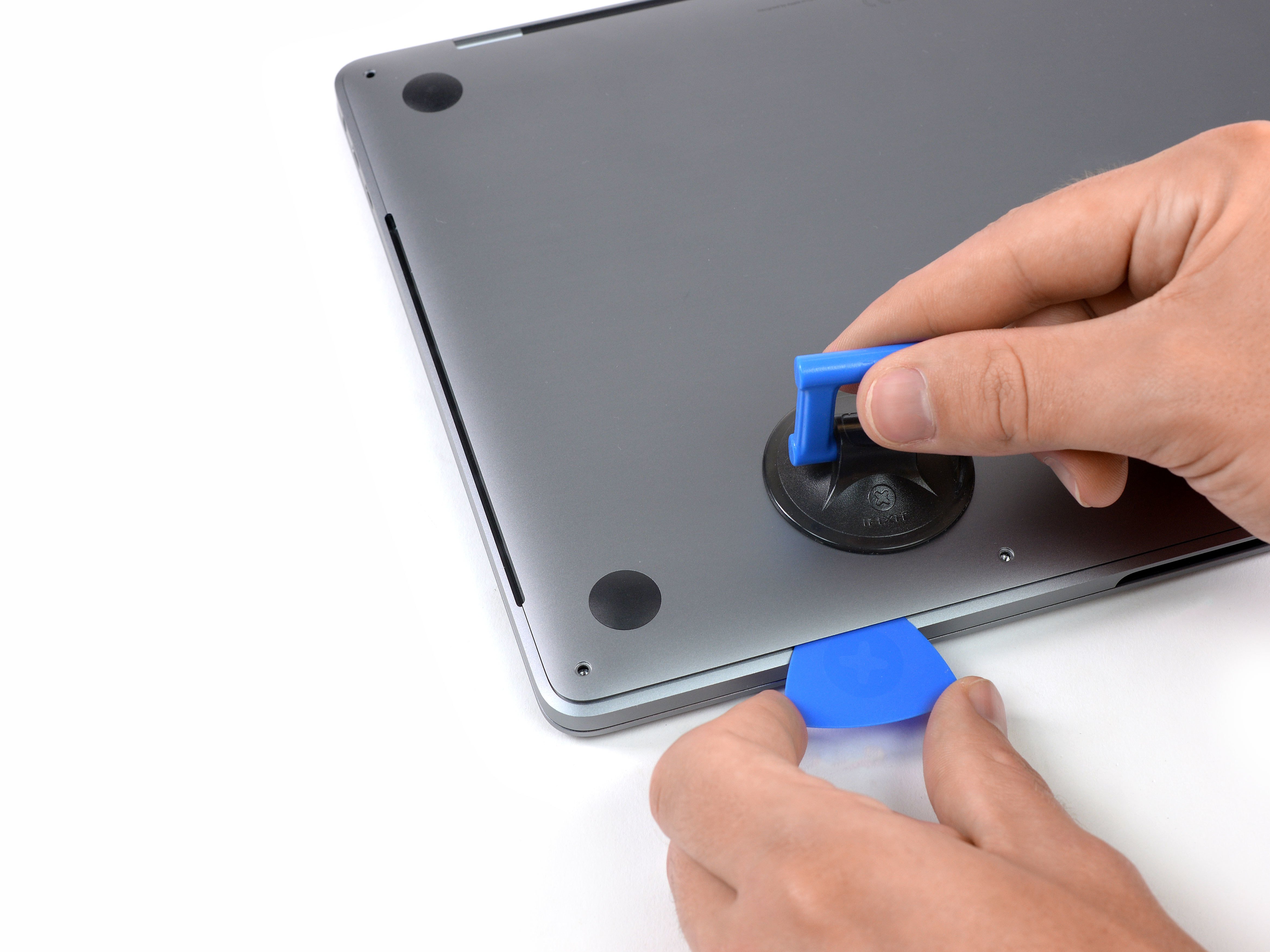
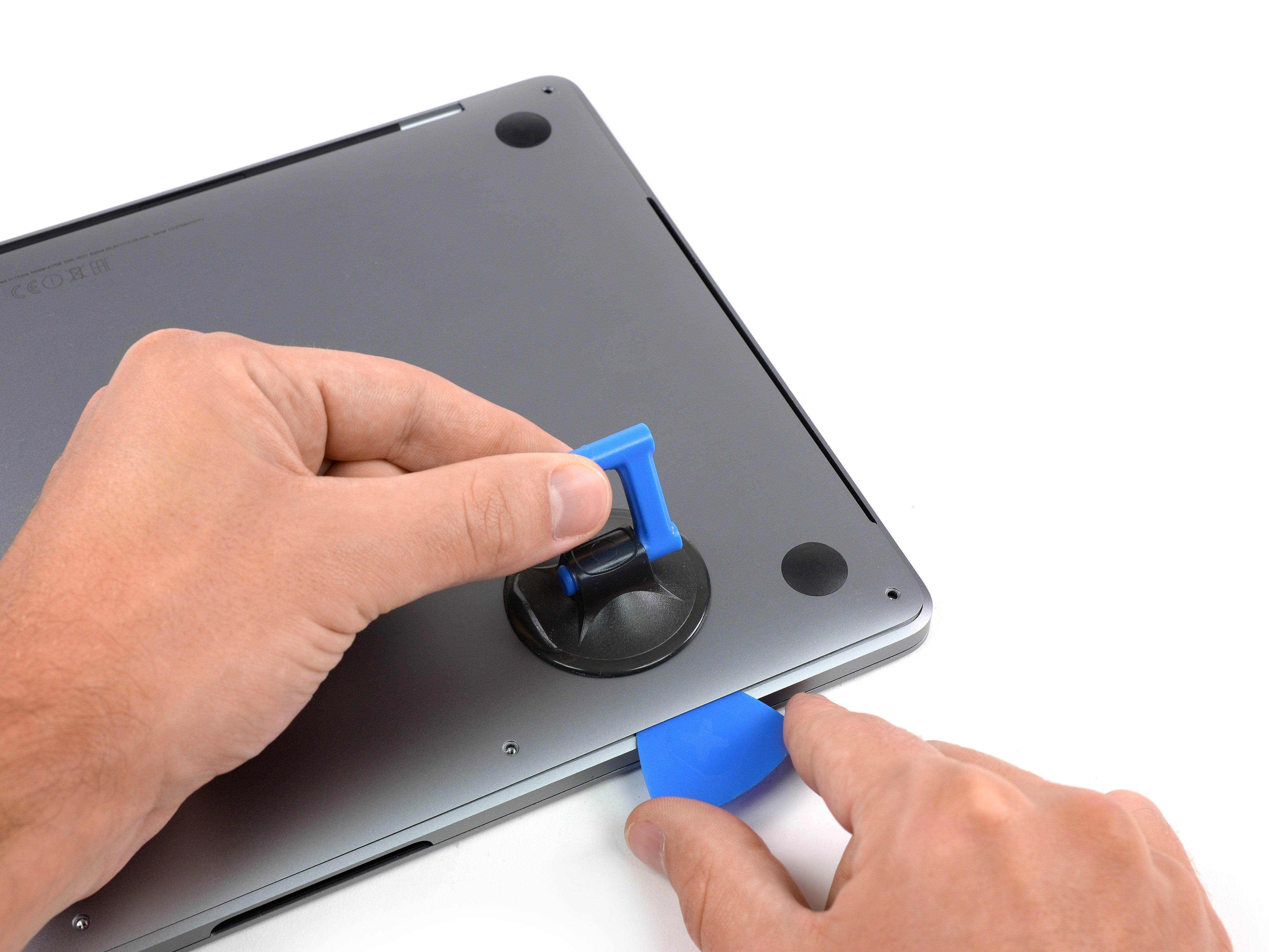
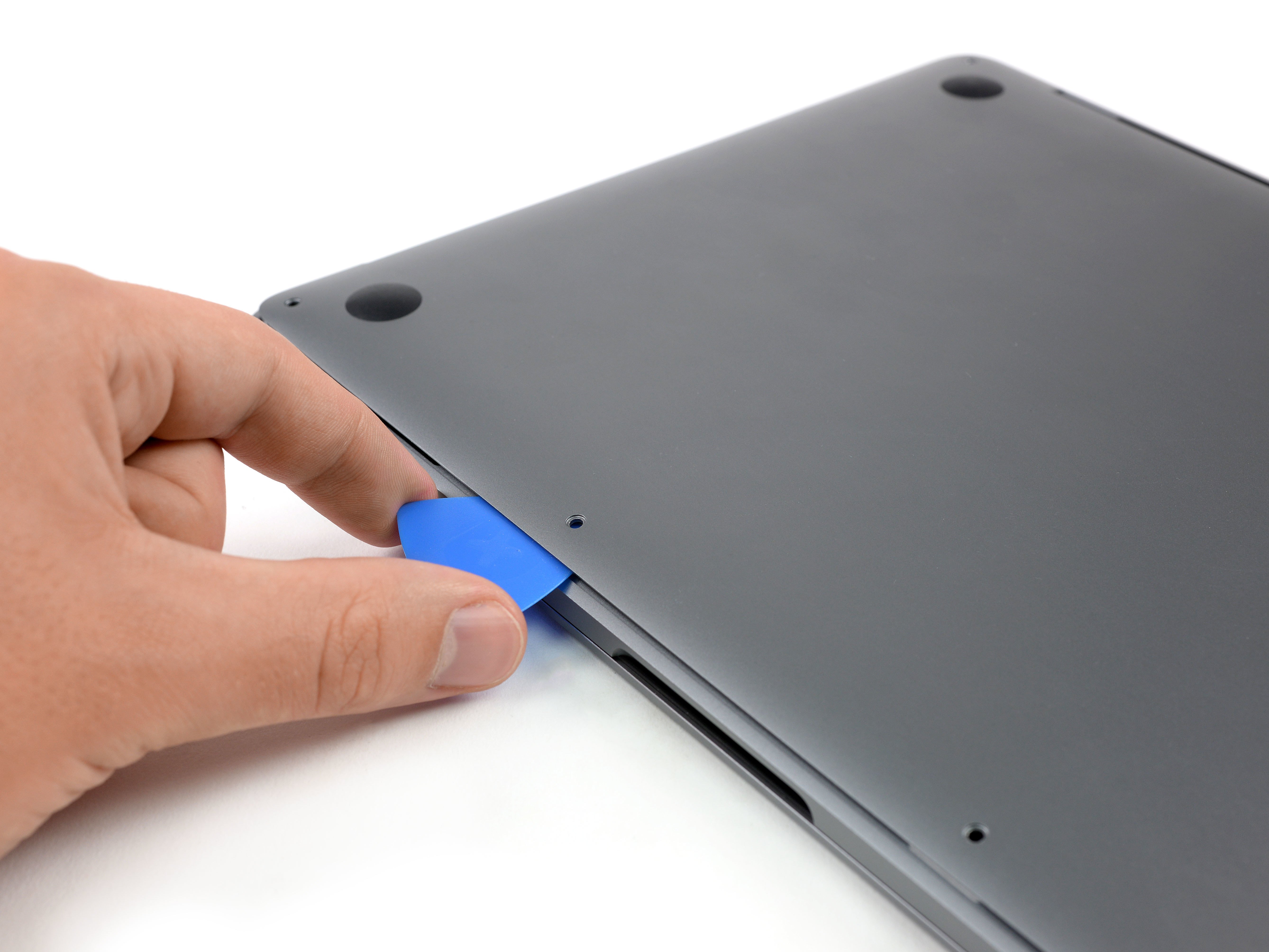
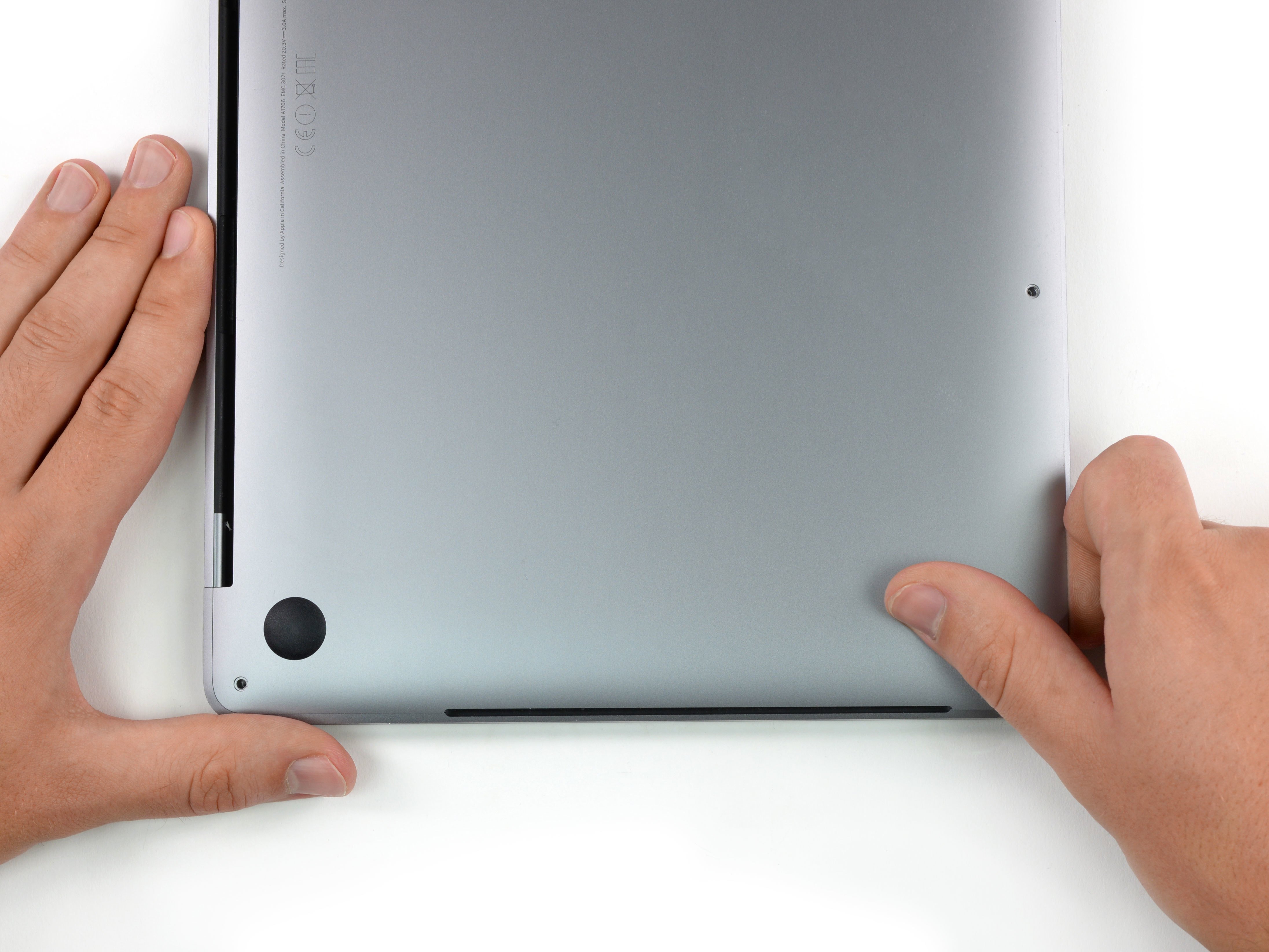
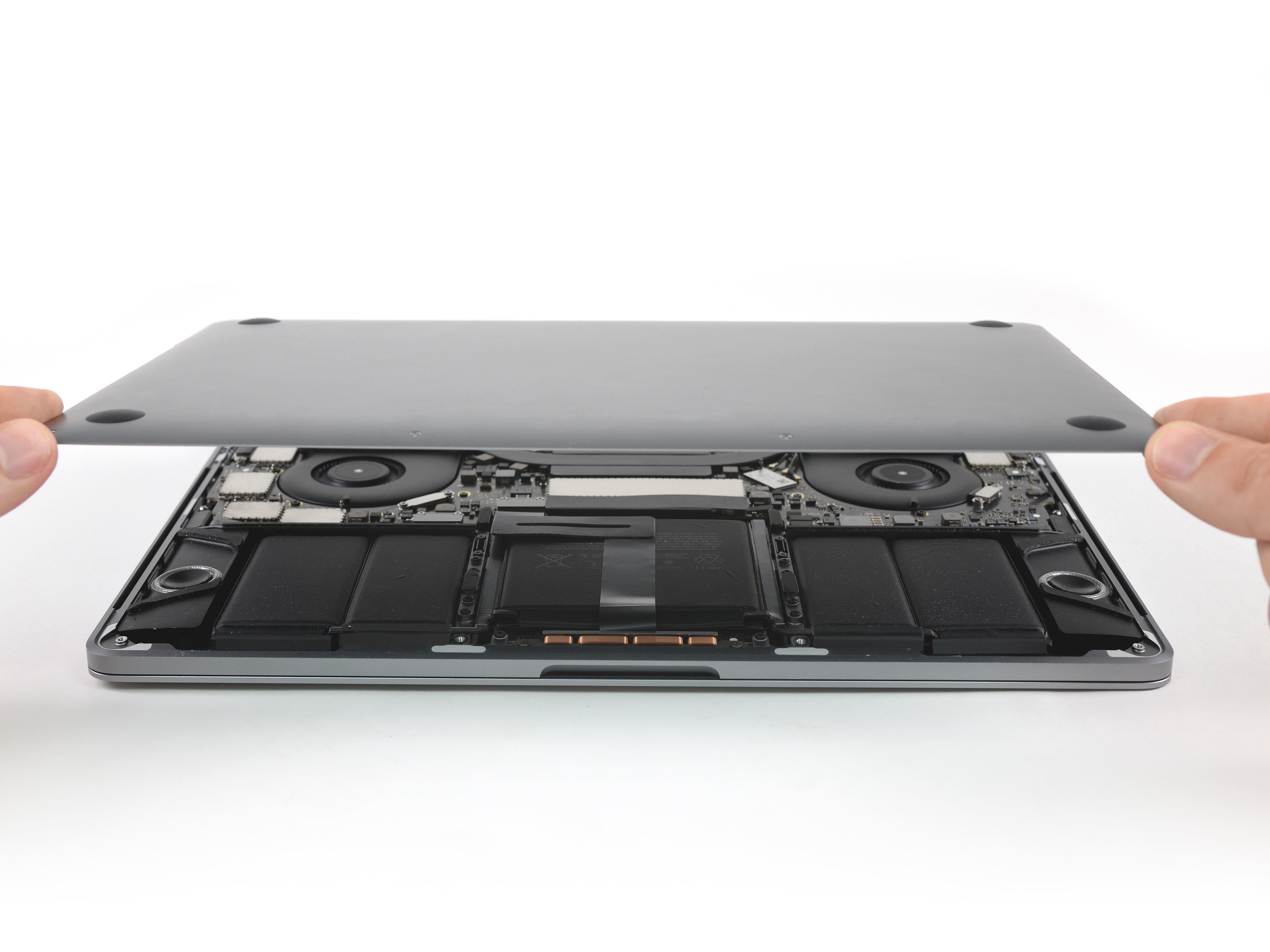
This serves as the starting point for every repair on your MacBook Pro: remove the lower case for access to internal components. For your safety, drain your MacBook Pro's battery below 25% before you begin this procedure. A charged lithium-ion battery can create a dangerous and uncontrollable fire if accidentally punctured.