
FIXONIC
SellSavedMy Fixonic
Official iFixit API visual reference

HP Pavilion 15-p066us Battery Replacement

Reasoning behind why you may need to do this...

iFixit Library HP Pavilion 15-p066us Very easy 1 minute Guide 112865
Open the authorised source
Licensed iFixit integration

This attributed iFixit guide is displayed through Fixonic's recorded commercial API permission. iFixit remains the independent source and author of the procedure.

Guide overview

Before you begin

Reasoning behind why you may need to do this replacement is because the battery no longer works. So to begin this repair please make sure to have the necessary requirements done before hand. Please have the laptop powered off and charger unplugged from the laptop. Have the new battery sitting out beside you so when you're ready you can go ahead and put it in.
Step 1

Repair step

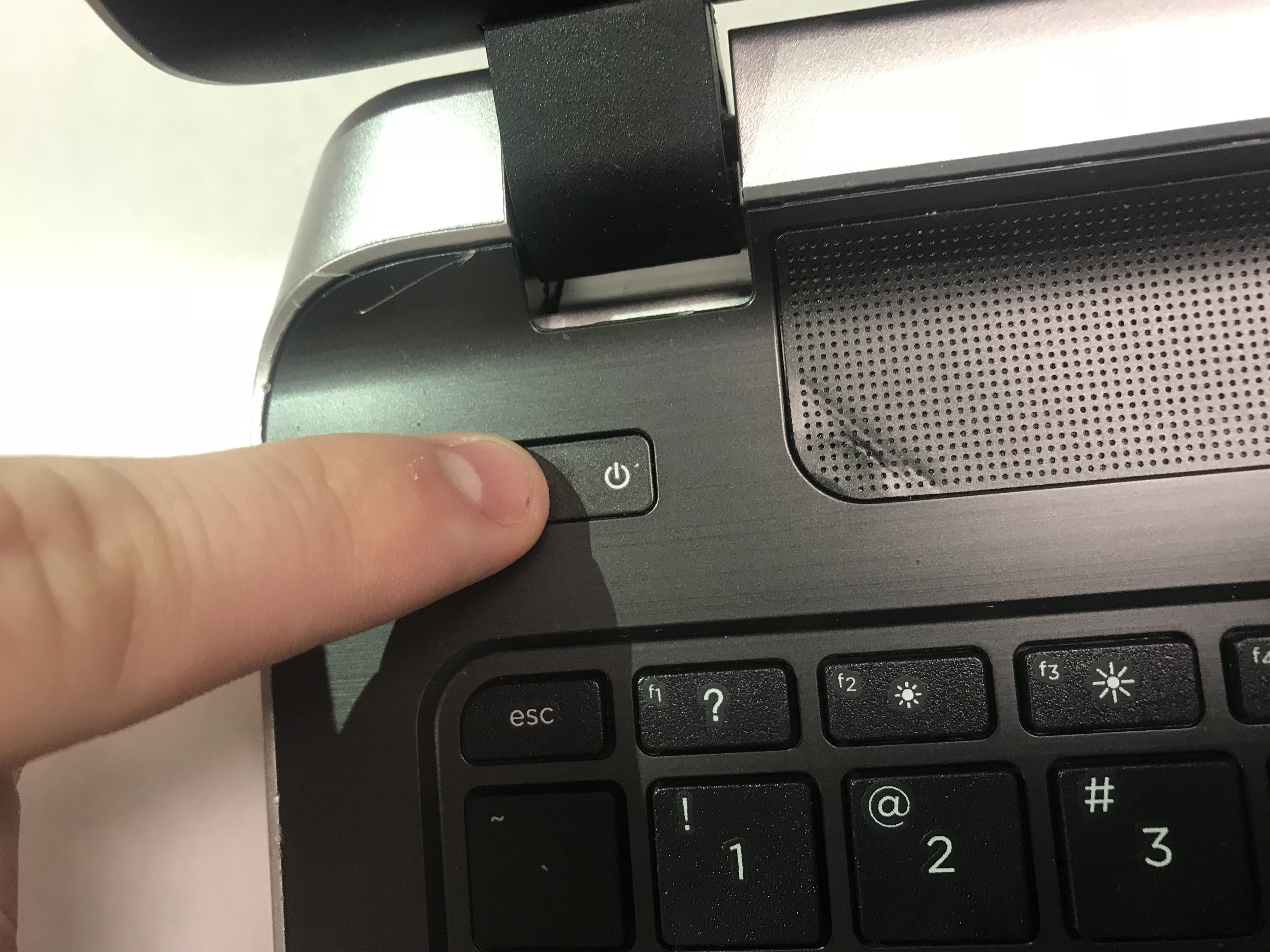
  • Make sure your personal HP Pavilion is powered off and the charger is disconnected from the laptop.
Step 2

Repair step

  • Flip over your HP Pavilion to the backside, so you see the battery release and battery unlock slide mechanisms.
Step 3

Repair step

  • On the left side on the back of the laptop, you will put your thumb on the unlock slide mechanism and slide it to the right.
Step 4

Repair step

  • On the right side of the laptop you will see the slide release mechanism and slide it to the left, then the battery will pop out.
Step 5

Repair step

  • Remove the battery.