FIXONIC
SellSavedMy Fixonic
Official iFixit API visual reference

MSI GT75VR 7RF Titan Pro Cooling Fan Replacement

How to access, locate, and replace your MSI...

iFixit Library MSI GT75VR 7RF Titan Pro Moderate No estimate Guide 115024
Open the authorised source
Licensed iFixit integration

This attributed iFixit guide is displayed through Fixonic's recorded commercial API permission. iFixit remains the independent source and author of the procedure.

Guide overview

Before you begin

How to access, locate, and replace your MSI GT75VR 7RF Titan Pro cooling fan if it breaks.

Step 1

Repair step

  • Using the Phillips #0 screwdriver, unscrew each of the four screws on the back of the laptop case. The screws are 0.5 inches long.
Step 2

Repair step

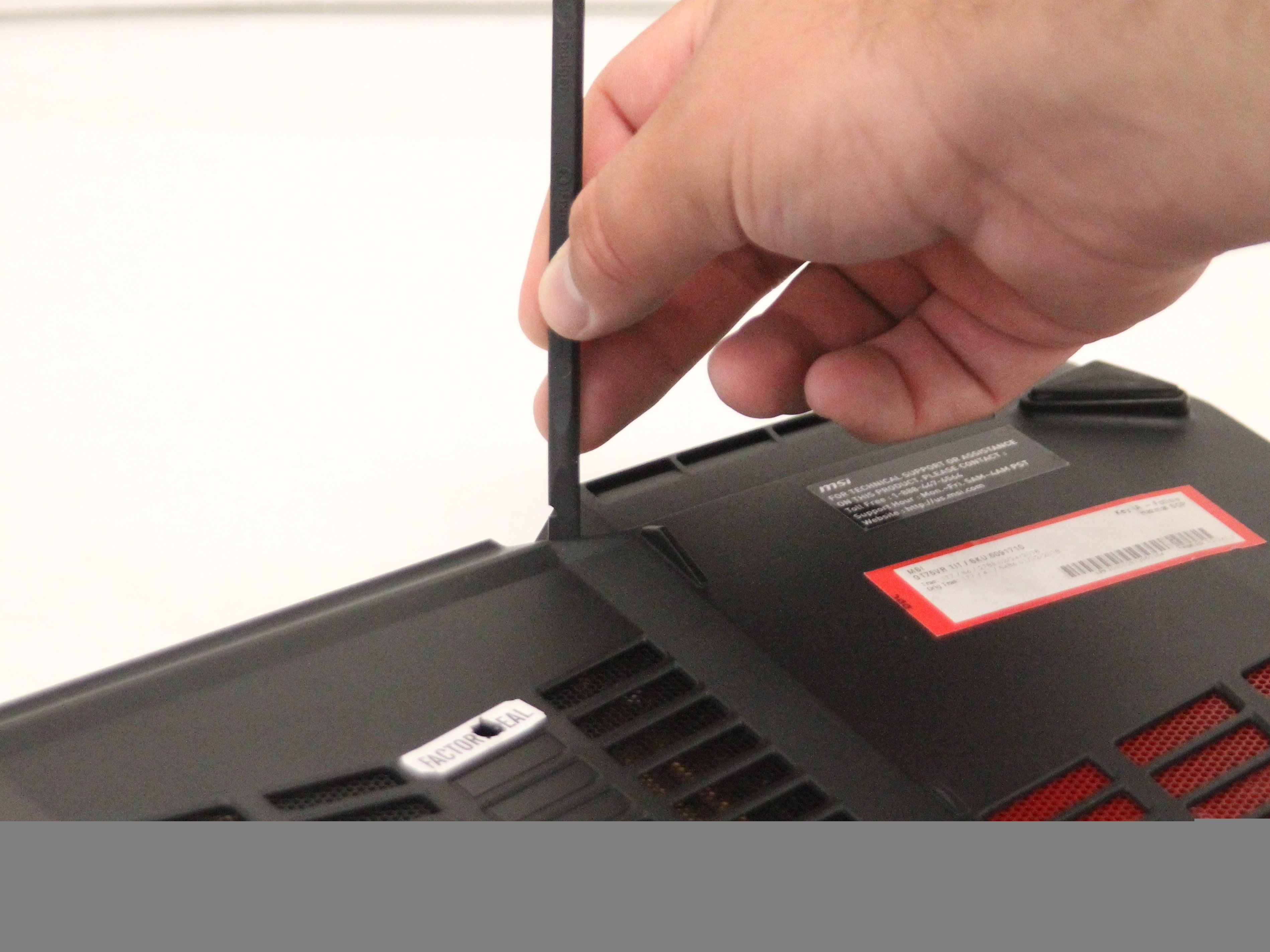
  • Pop the back cover off of the laptop using the black nylon spudger.
Step 3

Repair step

  • Disconnect the battery cable. Pry the battery out using the black nylon spudger.
Step 4

Repair step

  • Using the Phillips #0 screwdriver, unscrew the two black 0.25 inch screws located on the sides of the cooling fan.
  • Unplug the unit.