
FIXONIC
SellSavedMy Fixonic
Official iFixit API visual reference

Pioneer FH-X730BS Auxiliary Inlet Replacement

A faulty auxiliary inlet can cause the user...

iFixit Library Pioneer FH-X730BS Difficult 30 minutes Guide 115134
Open the authorised source
Licensed iFixit integration

This attributed iFixit guide is displayed through Fixonic's recorded commercial API permission. iFixit remains the independent source and author of the procedure.

Guide overview

Before you begin

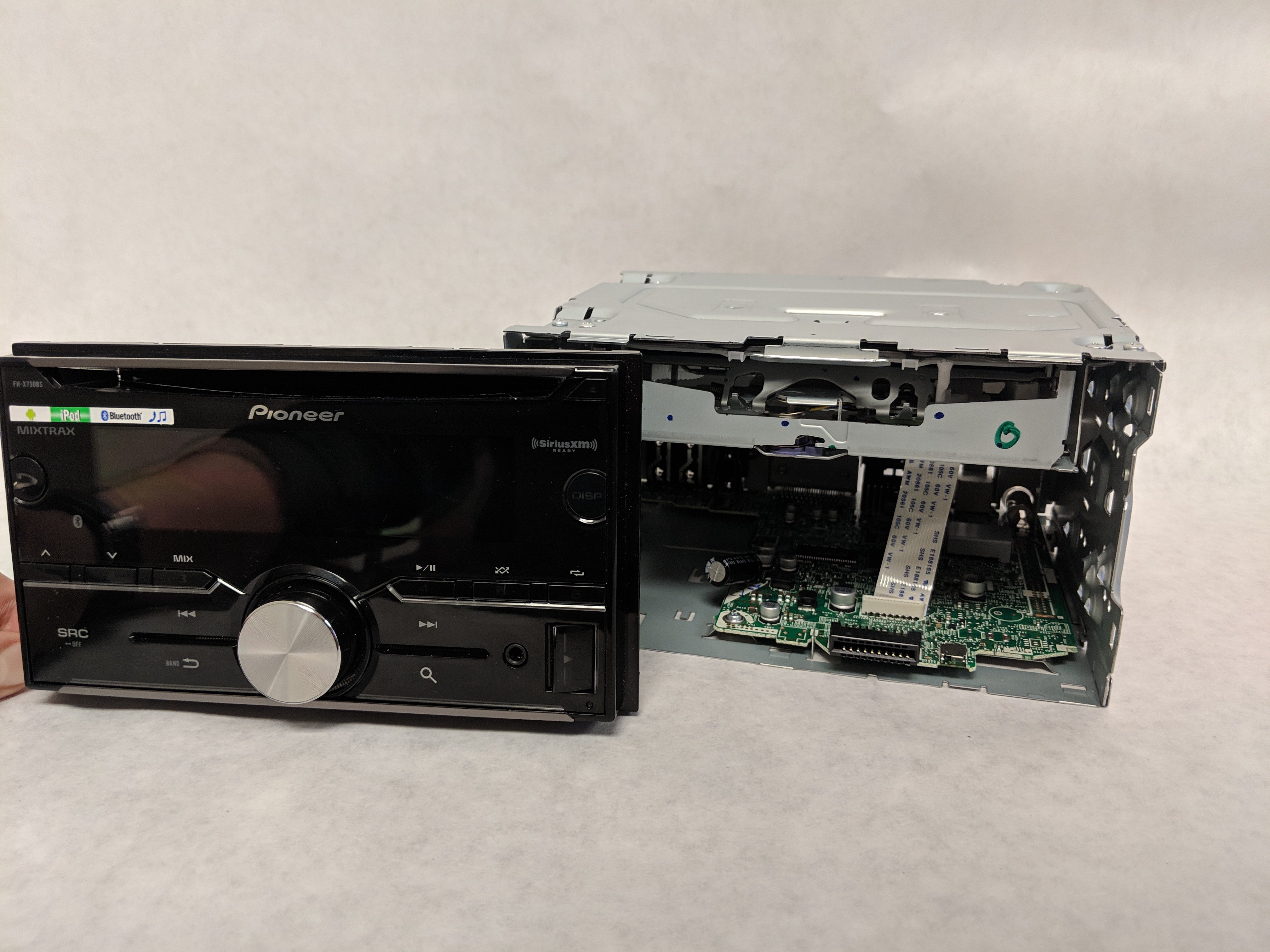
A faulty auxiliary inlet can cause the user unable to play media to the radio receiver. This guide will show you how to replace the Auxiliary Inlet for the Pioneer FH-X730BS.

Step 1

Repair step

  • Apply pressure to the tabs on each side using the plastic opening tool.
  • You will need to pull the face away from the frame while unhooking the tabs.
Step 2

Repair step

  • After removing the stereo face from the frame it should look similar to this.
  • Remove the seven 11.2mm Phillips #1 screws on the rear side of the stereo face.
Step 3

Repair step

  • Remove the volume knob by pulling it towards you and pull the motherboard out of the face.
  • The audio buttons can now be taken out. You can flip the face downwards and tap the audio buttons.
  • You can now insert the replacement audio buttons into the face.
Step 4

Repair step

  • Here you are able to desolder the auxiliary ports from the circuit board and solder a replacement auxiliary port on.
  • The end of the soldering iron will be hot.