 FIXONIC
Official iFixit API visual reference
Open the authorised source
MSI GT62VR 6RD Dominator Battery Replacement
Attributed iFixit repair guide for MSI GT62VR 6RD Dominator.
iFixit Library MSI GT62VR 6RD Dominator
Easy
4 - 8 minutes
Guide 115687
Licensed iFixit integration
This attributed iFixit guide is displayed through Fixonic's recorded commercial API permission. iFixit remains the independent source and author of the procedure.


Repair step

- Insert the plastic opening tool into the back plate of the laptop and lightly pry it up.
- Slide the plastic opening tool around the laptop's edge gently, slowly popping off the clips securing it into the laptop.
- Remove the back plate.
Repair step
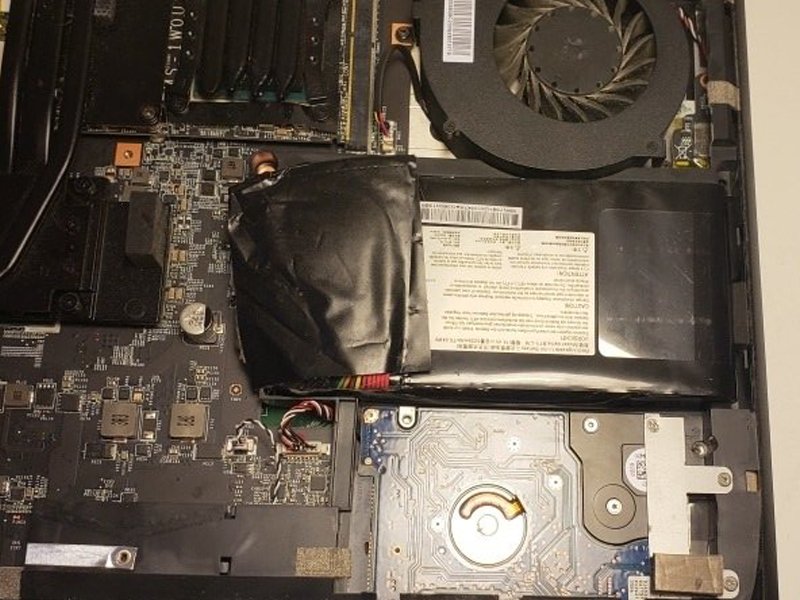
- Locate the battery.
- Remove the tape covering the battery connector.
- Place your hands at the corners of the wires.
- Pull upward from the back end of the battery where the wires are located.
- Remove the battery.