
FIXONIC
SellSavedMy Fixonic
Official iFixit API visual reference

Microsoft Zune 30 GB Back Case Replacement

Remove the back case of the Zune 30 GB.
iFixit Library Microsoft Zune 30 GB Easy 5 - 10 minutes Guide 1225
Open the authorised source
Licensed iFixit integration

This attributed iFixit guide is displayed through Fixonic's recorded commercial API permission. iFixit remains the independent source and author of the procedure.

Guide overview

Before you begin

Remove the back case of the Zune 30 GB.

Step 1

Repair step

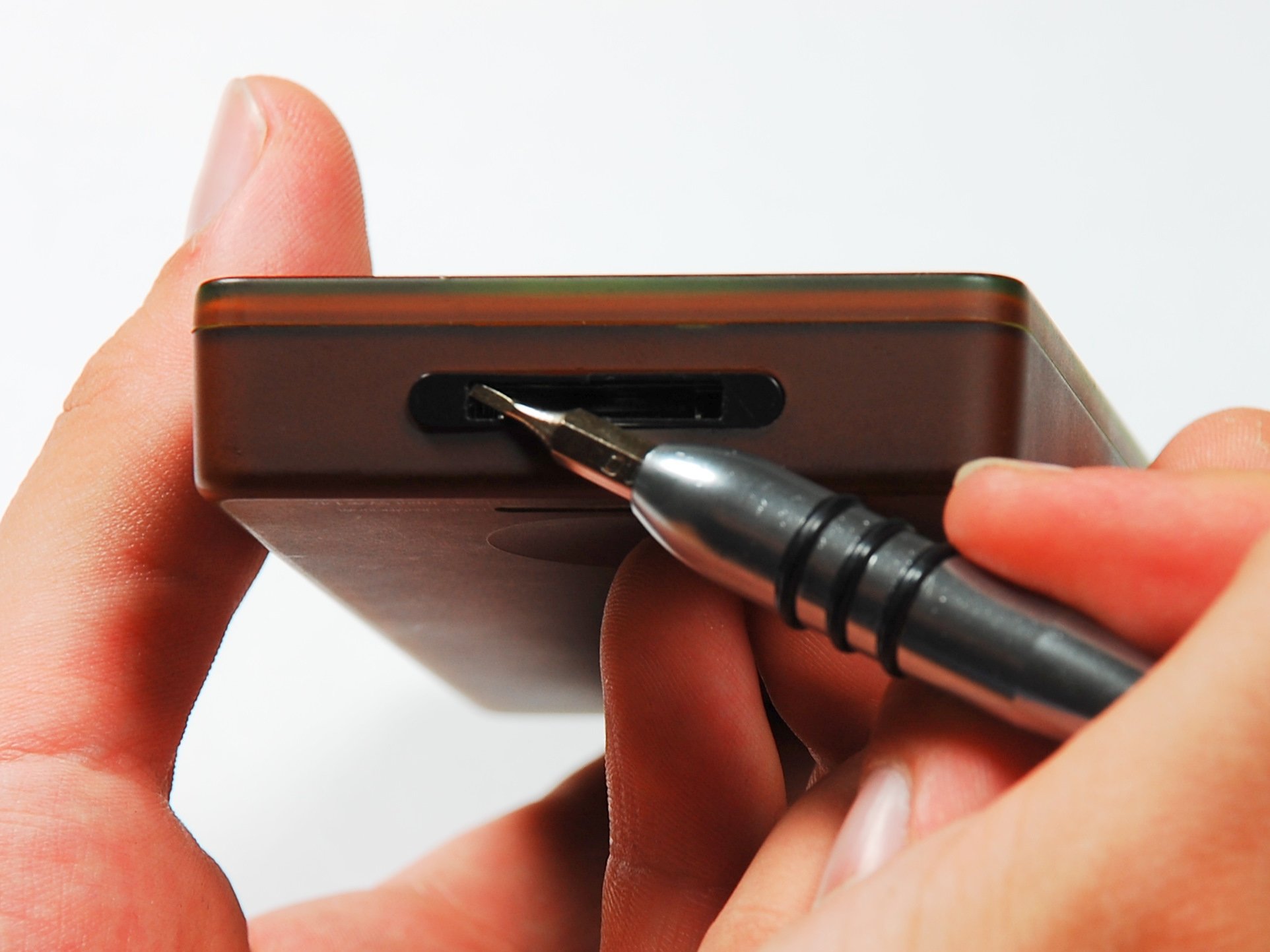
  • Remove the plastic screw cover located on the bottom of the device. Insert a small flat-headed screwdriver into one side of the cover and gently ease it out. Repeat on the other side.
  • Be gentle when removing the screw cover as it is brittle and will break if forced.
  • You will need a #00 Phillips screwdriver to remove the two 2.6 mm screws that are exposed.
Step 2

Repair step

  • Use the blue plastic opening tool to slowly work your way around the edges of the case, releasing the front plate from the bottom case.
  • Be gentle when prying the device open.
Step 3

Repair step

  • Turn the Zune over so the screen faces downward. This will ensure the battery does not fall out and pull on the cable.
  • The battery is not fastened to the inside of the case. It will fall out.
  • Pry up from the bottom of the Zune because the headphone jack will not allow you to remove the back case in one pull. You must slide the case up and away from the rest of the Zune.
  • The case is now separated. You can replace the case, if needed.