FIXONIC
Before you begin
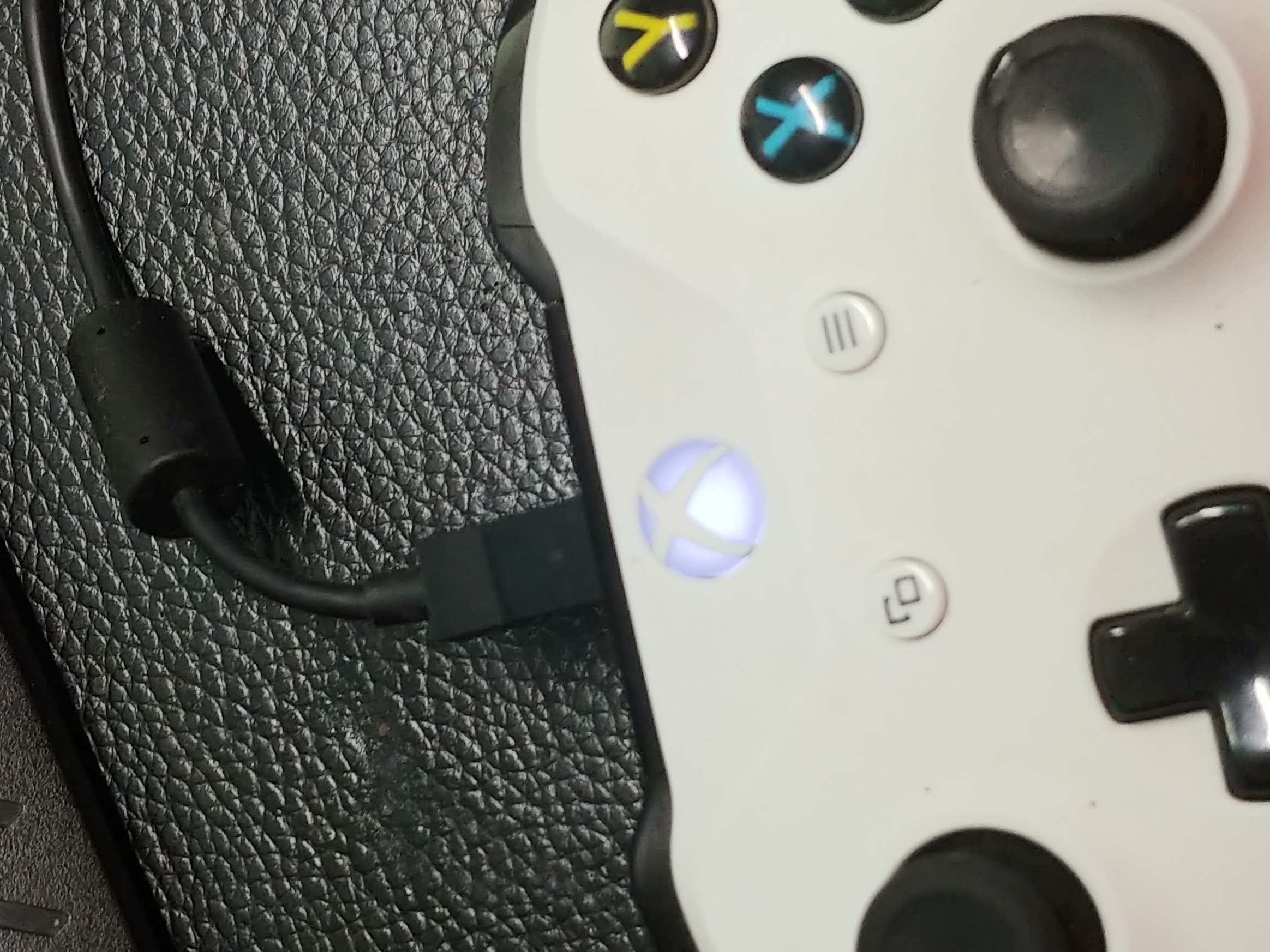
If you have the the xBox One Play & Charge Kit and it is not charging via USB, try this super fast easy and cheap to free fix. I make no promises but every time i tried this, i was able to fix it. So try it out and see if it works. If not you only wasted 2-5 minutes. First make sure the controller works with the USB cable. Unplug the battery and connect the USB. If the controller turns on, CONGRATULATIONS!! this fix may help you. Get some cardboard or some Low-Density Foam Weatherstrip Tape ($2.23 at home depot 17ft. so yeah.) For this fix Ill be using the Low-Density Foam Weatherstrip Tape. Cut a small piece of. I mean small. The size of you pinky nail. Place the tape in the center of the controller where the battery sits. Then put the battery in. GENTLY squeeze. While you’re holding the battery in place, connect the USB cable. Wait for it, (takes a second or so,) And orange light on the USB cable should light up. If it does, replace the battery cover while the cable is connected. that way you can see if the connection gets lost. If it does try again with the same piece of tape but cut it just a bit smaller. IT WILL WORK. Note- The cover WILL be harder to put back on- Careful don’t break the latches. Dont worry too much though they are thougher than the seam. Also- I recommend that you connect the controller to a PC and not the xBox. Im not sure how well the Xbox deals with being switched from wired to wireless controller for potentially several times in a row.