
FIXONIC
SellSavedMy Fixonic
Official iFixit API visual reference

Samsung Galaxy J7 V Power Button Replacement

Having trouble with your Samsung Galaxy J7 V...

iFixit Library Samsung Galaxy J7 V Moderate 40 minutes Guide 122739
Open the authorised source
Licensed iFixit integration

This attributed iFixit guide is displayed through Fixonic's recorded commercial API permission. iFixit remains the independent source and author of the procedure.

Guide overview

Before you begin

Having trouble with your Samsung Galaxy J7 V Power Button? With this guide, you can learn how to replace the power button and continue using your phone for years to come. The power button is a critical part of a mobile phone, as it allows you to turn on and off the display of the phone. If the button begins sticking or not working properly, it can cause the display on the phone to not turn on, or other similar issues. It is critical to fix this issue so that you can continue using your phone. Before starting, if possible, power off your phone completely and disconnect from any external power source. Follow the steps below with care, precision, and a little bit of patience, and you will have your Samsung Galaxy J7 Phone working properly again!
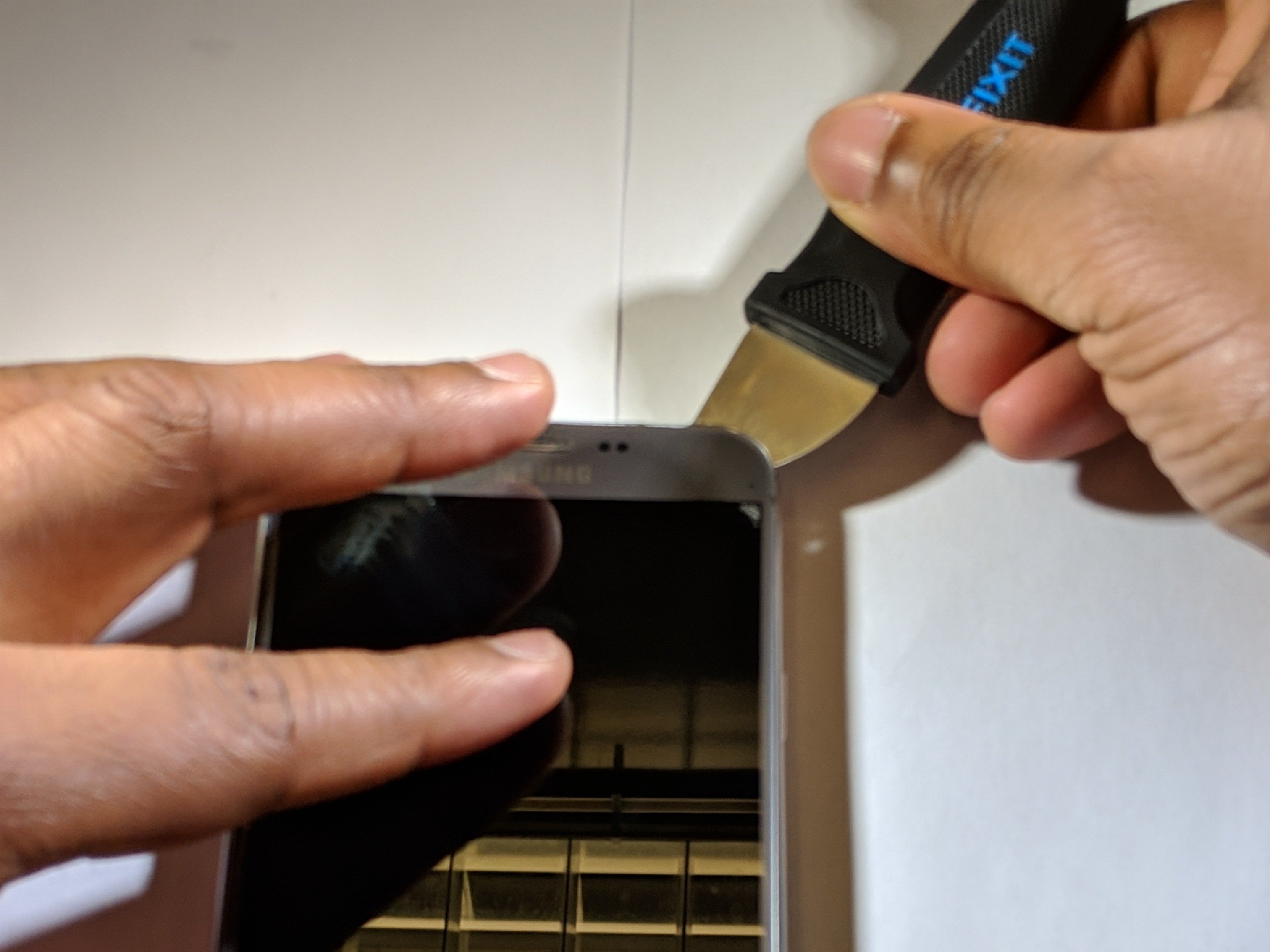
Step 1

Repair step

  • Be very careful during this step. The OLED (organic light-emitting diode) display is very fragile and can break easily.
  • Insert a Jimmy tool under one of the corners of the display and gently raise the display.
Step 2

Repair step

  • Gently slide the Jimmy tool around the entire perimeter of the phone.
Step 3

Repair step

  • Be extra careful with the display's ribbon cables. They are fragile.
  • Carefully lift the display to remove it.
Step 4

Repair step

  • Locate the socket of the home button.
  • Fit the metal spudger in between the socket and the home button.
Step 5

Repair step

  • Take the metal spudger and slide it underneath the home button.
  • Lift up until the home button is removed from its socket.
Step 6

Repair step

  • Remove the screws around the home button and the screws above.
Step 7

Repair step

  • Pull the screen away from the panel.
Step 8

Repair step

  • Remove all adjacent screws.
Step 9

Repair step

  • Pop off panel from plastic hold.
Step 10

Repair step

  • Use the pointed end of the spudger to push down the button hold, then the volume button can be removed by pushing it down.
Step 11

Repair step

  • Use the metal spudger tool to lift the metal bar holding the button in place.
Step 12

Repair step

  • Use the metal spudger tool to push on the power button to remove it from the phone.