
FIXONIC
SellSavedMy Fixonic
Official iFixit API visual reference

Samsung Galaxy J7 Screen Replacement

It is common for a phone screen to break....

iFixit Library Samsung Galaxy J7 V Moderate 10 minutes Guide 122836
Open the authorised source
Licensed iFixit integration

This attributed iFixit guide is displayed through Fixonic's recorded commercial API permission. iFixit remains the independent source and author of the procedure.

Guide overview

Before you begin

It is common for a phone screen to break. Dropping your phone or dropping something onto your phone can cause screen damage. Luckily, replacing your Samsung Galaxy J7 screen is easy, and more affordable than paying someone else to fix it. This guide will teach you how to remove your phone's screen. Before you begin, check out what you should know before you fix Samsung phones. If you come across any issues, check out the troubleshooting page
Step 1

Repair step

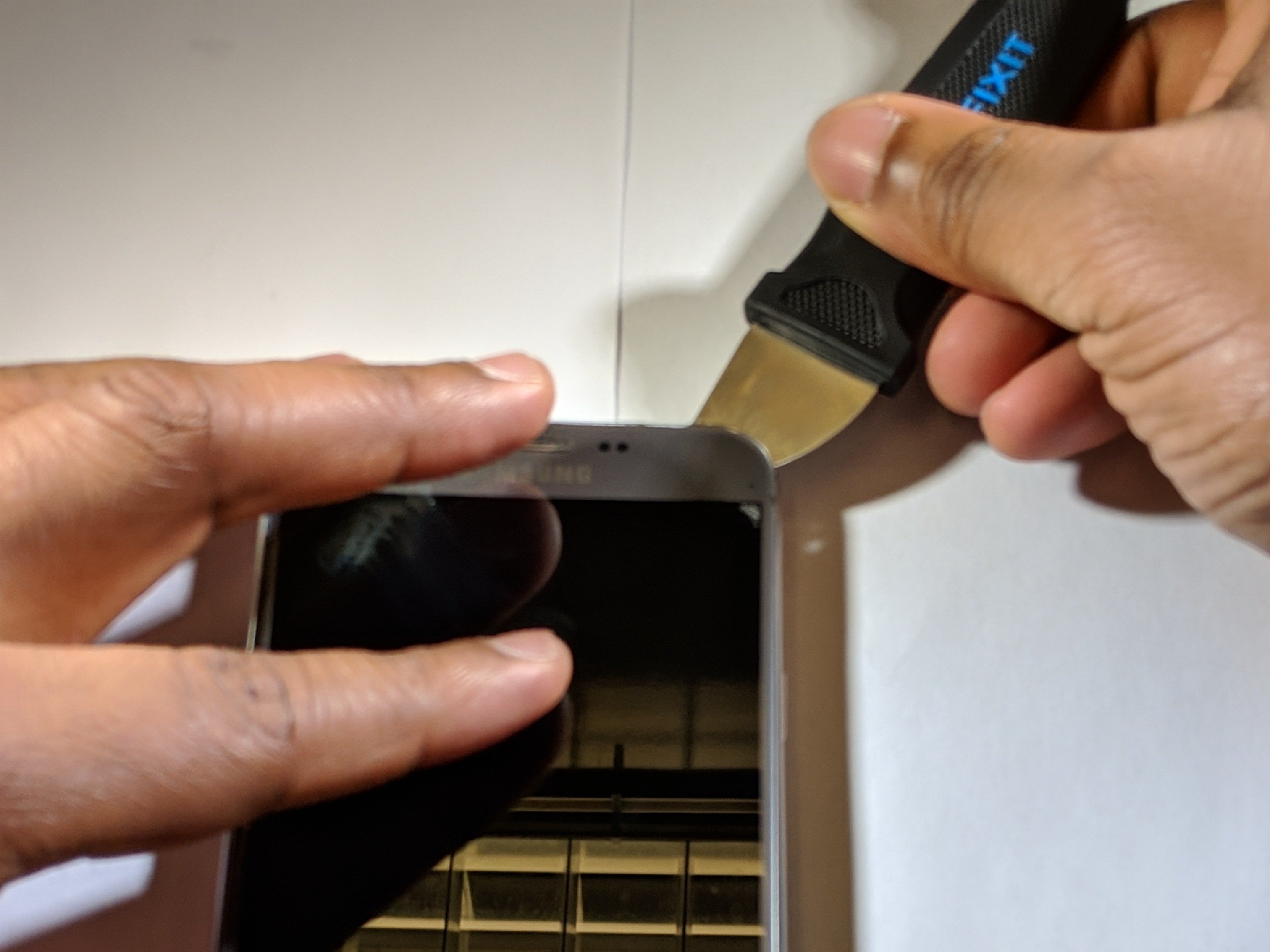
  • Be very careful during this step. The OLED (organic light-emitting diode) display is very fragile and can break easily.
  • Insert a Jimmy tool under one of the corners of the display and gently raise the display.
Step 2

Repair step

  • Gently slide the Jimmy tool around the entire perimeter of the phone.
Step 3

Repair step

  • Be extra careful with the display's ribbon cables. They are fragile.
  • Carefully lift the display to remove it.