
FIXONIC
SellSavedMy Fixonic
Official iFixit API visual reference

Canon Pixma MP480 LCD Replacement

If your LCD is cracked or not turning on...

iFixit Library Canon Pixma MP480 Moderate 15 minutes Guide 12677
Open the authorised source
Licensed iFixit integration

This attributed iFixit guide is displayed through Fixonic's recorded commercial API permission. iFixit remains the independent source and author of the procedure.

Guide overview

Before you begin

If your LCD is cracked or not turning on replace it with this guide.
Step 1

Repair step

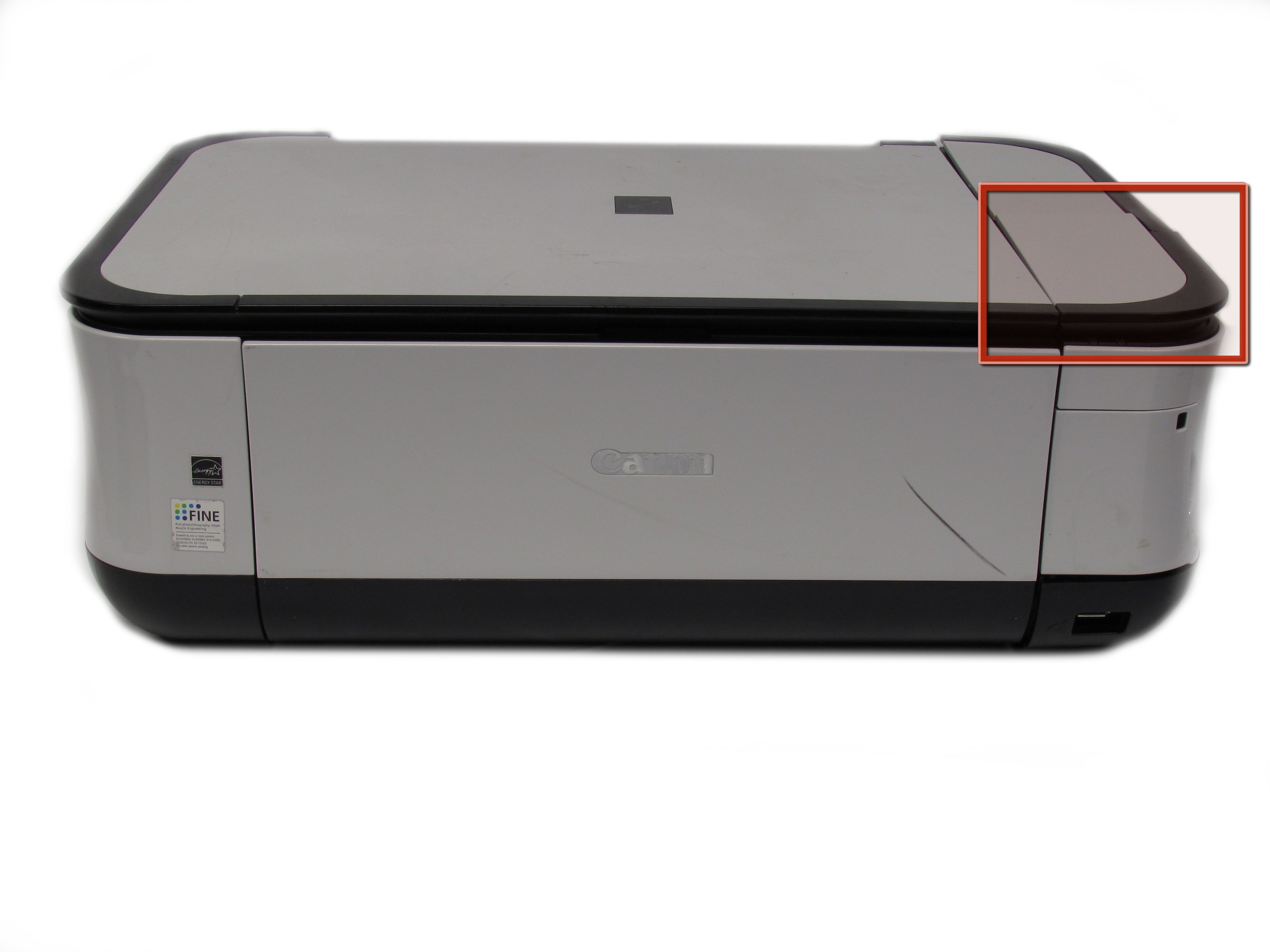
  • Using the plastic opening tool, pry off the top cover of the LCD assembly.
  • Pry around the front and side edges for the easiest removal.
Step 2

Repair step

  • After removing the top cover of the LCD assembly, remove the LCD using the plastic opening tool.
Step 3

Repair step

  • Gently pull the ribbon cable to remove the LCD completely.