FIXONIC
SellSavedMy Fixonic
Official iFixit API visual reference

Lenovo IdeaPad 130-15AST Battery Replacement

Use this guide to remove the battery from the...

iFixit Library Lenovo IdeaPad 130-15AST Moderate 10 minutes Guide 127227
Open the authorised source
Licensed iFixit integration

This attributed iFixit guide is displayed through Fixonic's recorded commercial API permission. iFixit remains the independent source and author of the procedure.

Guide overview

Before you begin

Use this guide to remove the battery from the Lenovo IdeaPad 130-15AST. The battery is a hardware component in the laptop which supplies power to the whole laptop. The battery will need to be replaced if you have confirmed that the battery cannot hold any power or charge. Reference the Troubleshooting Page to confirm your battery isn’t charging. Follow the steps in the Replacement Guide carefully to remove the Battery safely and efficiently.

Step 1

Repair step

  • Verify that the DVD/CD Tray is free of DVD's and CD's.
  • Using a Phillips #00 screwdriver, remove one of the 6.0mm screws.
Step 2

Repair step

  • Using the Jimmy Tool, gently pry the DVD/CD Drive away from the case of the laptop.
Step 3

Repair step

  • Gently slide the DVD/CD Drive out of the laptop.
Step 4

Repair step

  • Before proceeding, make sure the computer is turned off and it is not connected to any power source.
  • Using a Phillips #00 screwdriver, remove twelve of the 6.0mm screws.
Step 5

Repair step

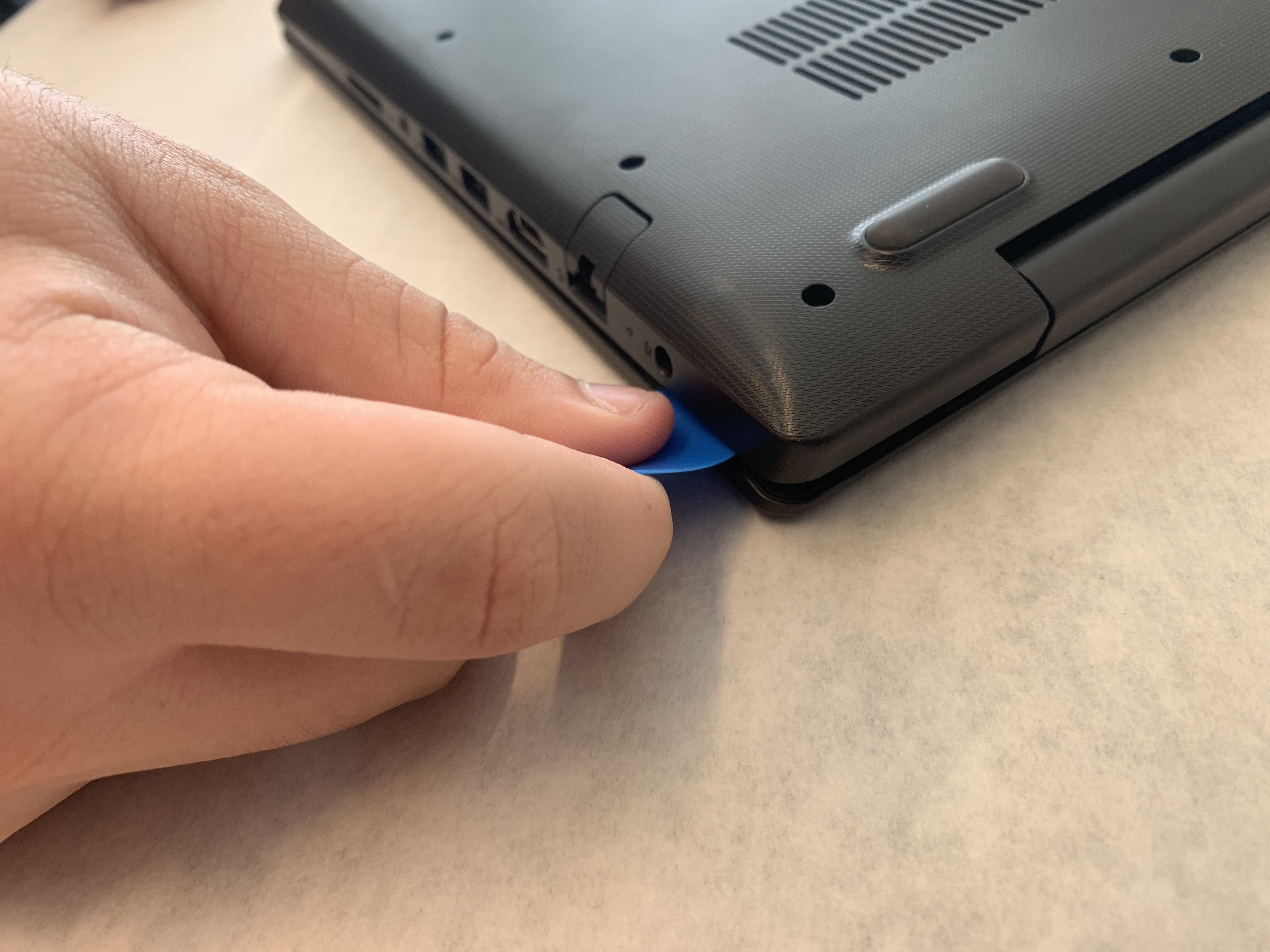
  • Do not try to completely remove this case without ensuring the entire case is free of connection points as this could crack or damage the case.
  • Use a thin, flat edge to gently break the seal of the case.
Step 6

Repair step

  • Make sure that the back panel is completely free from the laptop.
  • Grab the sides of the back panel of the laptop with two hands. Then separate the panel from the laptop by lifting up.
Step 7

Repair step

  • Using a Phillips #0 screwdriver, remove three 6.0mm screws.
Step 8

Repair step

  • Using a pair of tweezers, remove the black plug which includes 8 wires.
Step 9

Repair step

  • Grabbing the sides of the battery with one hand, remove the battery from the laptop.