FIXONIC
SellSavedMy Fixonic
Official iFixit API visual reference

USB Cable Repair

Most USB cables consist of four wires: red,...

iFixit Library Engage Wired Optical Mouse Difficult 1 hour Guide 12754
Open the authorised source
Licensed iFixit integration

This attributed iFixit guide is displayed through Fixonic's recorded commercial API permission. iFixit remains the independent source and author of the procedure.

Guide overview

Before you begin

Most USB cables consist of four wires: red, black, white, and green. Some newer cables have eight wires, but the same steps apply. If the USB plug itself is damaged, you'll need to remove and replace the whole plug itself. Otherwise, just the damaged portion of the cable can be removed.

Step 1

Repair step

  • Remove the broken portion of the USB cable with the wire cutters.
  • You should now have two pieces of the cable left. If you had to remove the whole USB plug, you'll need a replacement plug.
Step 2

Repair step

  • Cut the outer cable covering with wire cutters or scissors of both cables and be careful not to cut the wires themselves.
  • Pull off the piece of cover that you've separated from the rest. You should be left with four exposed individual wires.
  • There should be four wires, and occasionally a piece of string too. If there are fewer wires, then you've clipped one off, and you need to start over.
  • If there are more than 4 wires, you probably have a USB 3.0 cable. In this case, make sure that whatever wires you'll be reconnecting are both USB 3.0.
Step 3

Repair step

  • Strip all the wires out from both cables using a wire stripper. You'll need about three quarters of an inch of exposed copper wire.
  • If you don't have a wire stripper, you can strip the wires the same way as you exposed these wires. Gently cut the outer insulation, then pull off the insulation.
  • When stripping wires, do not cut or damage the copper wires. If you do damage the wire, cut off the damaged portion and try again.
Step 4

Repair step

  • Solder like-colored wires to each other.
  • Here is a video on how to solder wires together. https://www.youtube.com/watch?v=qxqZJH3S...
Step 5

Repair step

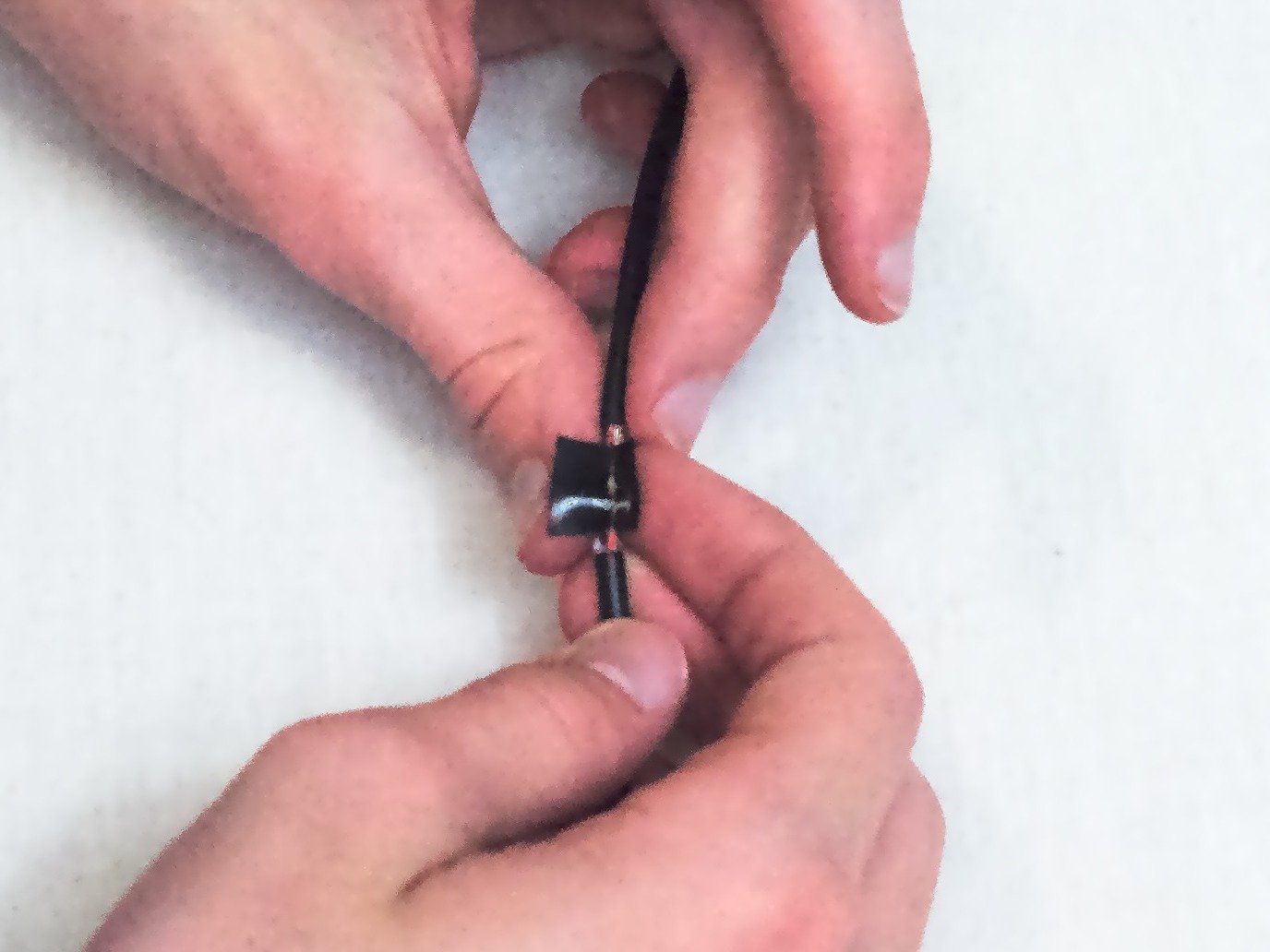
  • Wrap each wire in electrical tape and make sure that there is no exposed copper showing.
Step 6

Repair step

  • Wrap all the wires and both cables together in electrical tape to connect everything back into one cable and so it lasts longer.