
FIXONIC
SellSavedMy Fixonic
Official iFixit API visual reference

How to Factory Reset Samsung Galaxy Tab A 10.1

Attributed iFixit repair guide for Samsung Galaxy Tab A 10.1.

iFixit Library Samsung Galaxy Tab A 10.1 Moderate No estimate Guide 129737
Open the authorised source
Licensed iFixit integration

This attributed iFixit guide is displayed through Fixonic's recorded commercial API permission. iFixit remains the independent source and author of the procedure.

Step 1

Repair step

  • Turn the tablet off
Step 2

Repair step

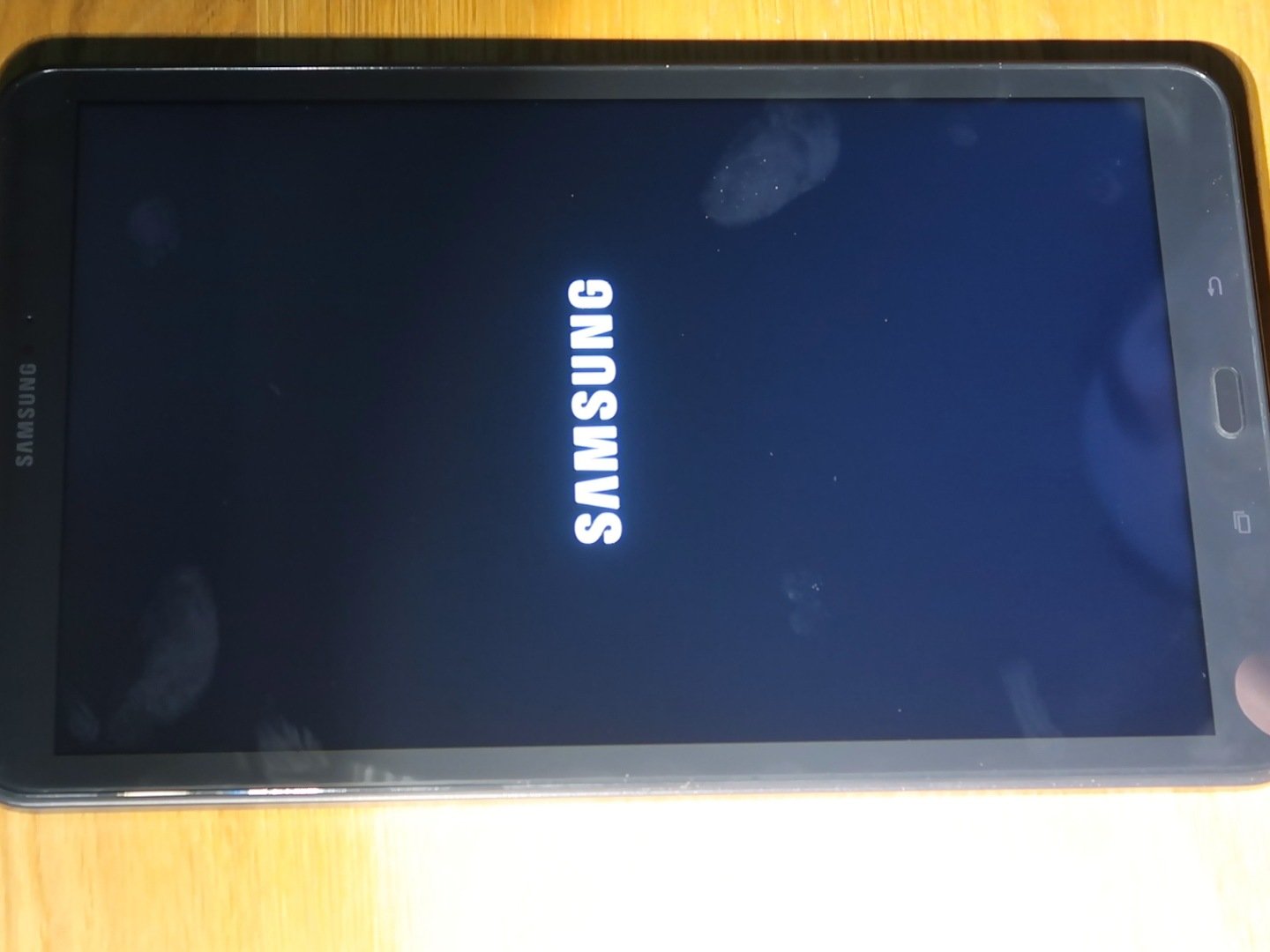
  • Hold down the home, power and volume up buttons.
  • Once the Samsung logo shows on the screen release the power button
Step 3

Repair step

  • You will then see a screen that says installing system updates followed by no command. Dont press anything during these screens just wait.
Step 4

Repair step

  • Once you have the following screen use the volume down button to highlight "Wipe Data / Factory Reset"
  • Press the power button to select it.
  • Do the same process to select yes on the next screen
  • You will then see confirmation at the bottom of the screen that the device has been wiped.
Step 5

Repair step

  • Press the volume up button and select "Reboot System Now"
  • The device will reboot and your done.