FIXONIC
SellSavedMy Fixonic
Official iFixit API visual reference

ASUS VivoBook Flip TP501U WiFi Card Replacement

The WiFi card is a electronic component in a...

iFixit Library ASUS VivoBook Flip TP501U Moderate 10 - 15 minutes Guide 131875
Open the authorised source
Licensed iFixit integration

This attributed iFixit guide is displayed through Fixonic's recorded commercial API permission. iFixit remains the independent source and author of the procedure.

Guide overview

Before you begin

The WiFi card is a electronic component in a computer that is responsible for receiving and transmitting data to and from the internet. You may want to replace this device if your laptop has slow upload and download speeds or the card has failed and you cannot access the internet at all. This guide will walk you through how to replace this piece of hardware.

Step 1

Repair step

  • Open the laptop until it is flat and lay it screen down.
  • Remove eight 9.6mm Phillips #00 screws from the bottom of the laptop.
  • Remove two 4.8mm Phillips from the corners of the device.
Step 2

Repair step

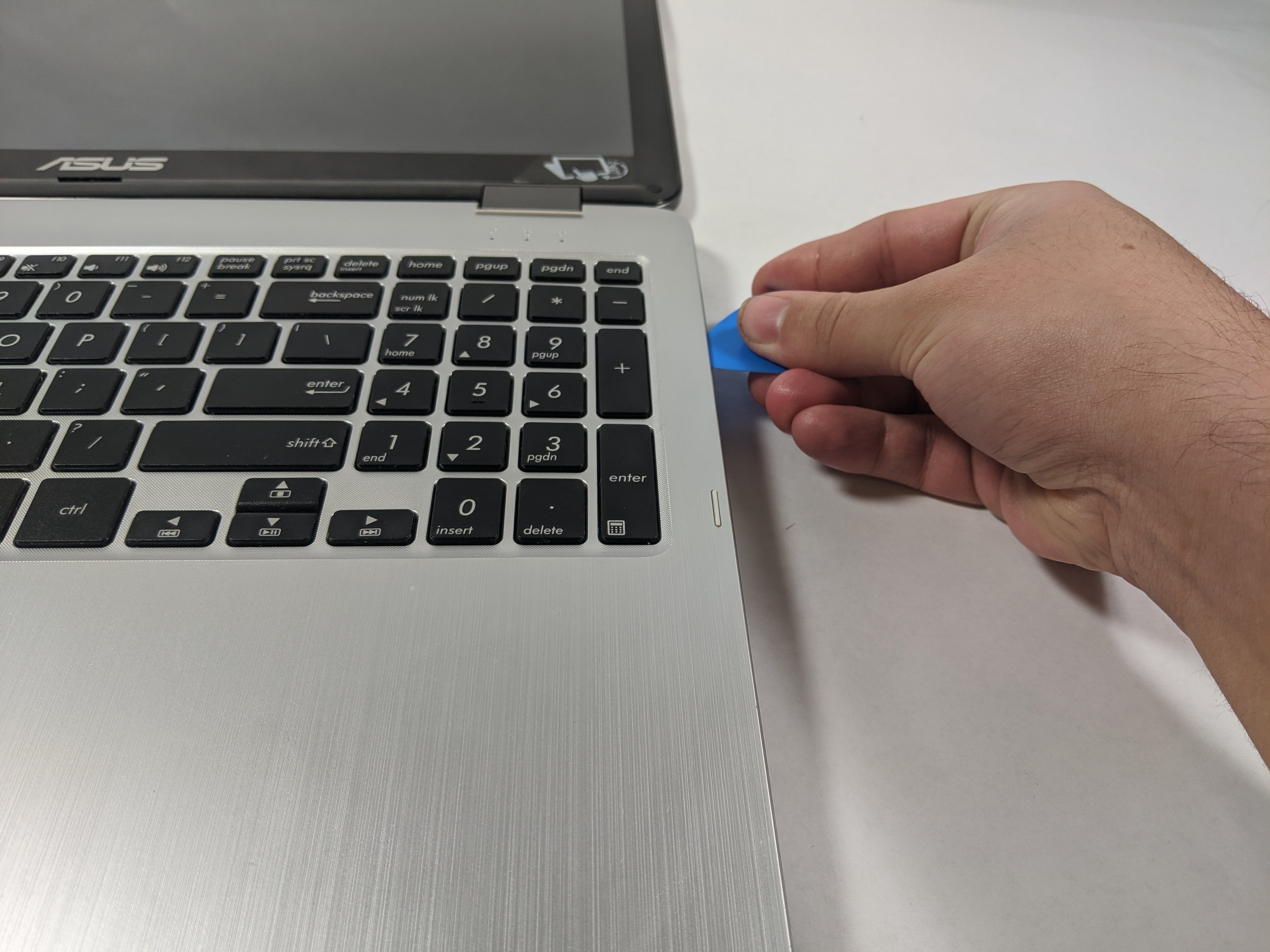
  • Turn the device face up.
  • Use the plastic Opening Pick to separate the keyboard panel from the chassis that was just unscrewed.
  • Pull the panel away from the chassis CAREFULLY, as there are ribbon cables attached between the keyboard and internal electronics.
Step 3

Repair step

  • With the keyboard panel pulled up, detach the two ribbon cables from the motherboard using the blue tabs on the cables.
  • Remove the keyboard panel completely.
Step 4

Repair step

  • Locate and remove the single 3.17 mm screw holding in the WiFi card suing a Phillips #00 driver.
  • Disconnect the card from the motherboard by pulling down on the card.
  • Unplug the two black and white wires from the bottom of the card. They should pop off.