FIXONIC
SellSavedMy Fixonic
Official iFixit API visual reference

How to Restore or Apply an Oleophobic Coating

This guide has been archived for historical...

iFixit Library Phone Very easy 1 - 10 minutes Guide 132177
Open the authorised source
Licensed iFixit integration

This attributed iFixit guide is displayed through Fixonic's recorded commercial API permission. iFixit remains the independent source and author of the procedure.

Guide overview

Before you begin

This guide has been archived for historical purposes. What is an oleophobic coating kit? Modern smartphones feature an oleophobic (oil-repellent) coating that protects the screen, improves smoothness, and reduces fingerprints. However, oleophobic coatings can degrade or wear off quickly, and you may notice parts of the screen getting greasy or dirty with fingerprints more easily. Also, many screen protectors do not feature an oleophobic coating. Use this guide together with an oleophobic coating kit to restore the oleophobic coating to your device, or to add an oleophobic coating to your screen or screen protector. These kits can also be used to treat other glass surfaces, such as eye glasses, watches, smartwatches, and so on.

Step 1

Clean the touchscreen

  • First, clean the touch screen thoroughly with an alcohol pad to remove all fingerprints, smudges and grease.
  • Wipe the screen dry with a clean microfiber cloth.
Step 2

Apply the oleophobic liquid to your screen

  • If your kit has a sponge-style pad on the top, keep the pad facing upwards. Gently press a tissue onto the top of the pad to release excess pressure.
  • If instead your kit came with a liquid dropper or bottle, simply squeeze 10-15 drops directly onto your device's screen.
Step 3

Repair step

  • Spread the liquid around the whole screen.
Step 4

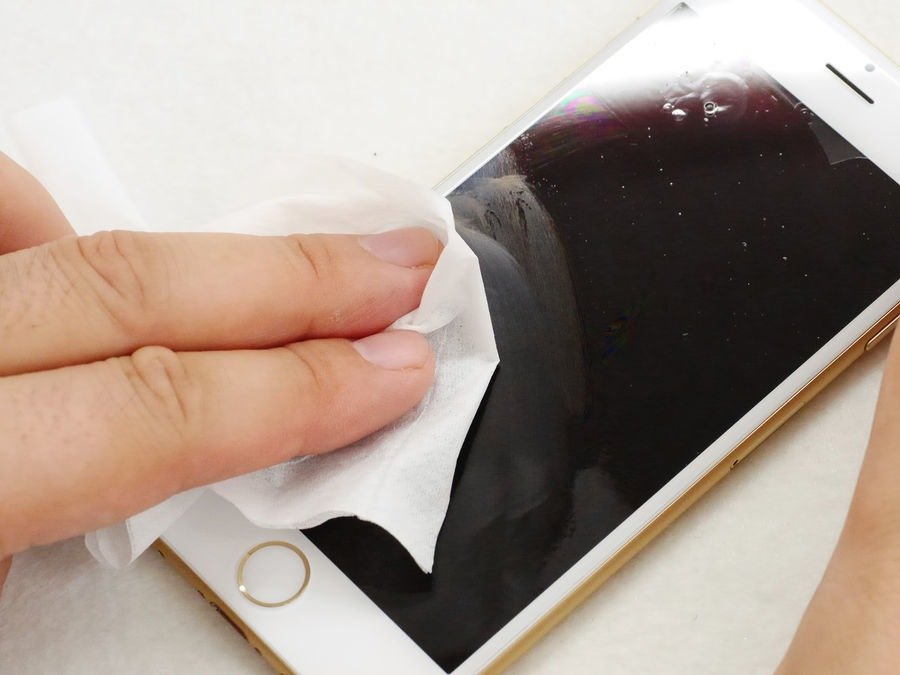
Polish until the liquid disappears

  • Using a paper towel or facial tissue, wipe the liquid around the screen to coat it evenly until all the liquid disappears.
  • DO NOT use a cloth for this step. Cloths are too absorbent and may result in wasted product or an uneven finish.
Step 5

Give the coating time to set

  • Don't touch the screen for at least four hours after coating. The longer you leave the screen, the more effective the coating will be.
  • For best results, apply the coating before going to sleep, so it has all night to bond well.
  • Afterward, you can wipe off any residue remaining on the touch screen with a clean microfiber cloth.
Step 6

Repeat to add more coats

  • Repeat this process 2-3 times on different days to fully maximize the oleophobic coating performance and film durability.
Step 7

Check your results

  • Done properly, this results in a perfect oleophobic coating on your device.
  • To test your results, drip a little water (just a few drops!) onto the touchscreen. It should bead up and slide right off your device when tilted, leaving no moisture behind.