
FIXONIC
SellSavedMy Fixonic
Official iFixit API visual reference

Honda EU2200IT A2 Back Cover Replacement

This guide shows how to remove and replace the...

iFixit Library Honda EU2200IT A2 Easy No estimate Guide 134835
Open the authorised source
Licensed iFixit integration

This attributed iFixit guide is displayed through Fixonic's recorded commercial API permission. iFixit remains the independent source and author of the procedure.

Guide overview

Before you begin

This guide shows how to remove and replace the back cover for the Honda EU2200IT generator.
Step 1

Repair step

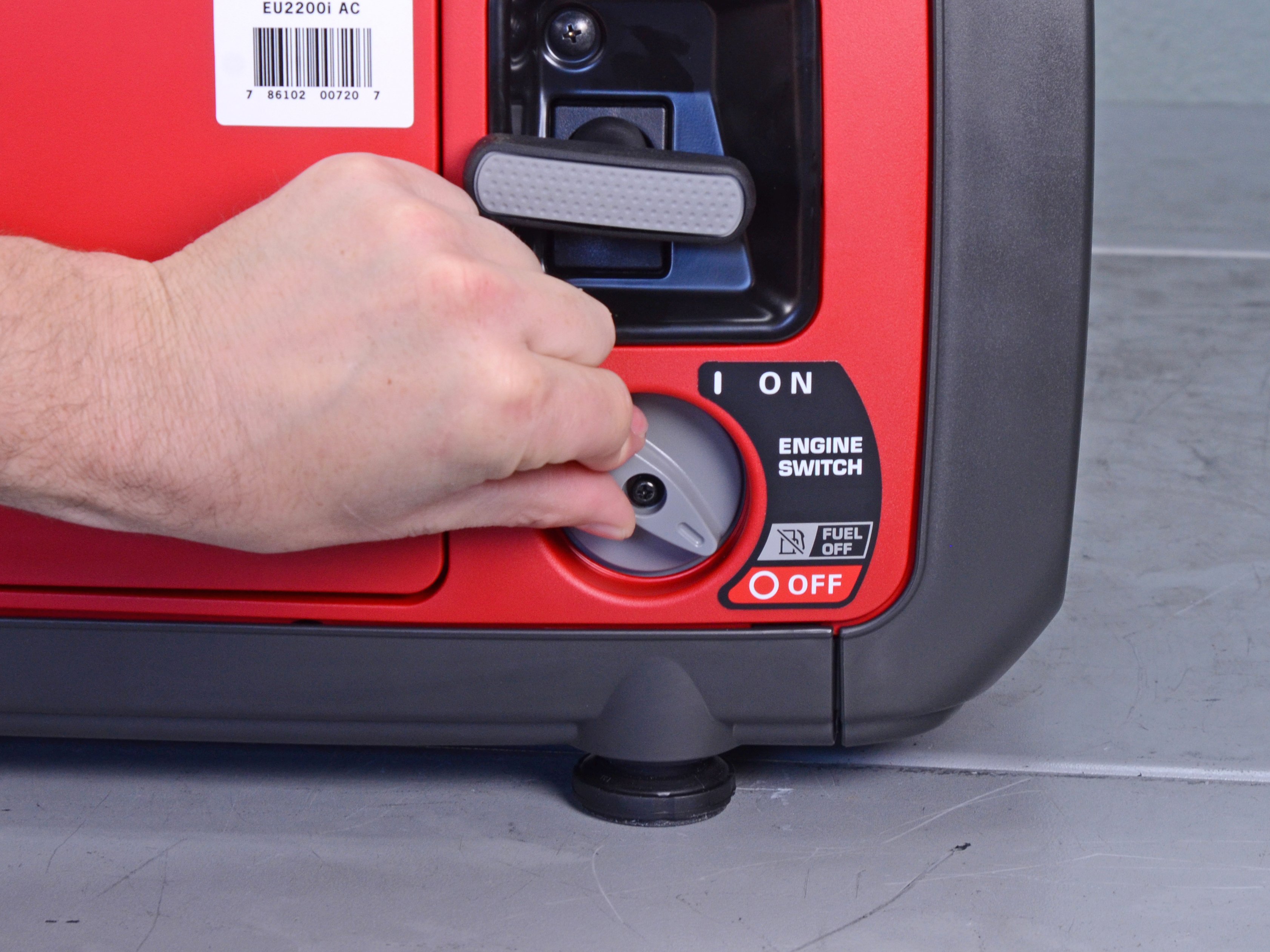
  • Before you begin, make sure the generator is switched off and the generator is cool to the touch.
Step 2

Disconnect the spark plug

  • Lift and remove the spark plug cover.
Step 3

Repair step

  • Grab the plastic housing at the end of the spark plug wire.
  • Pull firmly to disconnect the wire from the spark plug.
Step 4

Repair step

  • Remove the four Phillips screws securing the back cover.
Step 5

Repair step

  • Remove the back cover.