FIXONIC
SellSavedMy Fixonic
Official iFixit API visual reference

Dexter 300W Corded Delta Sander - 300DS2.5 Carbon Replacement

This tutorial shows you the change of only one...

iFixit Library Ponceuse Delta Filaire Dexter 300W - 300DS2.5 Moderate 5 minutes Guide 135264
Open the authorised source
Licensed iFixit integration

This attributed iFixit guide is displayed through Fixonic's recorded commercial API permission. iFixit remains the independent source and author of the procedure.

Guide overview

Before you begin

This tutorial shows you the change of only one carbon, to change the second you just have to follow the same method.

Step 1

Unplug

  • Before you begin, remember to disconnect the mains plug.
Step 2

Repair step

  • Remove the three screws from the pad.
Step 3

Repair step

  • Be careful to keep the three small marbles.
Step 4

Repair step

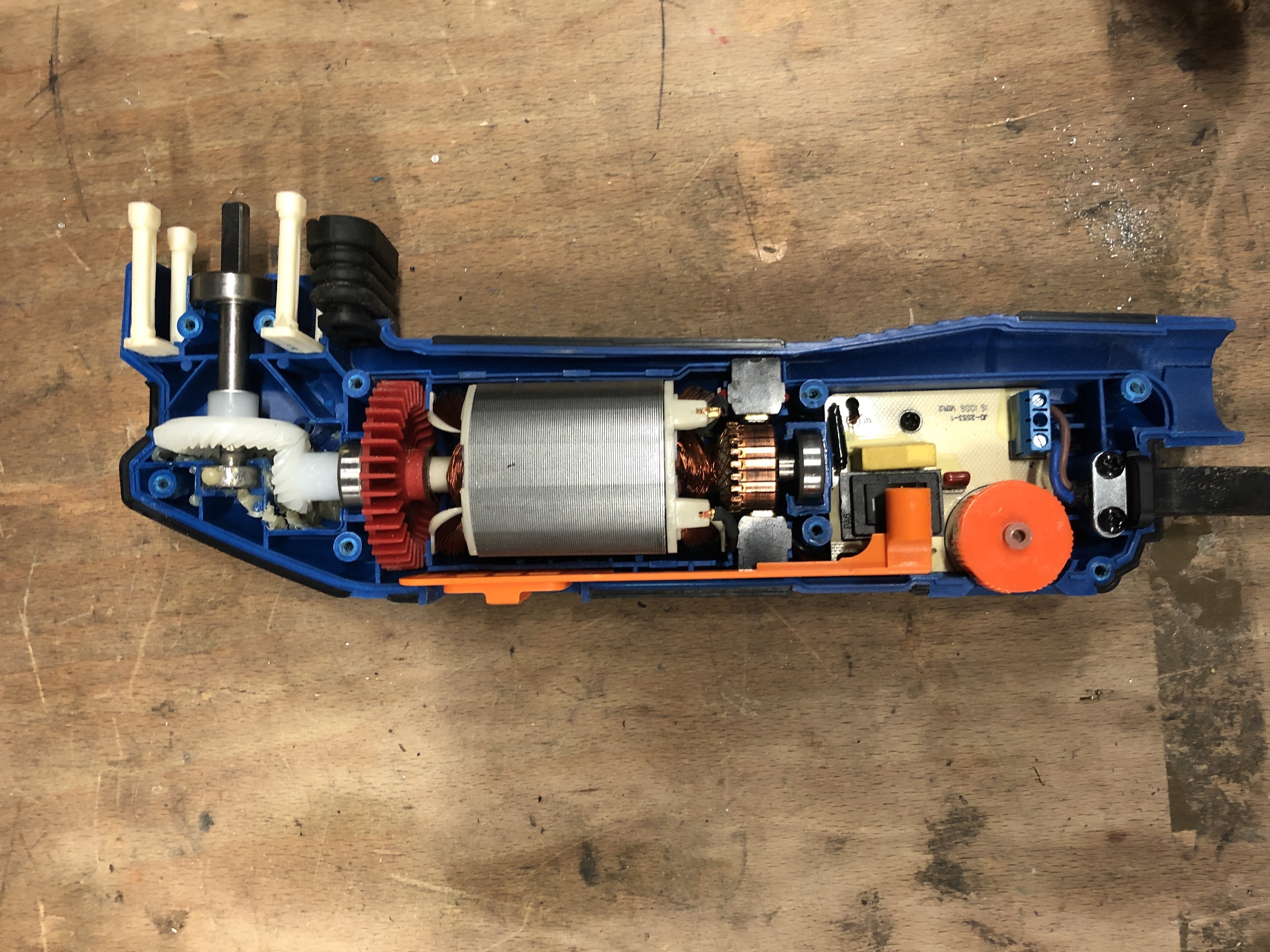
  • Unscrew the screws to open the shell.
Step 5

Repair step

  • Remove the orange cap.
Step 6

Repair step

  • Using a screwdriver lift the brushes.
Step 7

Repair step

  • Remove the carbon from its housing then take it out.
  • Using pliers, fold down the small tab.
Step 8

Repair step

  • Replace the new carbon in its carbon holder.
Step 9

Repair step

  • Reconnect the carbon, test if the carbon slides well inside.
Step 10

Repair step

  • Replace the coals in their housing.
Step 11

Repair step

  • Before closing, check that no cable is blocked and that each part is in its place.
  • Replace the screws on the hull.
Step 12

Repair step

  • Replace the retaining flange, be careful to have the three small balls.
Step 13

Repair step

  • Tighten the three screws of the retaining plate then that of the pad.