FIXONIC
Before you begin
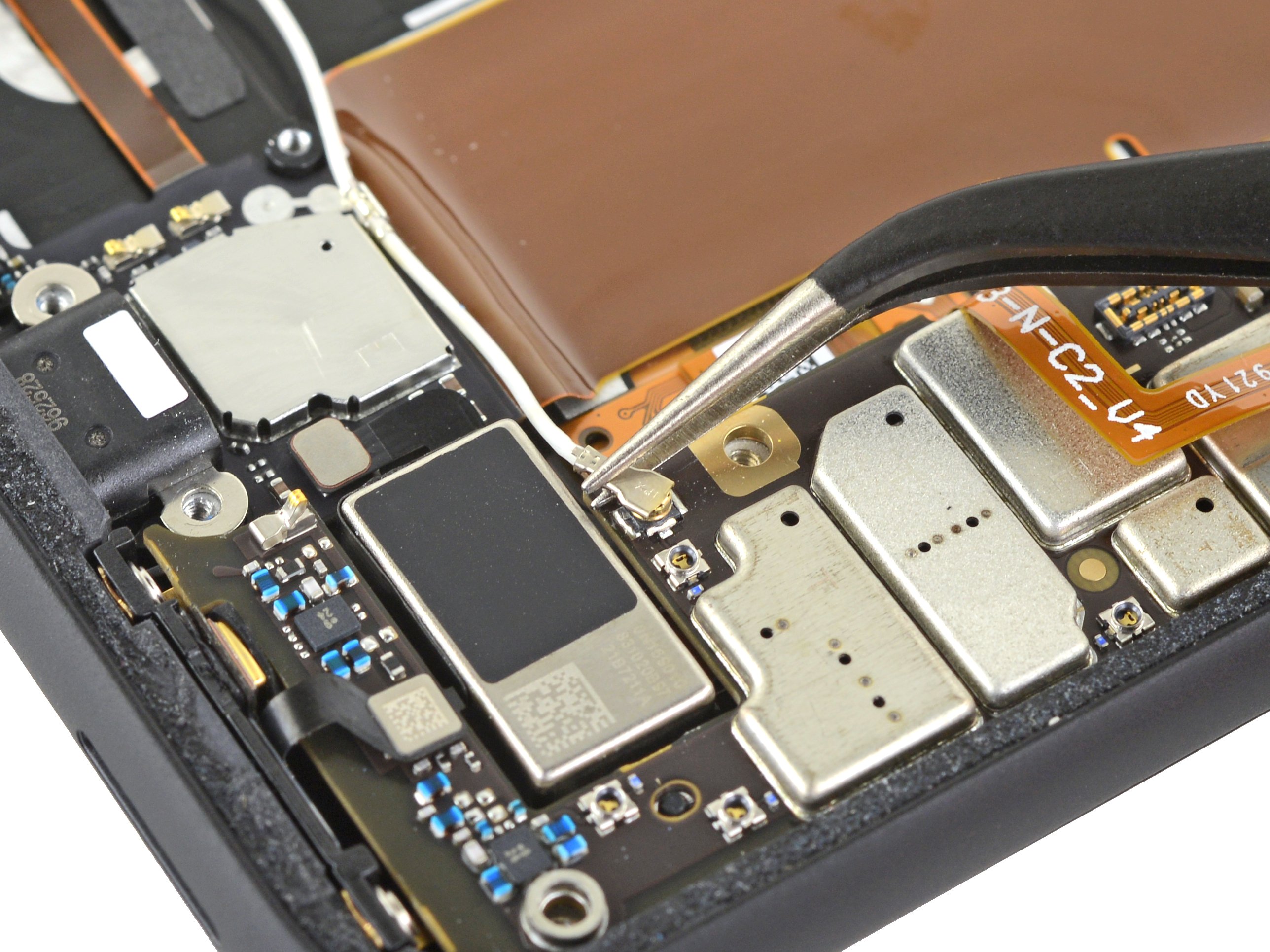
This repair guide was authored by the iFixit staff and hasn’t been endorsed by Google. Learn more about our repair guides here. Use this guide to remove or replace the charging assembly on your Google Pixel 4. The charging assembly contains the USB-C port, as well as some antenna connectors, and is layered underneath the loudspeaker and battery. This process requires removing the loudspeaker, which will compromise the loudspeaker’s ingress gasket. Caution: Google warns that disassembly of the front laser assembly could result in hazardous exposure to invisible infrared laser emissions. Read their safety warnings here. Warning: Do not reuse the battery if it has been deformed or damaged, as doing so is a potential safety hazard. Replace it with a new battery.