FIXONIC
Before you begin
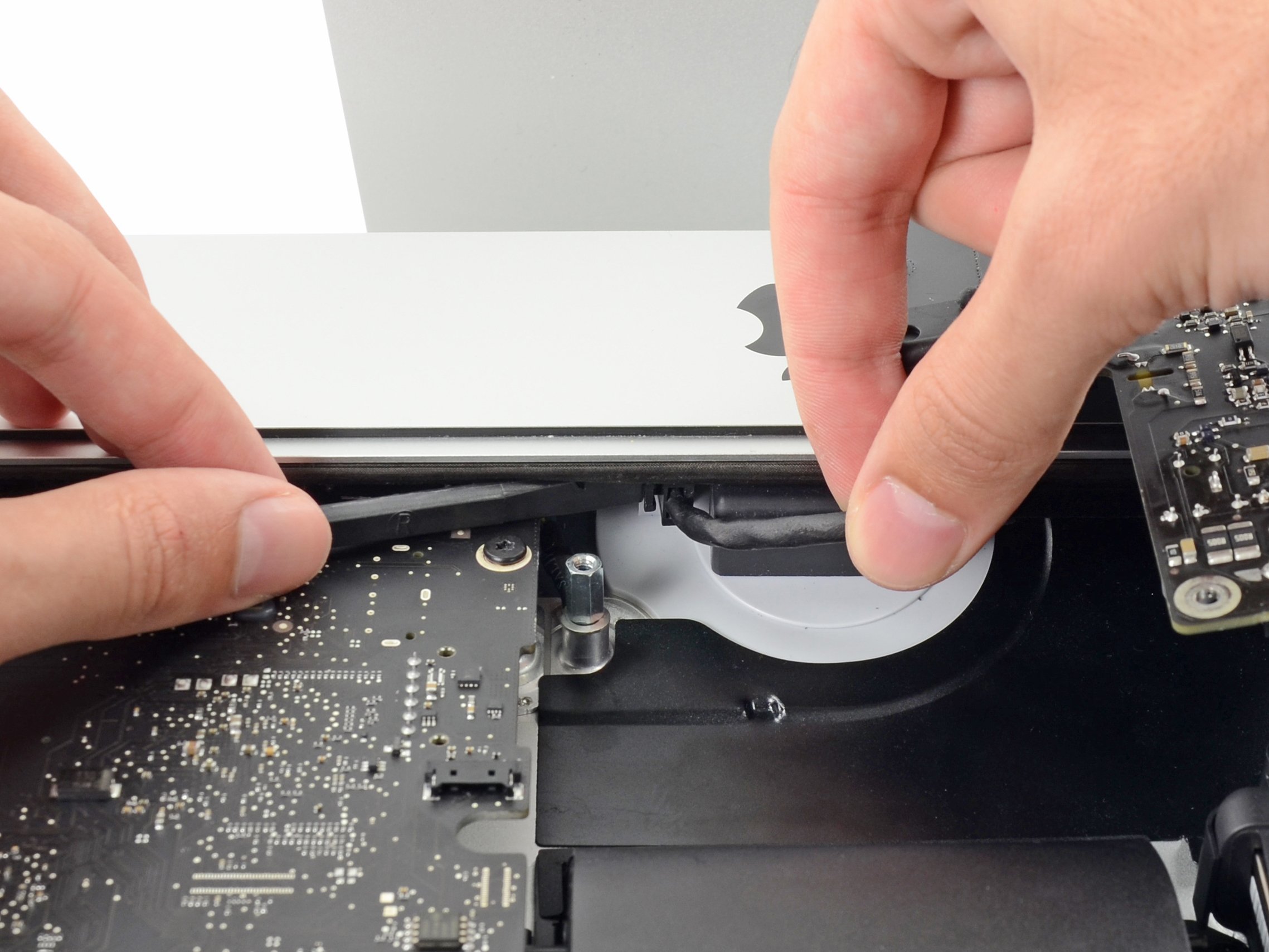
Follow this guide to replace the PRAM battery in a 21.5" Retina 4K 2019 iMac. The PRAM battery is located on the back side of the logic board, so replacing it requires first removing the logic board. Some images in this guide use an older iMac, which has minor visual differences. These differences do not affect the repair procedure. This guide requires you to handle a power supply that contains large capacitors. Unplug the iMac and hold the power button down for at least 10 seconds to help discharge the capacitors. Handle the board by the edges and do not touch surface components.