
FIXONIC
SellSavedMy Fixonic
Official iFixit API visual reference

Epson PowerLite Home Cinema 1040 Projector Air Filter Replacement

This guide will help you replace the old filter...

iFixit Library Epson PowerLite Home Cinema 1040 Repair Easy 5 minutes Guide 141161
Open the authorised source
Licensed iFixit integration

This attributed iFixit guide is displayed through Fixonic's recorded commercial API permission. iFixit remains the independent source and author of the procedure.

Guide overview

Before you begin

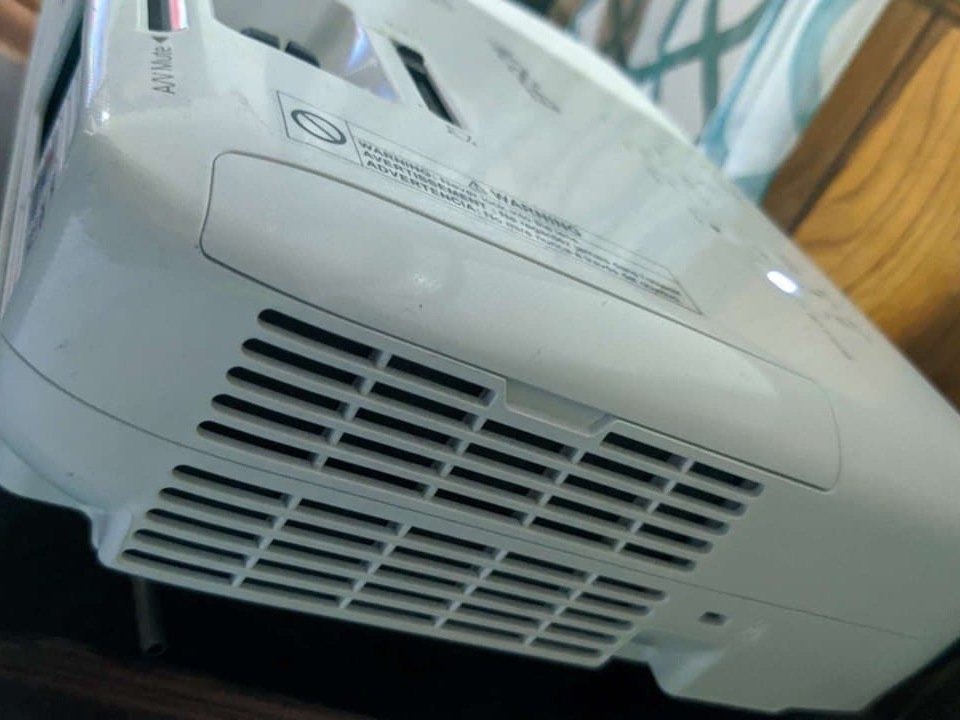
This guide will help you replace the old filter of the Epson PowerLite Home Cinema 1040 projector with a new one. Changing the filter is necessary if the projector is making loud noises which can lower the life span of the projector.

Step 1

Repair step

  • Turn off the projector by clicking on the "Standby" button on the remote control.
  • Unplug the projector from its power source.
Step 2

Repair step

  • Lift away the air filter cover to remove it from the projector.
Step 3

Repair step

  • Remove the old air filter by pulling it off the projector slowly.
Step 4

Repair step

  • Insert a new filter into the projector.
Step 5

Repair step

  • Gently close the filter cover.
Step 6

Repair step

  • Plug-in the projector into the electricty.
  • Turn the projector back on.