FIXONIC
Before you begin
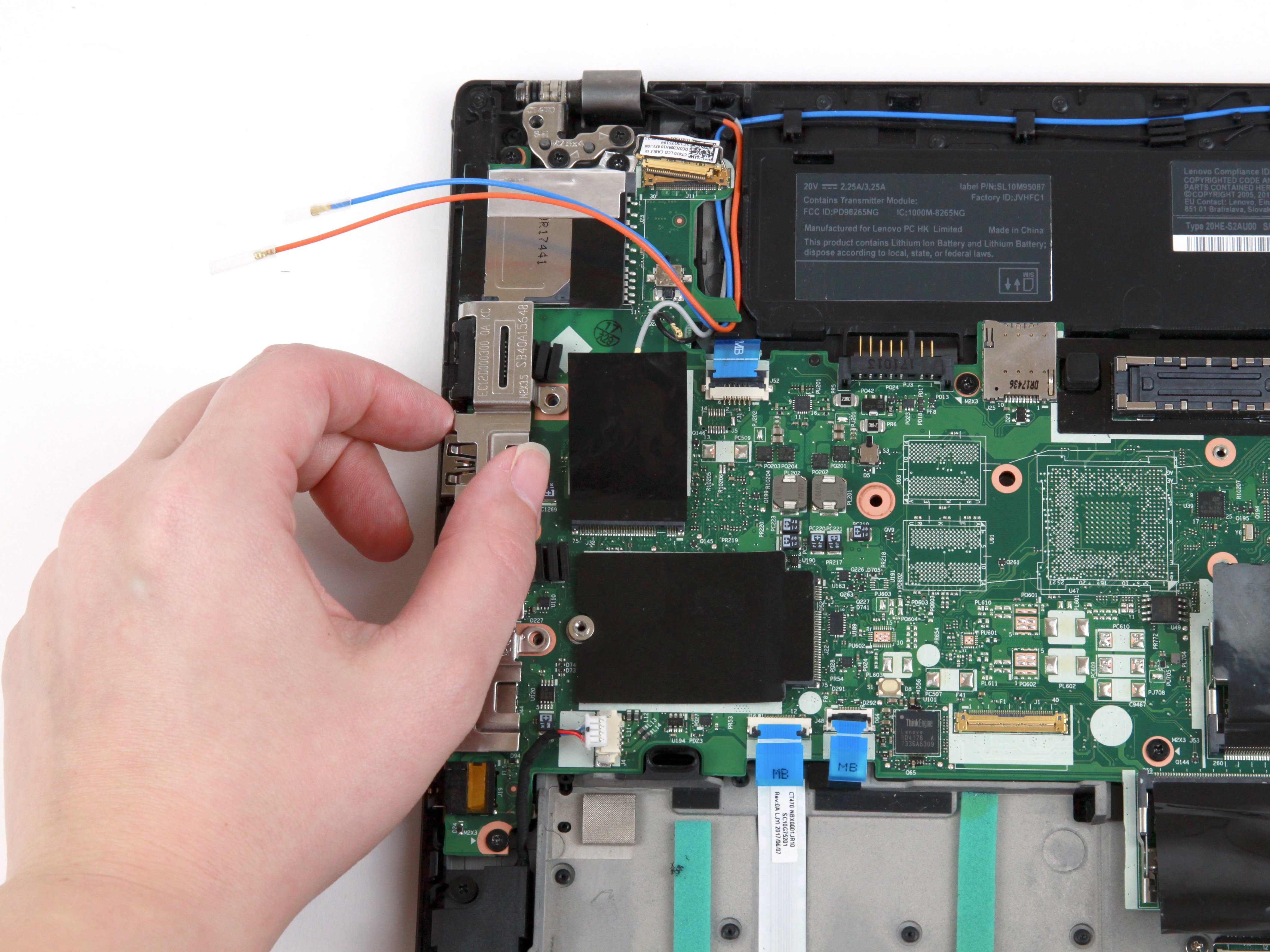
Use this guide to remove the fingerprint reader from a Lenovo ThinkPad T470 laptop. The fingerprint reader allows you to log into a laptop installed with Windows 10 by scanning your unique fingerprint. The fingerprint reader may be faulty if you notice error messages and an inability to log in when attempting to use the fingerprint reader. This issue may not require a replacement, so be sure to visit Lenovo’s troubleshooting manual for the fingerprint reader. Make sure to disable the internal battery, power down your device, and disconnect from any external power sources before you begin.