FIXONIC
Before you begin
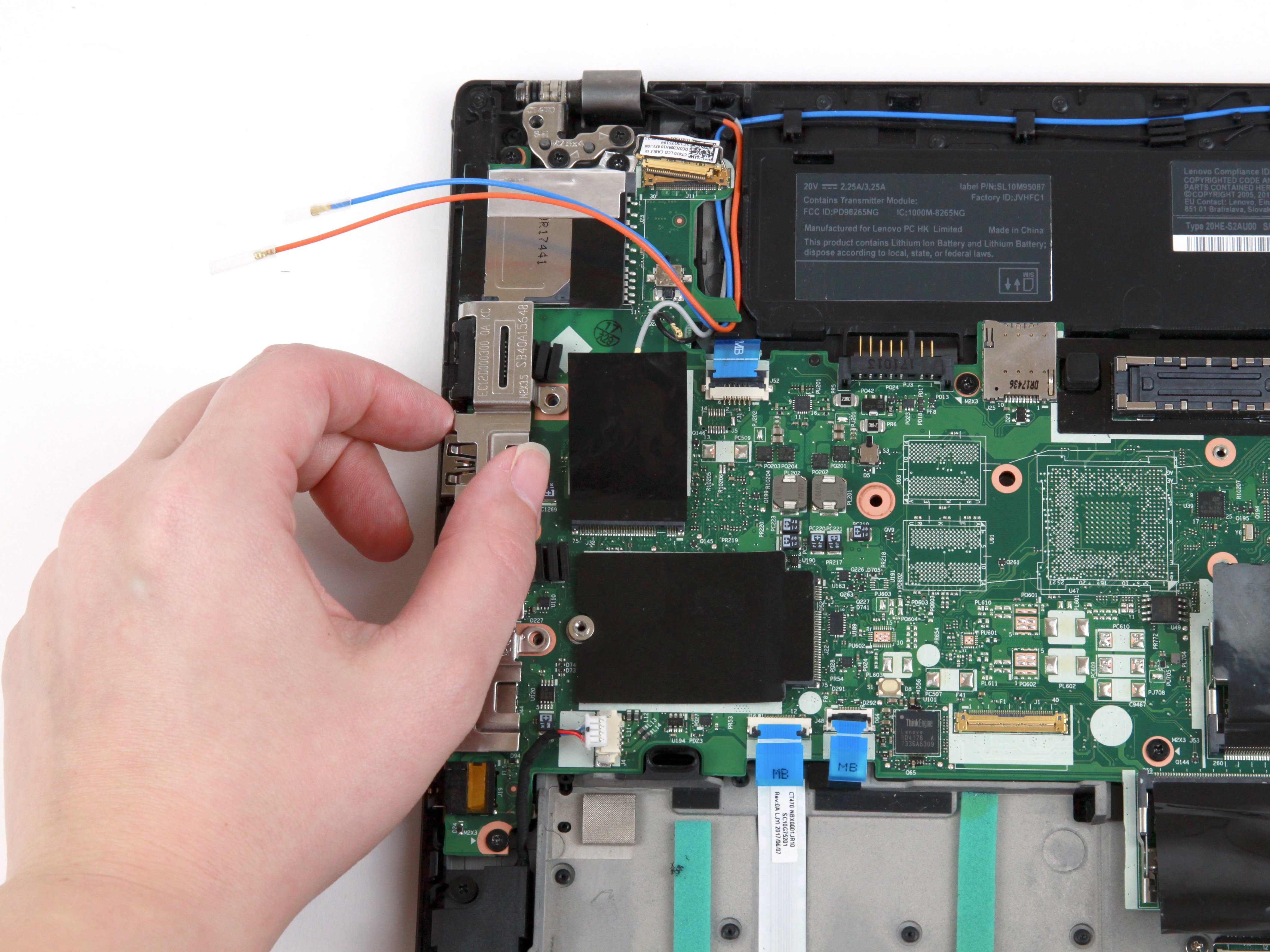
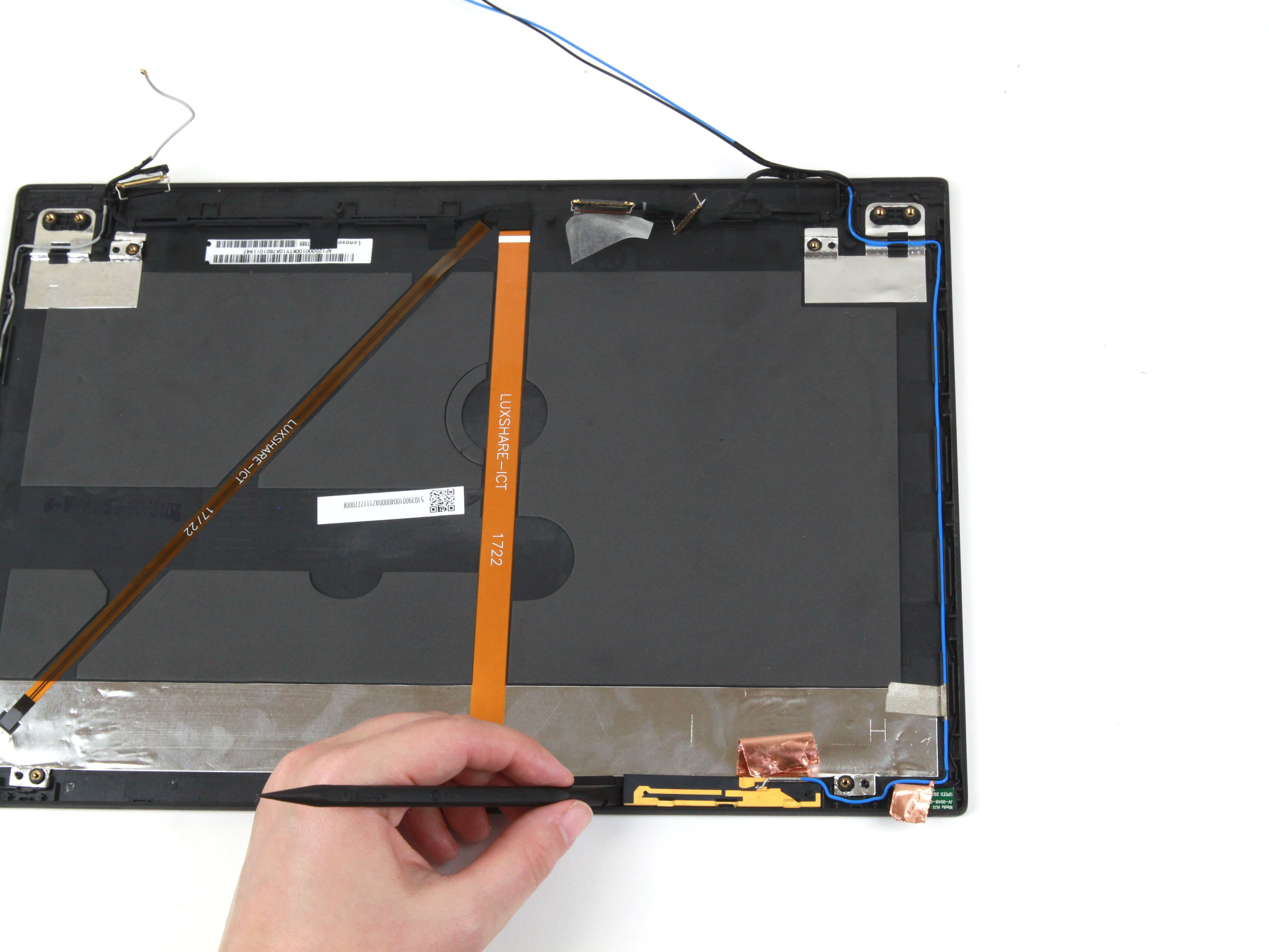
Use this guide to replace the WWAN antennas in your Lenovo ThinkPad T470 laptop. The WWAN (wireless wide area network) antennas allow you to connect to the internet without relying on a local Wi-Fi connection. If your computer has a WWAN card installed and you are having trouble using the internet without Wi-Fi, you may have a faulty WWAN card or antenna. Not every laptop is equipped with a WWAN card, but if you need to replace yours, follow these instructions. If your laptop does not have a WWAN card, replacing the antenna won’t do anything. If you are having trouble accessing a local Wi-Fi connection, you may need to troubleshoot or replace the Wi-Fi card or WLAN antennas. Before attempting a replacement, make sure to disable the internal battery, power down your device, and disconnect from any external power sources.