FIXONIC
Before you begin
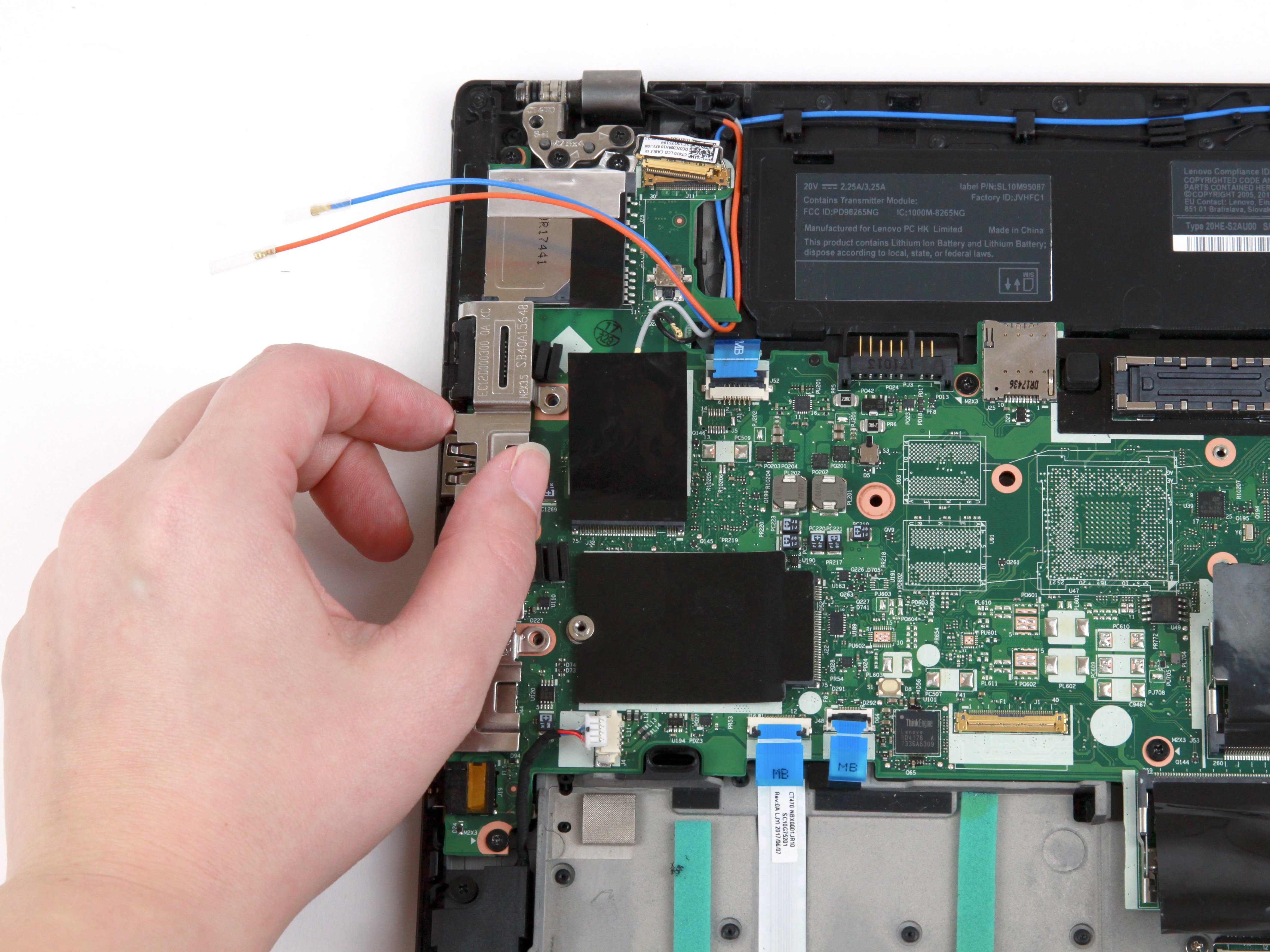
Use this guide to replace the webcam in your Lenovo ThinkPad T470 laptop. The built-in webcam (also called a laptop camera) transmits real-time videos and images to your computer. Some signs of a faulty webcam include error messages that the camera is not enabled or cannot be found, or the camera light is on but the camera itself is unresponsive. There are known webcam issues with Windows 10 which may be resolved with this troubleshooting guide. If your webcam is physically cracked or damaged, it may require a replacement. Before attempting to replace the webcam, make sure to disable the internal battery, power down your device, and disconnect from any external power sources.