
FIXONIC
SellSavedMy Fixonic
Official iFixit API visual reference

Samsung Water Filter (Horizontal Filter) Replacement

This guide shows how to remove and replace the...

iFixit Library Samsung Refrigerator Easy 5 - 10 minutes Guide 141847
Open the authorised source
Licensed iFixit integration

This attributed iFixit guide is displayed through Fixonic's recorded commercial API permission. iFixit remains the independent source and author of the procedure.

Guide overview

Before you begin

This guide shows how to remove and replace the water filter in your Samsung refrigerator. The water filter purifies the water that's dispensed at the door or used to make ice. If your water filter replacement light is blinking or your water tastes strange, you may need to replace your water filter. If you have trouble removing the filter, there may be water pressure build up. Run the water for a few seconds to relieve the pressure and try again. This guide will work for most Samsung Refrigerators. This guide is based on a model RF28R7201SG Refrigerator. If you have a different model, you may encounter some minor disassembly differences, but the overall repair process will be the same.
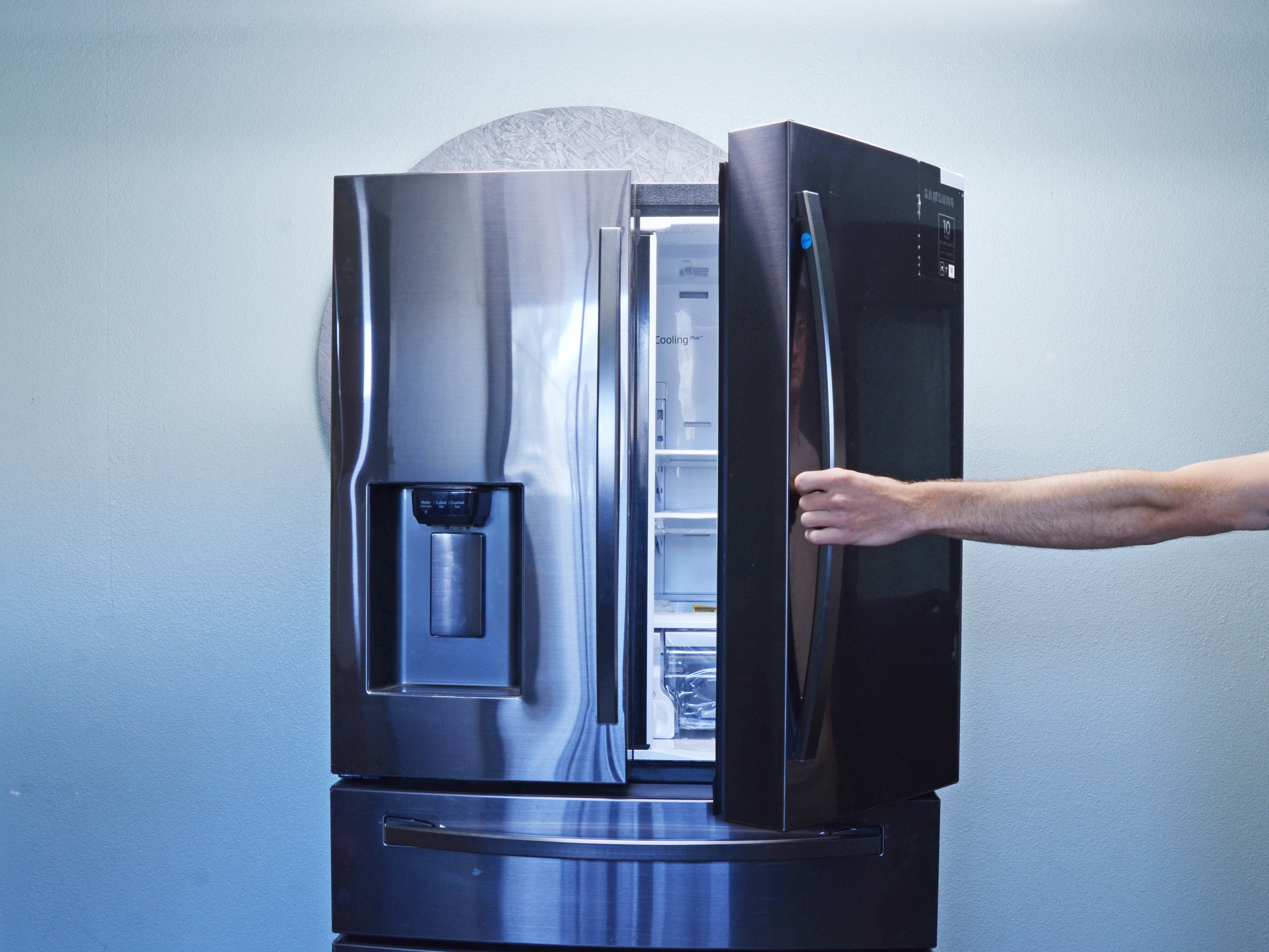
Step 1

Open the refrigerator doors

  • Open both French doors for the refrigerator compartment.
Step 2

Locate the water filter

  • Locate the water filter.
  • On this model, the filter can be found at the bottom of the main compartment, between the crisper drawers.
Step 3

Remove the filter

  • Twist the water filter cap counter-clockwise until it's loosened from its housing.
Step 4

Repair step

  • Pull the water filter straight out of its housing and remove it.
  • When you install the replacement filter, remember to remove the cap on the new filter.
Step 5

Repair step

  • Run the water to flush the filter and check for leaks for a few minutes.
  • Press reset on the filter indicator.