FIXONIC
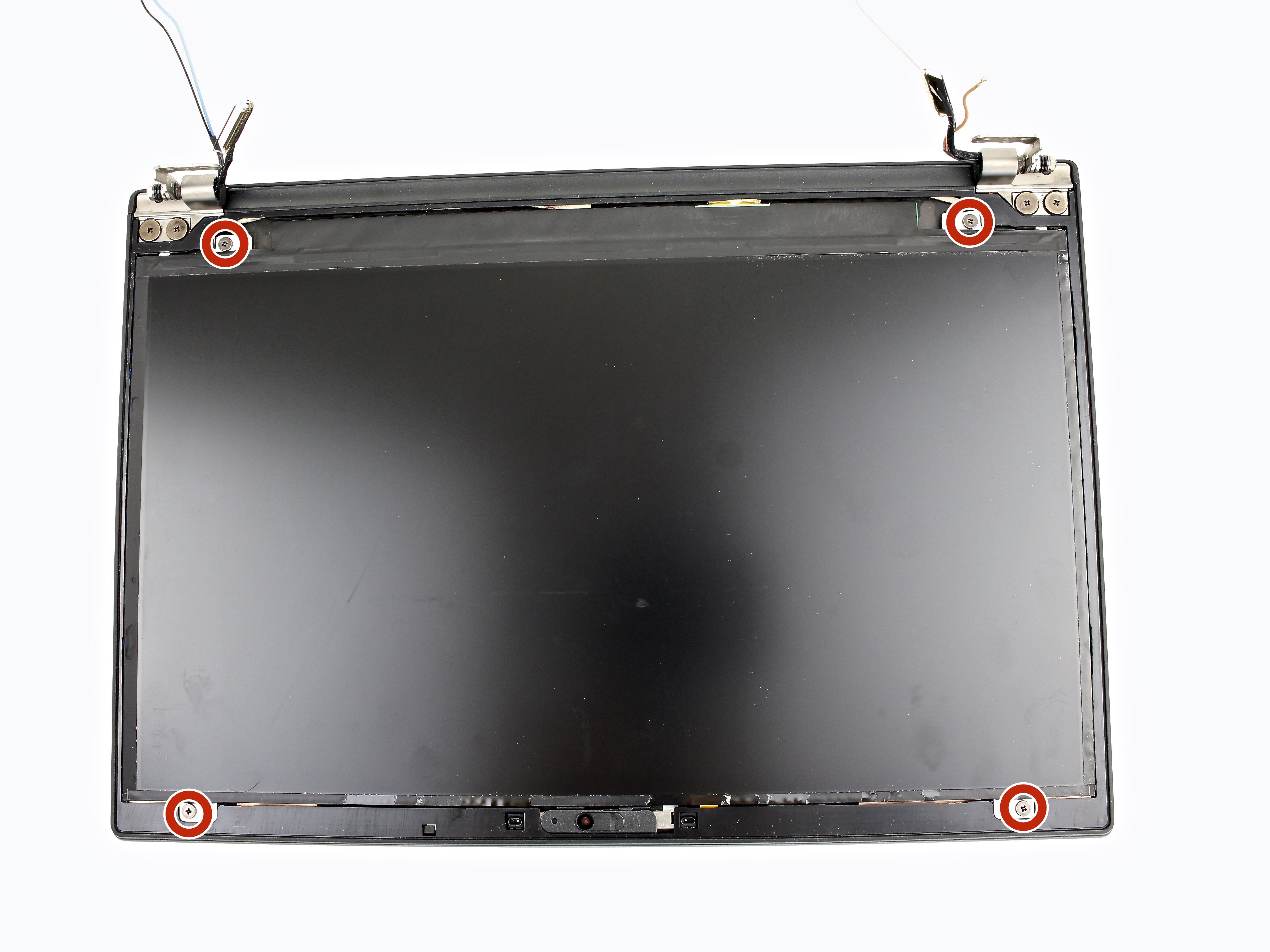
Before you begin
Use this guide to replace the antenna kit in your Lenovo ThinkPad T480s laptop.. The antenna kit includes the WWAN and WLAN replacement cables and antennas. Some signs of a faulty or failed antenna kit include low performing Wi-Fi signal or no signal at all. If your antenna kit has started to fail, and you are no longer receiving a strong signal it may be time to replace the antenna kit. Before attempting an antenna kit replacement, you may be able to resolve the issue using Lenovo’s troubleshooting guide. Before attempting to replace the antenna kit, make sure to disable the internal battery, power down your device, and disconnect from any external power sources.