
FIXONIC
SellSavedMy Fixonic
Official iFixit API visual reference

Microsoft Surface Pro 4 Kickstand Replacement

The official guide has been updated and can be...

iFixit Library Microsoft Surface Pro 4 Easy 10 minutes Guide 146383
Open the authorised source
Licensed iFixit integration

This attributed iFixit guide is displayed through Fixonic's recorded commercial API permission. iFixit remains the independent source and author of the procedure.

Guide overview

Before you begin

The official guide has been updated and can be found here. This guide is archived for historical purposes. If you need to replace the kickstand of your Microsoft Surface Pro 4, this guide will show you how. If it breaks or is damaged, you might want to replace it. It’s possible that your kickstand could become wobbly from overuse or if you drop it. The repair is not a difficult process, and you won’t have to take apart the actual Surface Pro 4. You’ll just have to remove and replace the kickstand itself.
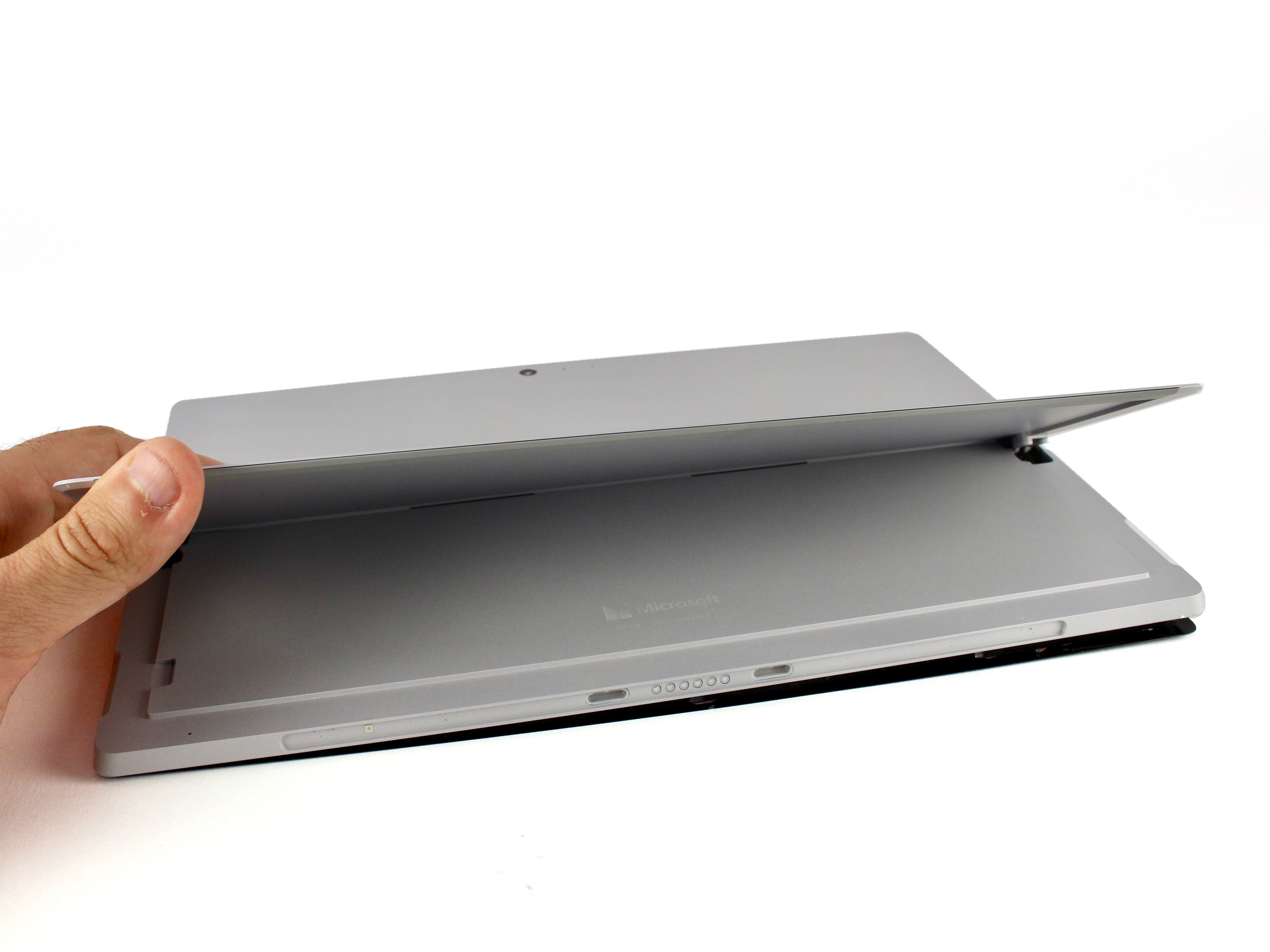
Step 1

Repair step

  • Lift the kickstand to a 90º angle to expose the hinge screws.
Step 2

Repair step

  • Remove the four 3.3 mm T5 screws—two on each side of the kickstand.
Step 3

Repair step

  • Remove the kickstand from the back cover.