 FIXONIC
Official iFixit API visual reference
Open the authorised source
Slingbox 500 Top Cover Replacement
Attributed iFixit repair guide for Slingbox 500.
iFixit Library Slingbox 500
Easy
5 minutes
Guide 146595
Licensed iFixit integration
This attributed iFixit guide is displayed through Fixonic's recorded commercial API permission. iFixit remains the independent source and author of the procedure.


Repair step
Repair step

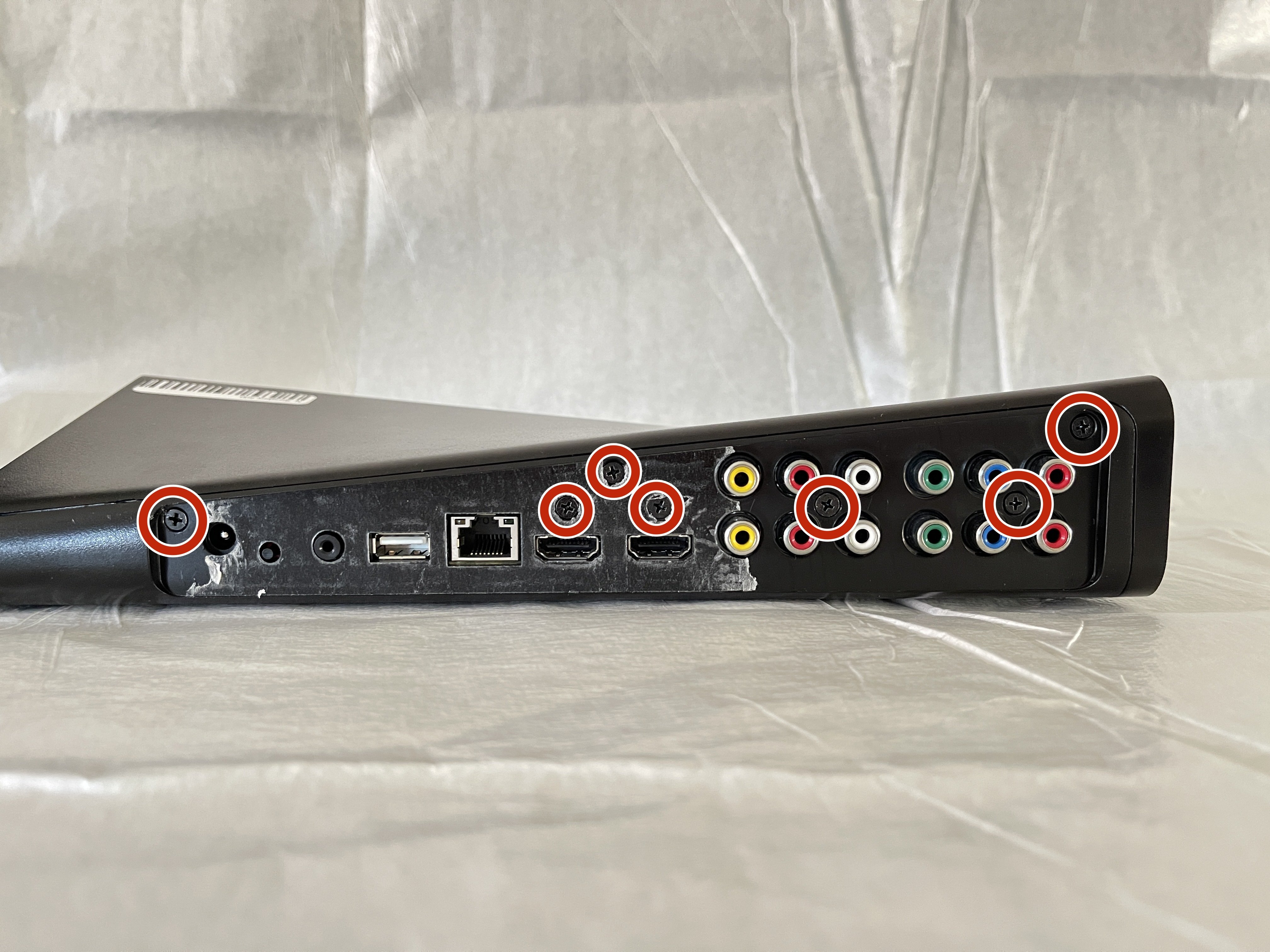
- Remove the upper section of the case by rotating your Slingbox to view the back and lifting up on the higher corner.
- Use the opening tool to disconnect the small clips in the front.
- Remove the entire top of the Slingbox and set it aside.