FIXONIC
SellSavedMy Fixonic
Official iFixit API visual reference

Yuneec ST16S Carrying Handle Replacement

This guide explains how to replace the carrying...

iFixit Library Yuneec ST16S Easy 10 minutes Guide 146669
Open the authorised source
Licensed iFixit integration

This attributed iFixit guide is displayed through Fixonic's recorded commercial API permission. iFixit remains the independent source and author of the procedure.

Guide overview

Before you begin

This guide explains how to replace the carrying handle on the Yuneec ST16S. The handle allows you to carry the device with ease. You can find out more checking the troubleshooting page.

Step 1

Repair step

  • Hold down the button located above the battery while applying downward pressure to the battery.
Step 2

Repair step

  • While still holding down the button, slide the battery out of its slot.
Step 3

Repair step

  • Remove the single screw from the battery compartment.
Step 4

Repair step

  • Remove the rubber bumpers from the back of the device using a spudger.
Step 5

Repair step

  • Remove the two screws located under each of the rubber bumpers.
Step 6

Repair step

  • Remove the three screws along the top of the device.
Step 7

Repair step

  • Carefully remove the backplate from the device.
Step 8

Repair step

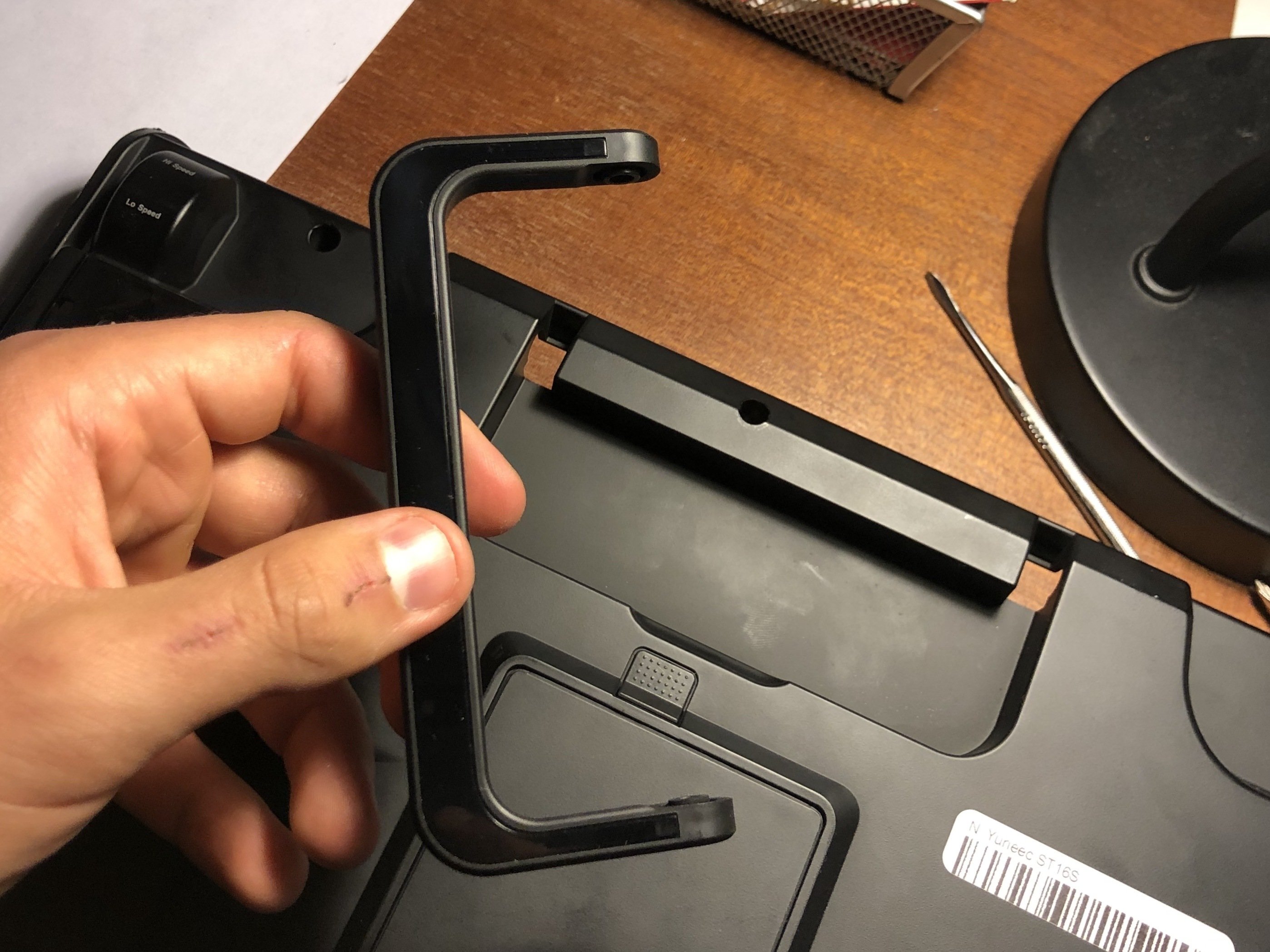
  • Remove the screws from the clips on both ends of the handle.
Step 9

Repair step

  • Slide the clips away from the handle.
Step 10

Repair step

  • Remove the handle from the device.