FIXONIC
Before you begin
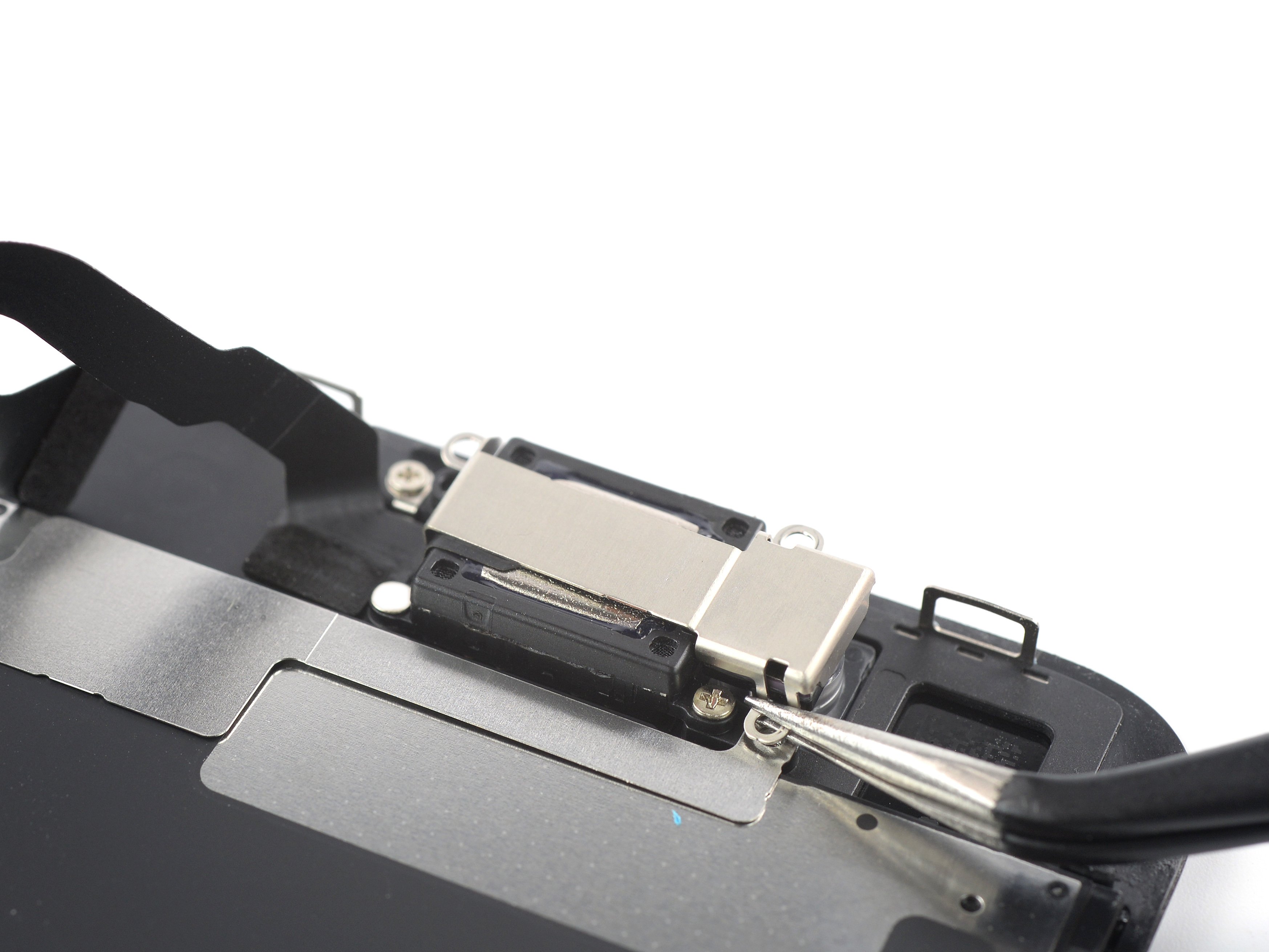
Use this guide to fix a cracked or broken screen by replacing just the bare front panel, a.k.a. LCD and digitizer assembly, in the iPhone SE 2022. This guide was performed on the A2783 (international) model. If the frame is deformed, it's important to replace it to make sure the new screen will mount correctly and won’t suffer damage from uneven pressure This guide shows how to replace only the iPhone SE 2022 LCD and digitizer assembly (a.k.a. the bare “front panel”). This requires you to transfer several components from your original screen to the new one before installing it—including the front-facing camera, earpiece speaker, LCD shield plate, and home button assembly. In order to maintain Touch ID functionallity it's important to carefully transfer the original home/Touch ID sensor onto the new display. The solid-state home button is paired to its original logic board by Apple, so replacing it will render it unusable. If you do not replace the adhesive seals when reassembling, your device will function normally, but will most likely lose its water protection. You’ll need replacement adhesive to reattach components when reassembling the device.