FIXONIC
SellSavedMy Fixonic
Official iFixit API visual reference

2011 Scion Tc Blower Motor Replacement

This guide explains how to replace a 2011 Scion...

iFixit Library 2011-2013 Scion tC Moderate 8 minutes Guide 150301
Open the authorised source
Licensed iFixit integration

This attributed iFixit guide is displayed through Fixonic's recorded commercial API permission. iFixit remains the independent source and author of the procedure.

Guide overview

Before you begin

This guide explains how to replace a 2011 Scion Tc 2011 blower motor. If your vehicle's HVAC doesn’t blow air at all, then it can be your blower motor. The blower motor turns the blower fan, which sends fresh air to your vehicle. This replacement is fairly straightforward. This repair is needed for every 2011 Scion Tc, because blower motor plays an important role to keep drivers cool or warm. It's a crucial part of the heating and cooling systems in a 2011 Scion Tc.

Step 1

Repair step

  • Locate your blower motor. Your blower motor should be below the glovebox.
Step 2

Repair step

  • Remove the three 2 mm screws that secure the blower motor.
Step 3

Repair step

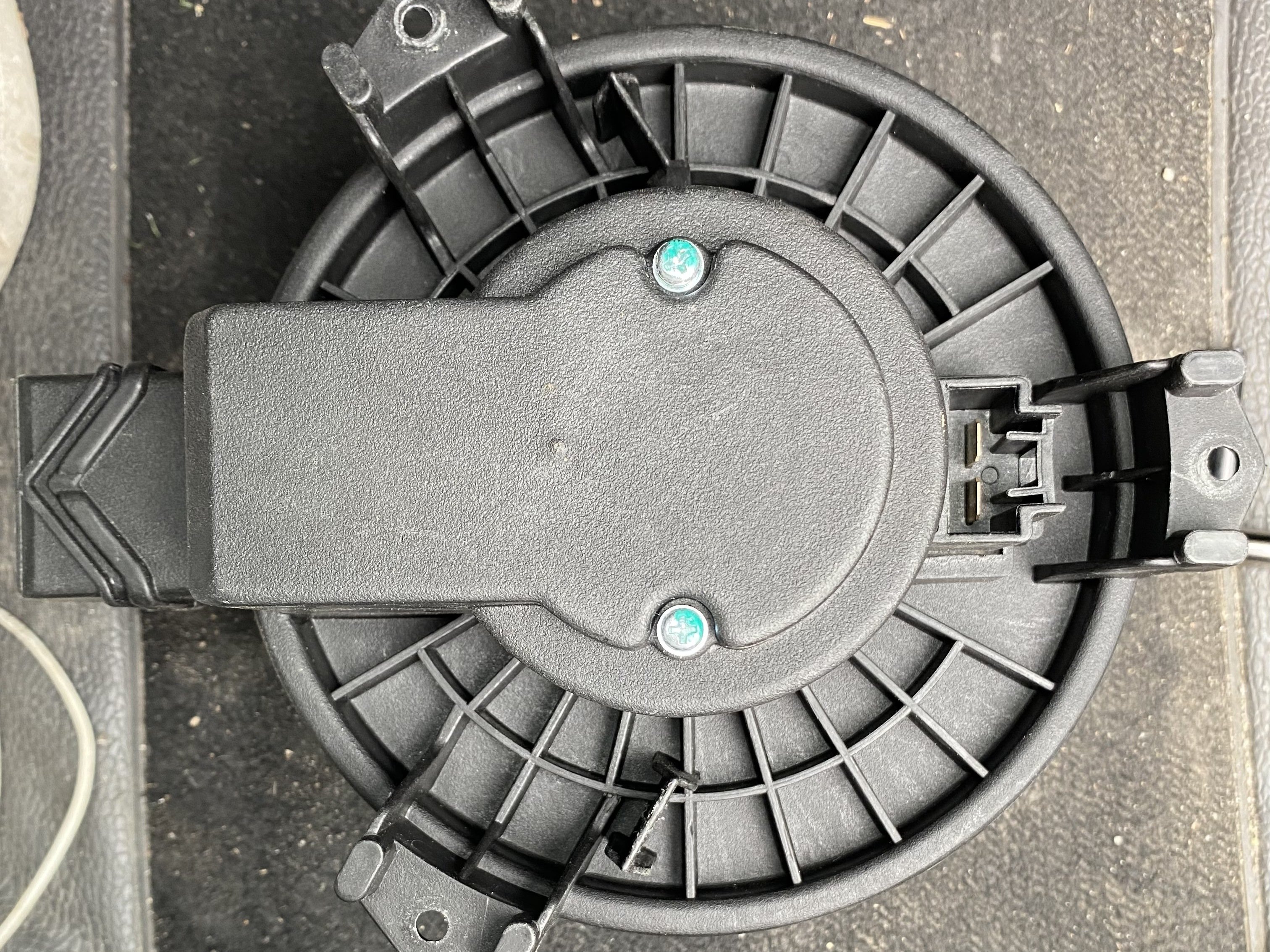
  • Remove the two 1 mm Phillips #0 screws that secure the blower motor wiring harness.
Step 4

Repair step

  • Disconnect the sensor that is connect to the blower motor.
  • The sensor should have a click and carefully remove it upwards.
Step 5

Repair step

  • Put the new blower motor in place, and secure it with the three 2 mm Phillips #0 screws.
Step 6

Repair step

  • Tighten the two 1 mm screws to the wiring harness.
Step 7

Repair step

  • Congratulations, you have successfully replaced your blower motor!
  • Once all the screws are tightened, just make sure to turn on your air to see if your blower motor works!