FIXONIC
Before you begin
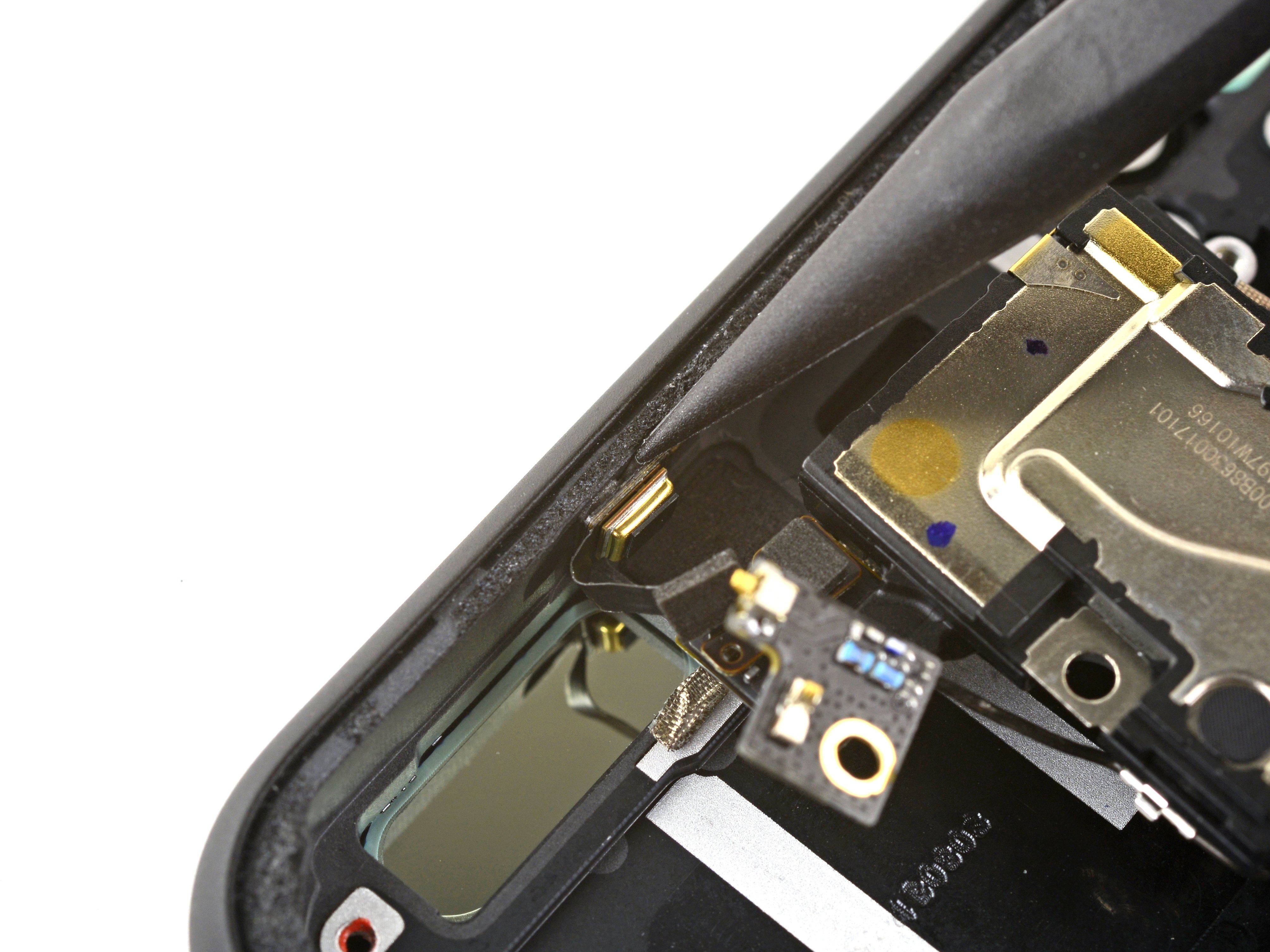
This repair guide was authored by the iFixit staff and hasn’t been endorsed by Google. Learn more about our repair guides here. Use this guide to replace the screen on your Google Pixel 4 XL. Note: Follow this guide to replace a screen that's pre-installed in a new frame (a.k.a. chassis). You'll need to transplant all of your phone's internals to the new screen. If you're replacing the display panel by itself, follow this guide instead. For your safety, discharge your battery below 25% before disassembling your phone. This reduces the risk of a dangerous thermal event if the battery is accidentally damaged during the repair. This guide requires a replacement battery. Do not reuse the battery after it has been removed, as doing so is a potential safety hazard. Caution: Google warns that disassembly of the front laser assembly could result in hazardous exposure to invisible infrared laser emissions. Read their safety warnings here.