
FIXONIC
SellSavedMy Fixonic
Official iFixit API visual reference

Samsung DP515A2G Hard Disk Drive Replacement

In this guide, I will show you how to replace...

iFixit Library samsung dp515a2g Easy 15 minutes Guide 153049
Open the authorised source
Licensed iFixit integration

This attributed iFixit guide is displayed through Fixonic's recorded commercial API permission. iFixit remains the independent source and author of the procedure.

Guide overview

Before you begin

In this guide, I will show you how to replace the hard drive in a Samsung All-in-One Desktop DP515A2G.

Step 1

Repair step

  • Put the Samsung dp515a2g face down on a surface that will not scratch the monitor.
Step 2

Repair step

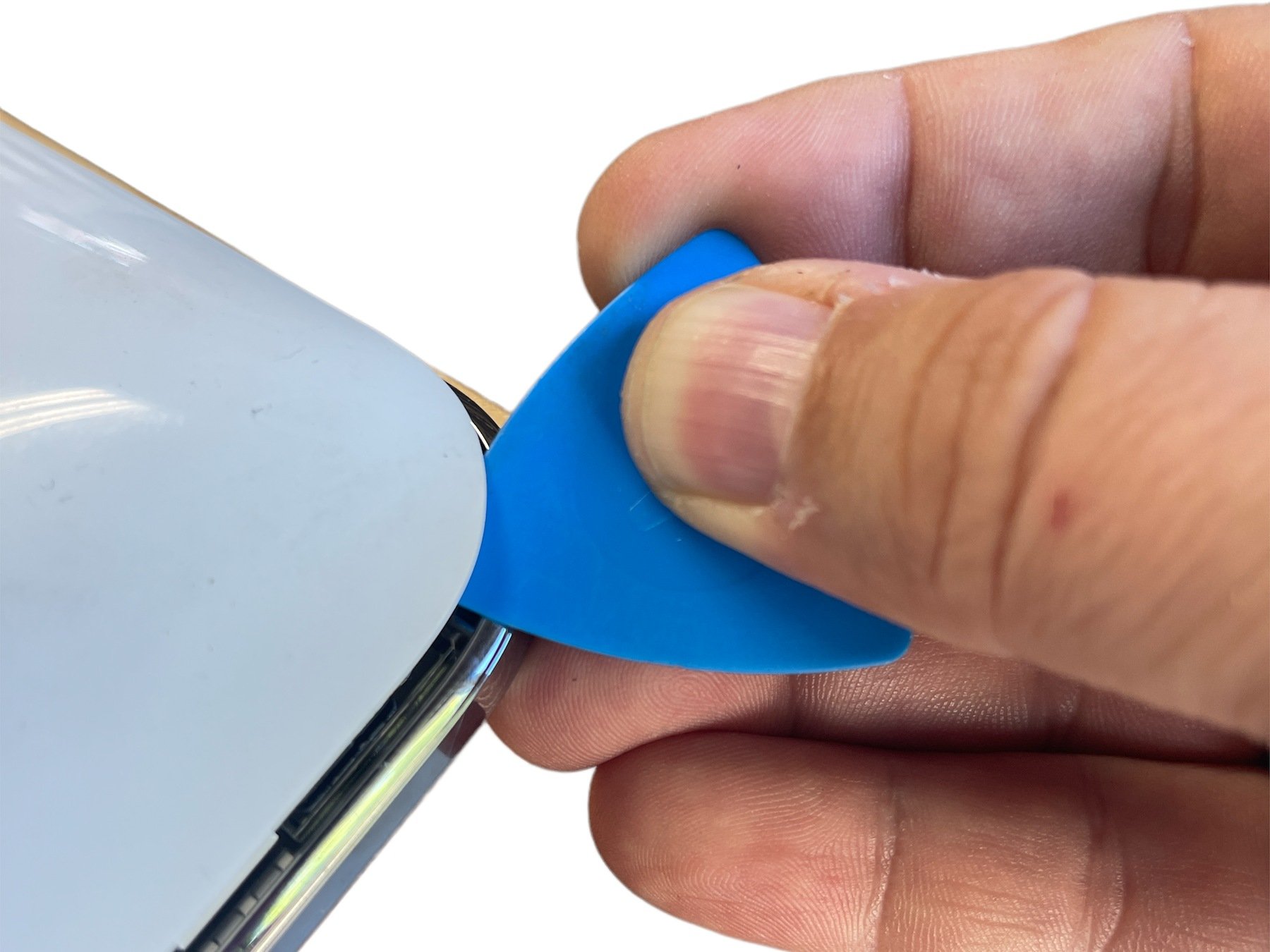
  • Gently insert an opening pick in the seam between the back panel and bezel.
  • Run the opening pick along the seam, carefully freeing the clips holding the back panel in place.
  • The back panel should come away without resistance.
Step 3

Repair step

  • Remove the 3 screws highlighted in red with a 000 Screwdriver
Step 4

Repair step

  • Once the shroud surrounding the hard drive is free, disconnect the hard drive by grasping the connector with one hand, and the shroud with the other hand and gently pull them apart.
  • Do not put the wires connecting the hard drive.
Step 5

Repair step

  • Using the 000 Screwdriver remove the screw on each side.
  • The hard drive should pull free of the shroud.