FIXONIC
Before you begin
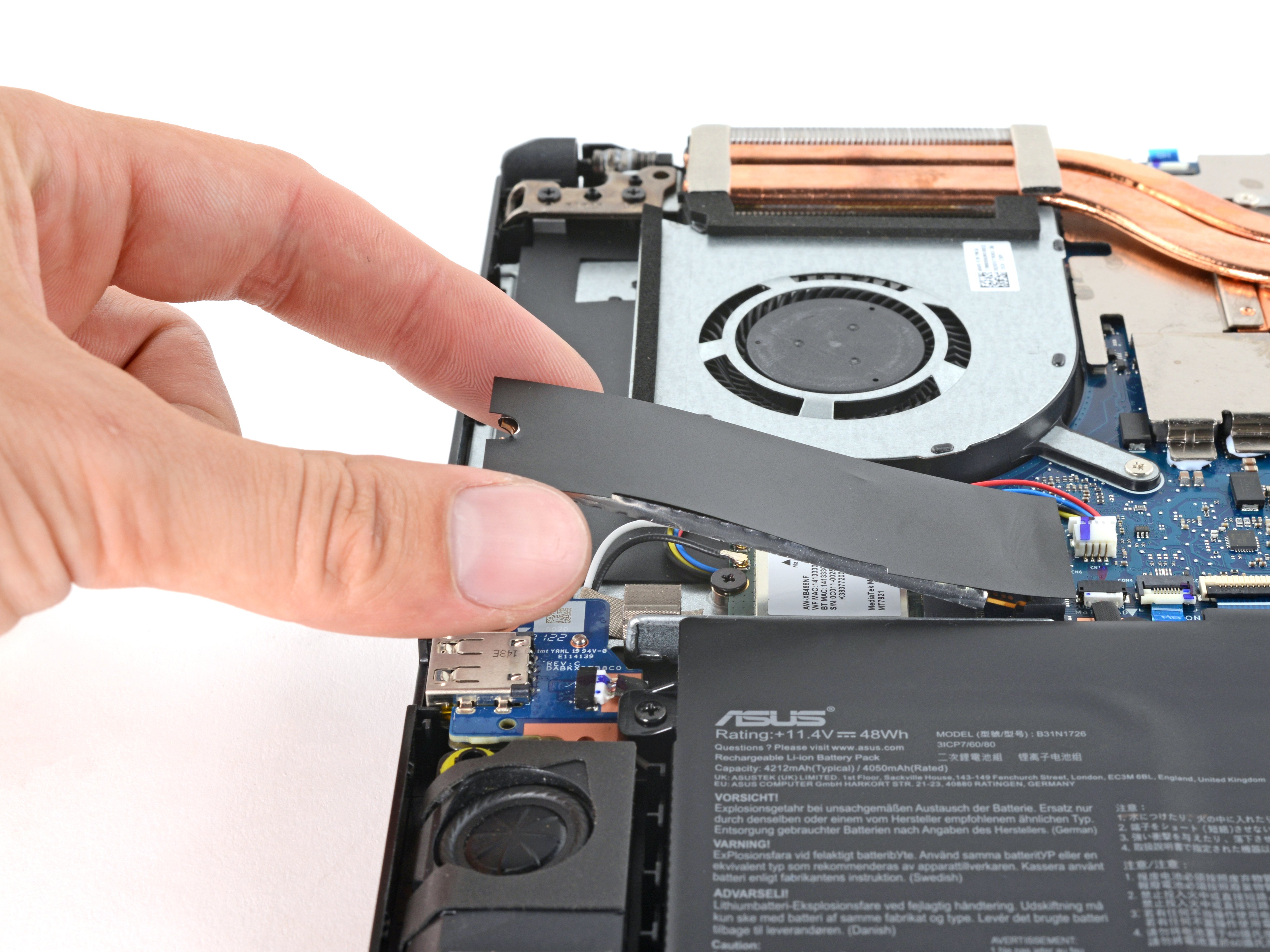
Follow this guide to remove and replace the Solid State Drive (SSD) in your ASUS TUF Gaming F15. Before you perform this repair, back up your existing SSD if possible. If you’re replacing the SSD where your operating system is installed, familiarize yourself with a disk cloning utility so you’ll be ready to migrate your data to the new SSD.