 FIXONIC
Official iFixit API visual reference
Open the authorised source
Cardo Packtalk Battery Replacement
Attributed iFixit repair guide for Cardo Packtalk.
iFixit Library Cardo Packtalk
Moderate
45 minutes
Guide 154003
Licensed iFixit integration
This attributed iFixit guide is displayed through Fixonic's recorded commercial API permission. iFixit remains the independent source and author of the procedure.
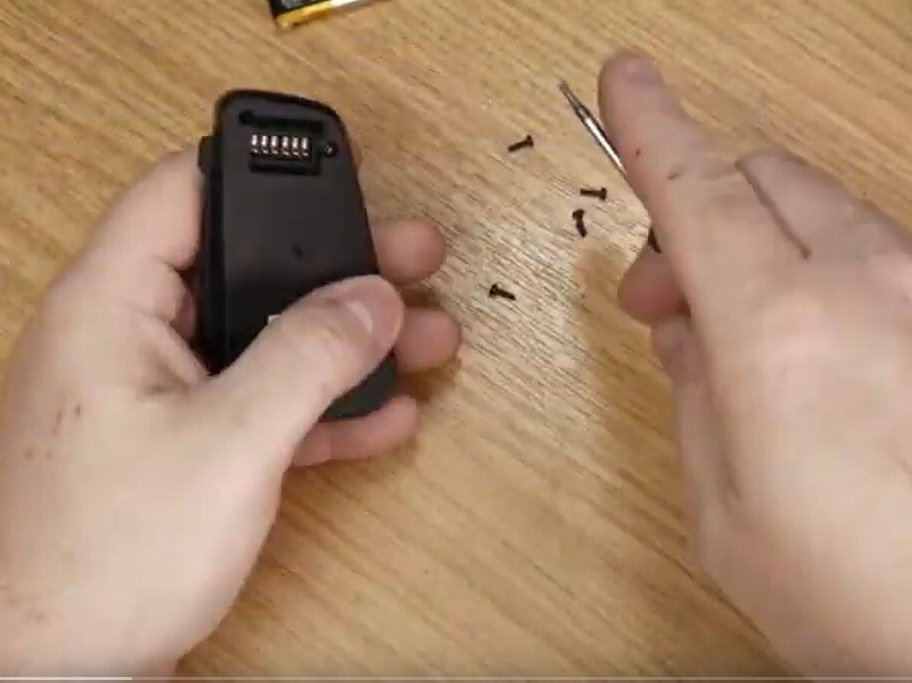

Open Case Carfully


Desolder Battery Wires
No step image supplied by iFixit.
- Some people simply cut the old battery wires and heat shrink them to new battery wires to avoid having to re-solder the small solder points on the PCB.
Solder new battery in place
No step image supplied by iFixit.
- Insert wisdom here.
(Optional) Silicon seal around case
No step image supplied by iFixit.
- If you want to ensure your unit stays waterproof, you can add a thin line of silicone seal around case prior to reassembly
Position battery and PCB and close case
No step image supplied by iFixit.
- Insert wisdom here.
Reinstall Case screws
No step image supplied by iFixit.
- Insert wisdom here.