
FIXONIC
SellSavedMy Fixonic
Official iFixit API visual reference

Dyson Supersonic HD01 Buttons Replacement

This guide shows how to replace the power...

iFixit Library Dyson Supersonic HD01 Easy 8 minutes Guide 154867
Open the authorised source
Licensed iFixit integration

This attributed iFixit guide is displayed through Fixonic's recorded commercial API permission. iFixit remains the independent source and author of the procedure.

Guide overview

Before you begin

This guide shows how to replace the power button and cold shot button on the Dyson Supersonic HD01. When the buttons are dirty or have a foreign object stuck inside them, they will not work properly. If the buttons on your hairdryer are jammed, this guide will help ensure buttons that work. You may consider cleaning the buttons of debris after removing it.
Step 1

Repair step

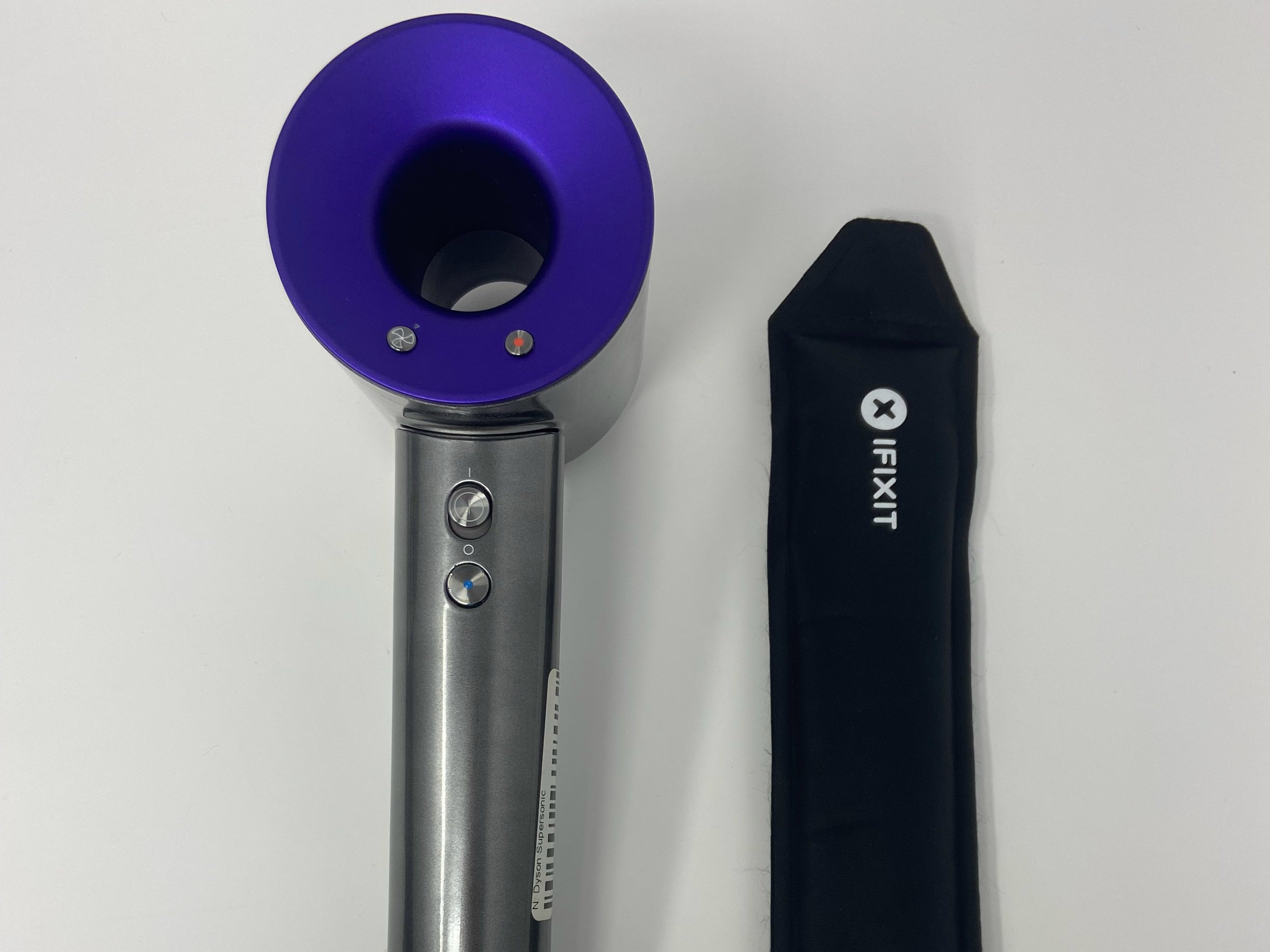
  • Heat the iOpener in the microwave for 30 seconds and apply it immediately to the top of the buttons.
  • Leave the iOpener in place for a couple minutes.
Step 2

Repair step

  • Remove the buttons with tweezers.
  • Power button
  • Cold shot button
  • Use a microfiber towel soaked in rubbing alcohol to clean the button holes. Doing this will loosen the buttons if jammed.