
FIXONIC
SellSavedMy Fixonic
Official iFixit API visual reference

HP Star Wars Special Edition 15-an051dx Keycap Replacement

Key Replacement (1) If your HP Star Wars...

iFixit Library HP Star Wars Special Edition 15-an051dx Moderate 3 minutes Guide 155010
Open the authorised source
Licensed iFixit integration

This attributed iFixit guide is displayed through Fixonic's recorded commercial API permission. iFixit remains the independent source and author of the procedure.

Guide overview

Before you begin

Key Replacement If your HP Star Wars Special Edition 15-an051dx device is not displaying any characters on your screen and overall the keys are unresponsive when typing you will need to replace the keys.This guide will teach you how to properly replace the keys of your HP Star Wars Special Edition 15-an051dx device with quick effective results.Make sure to have at hand new device keys and the tools needed to achieve the results demonstrated in this guide.Ensure you power off your computer completely before beginning.
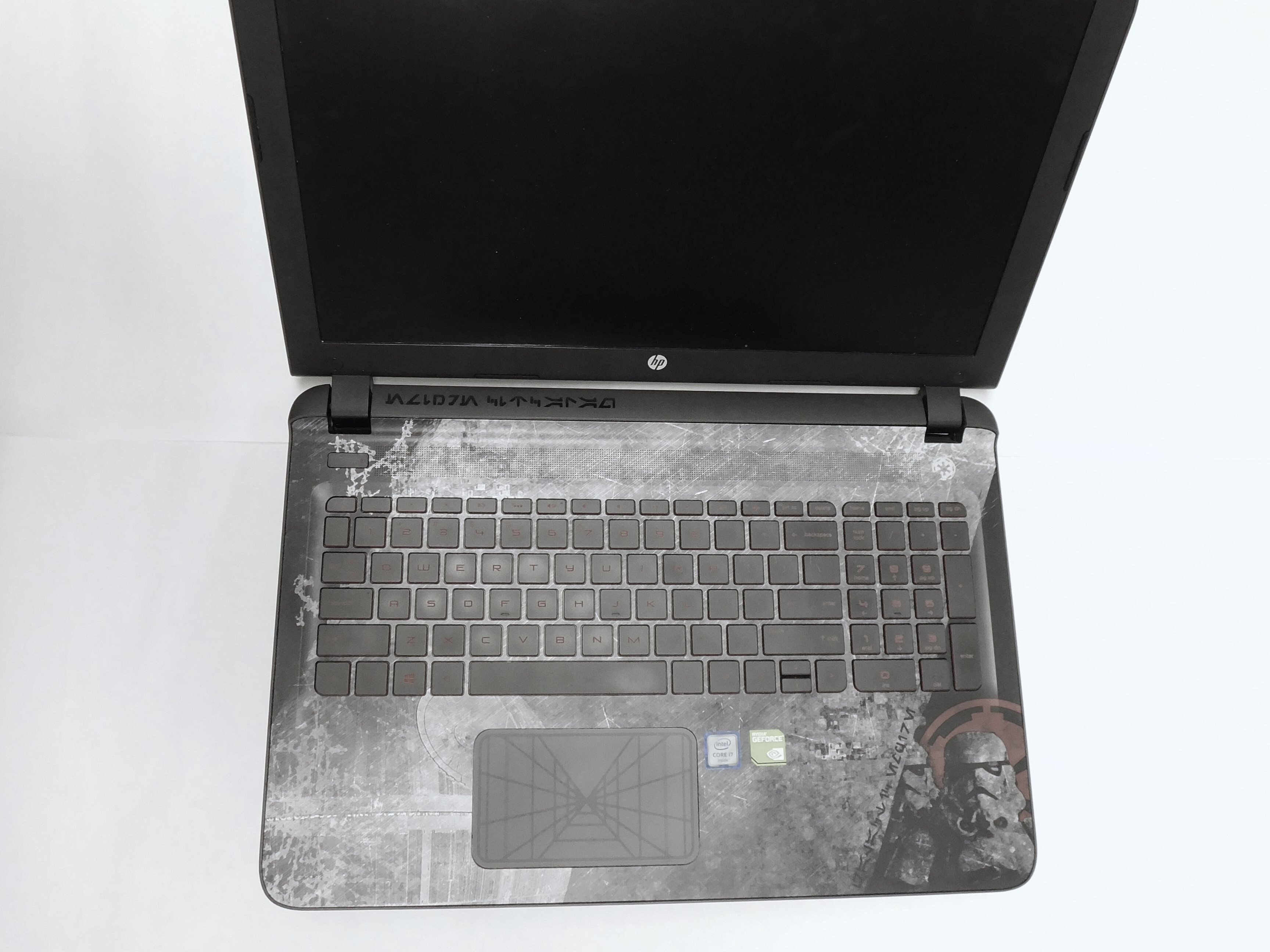
Step 1

Repair step

  • Make sure the computer is fully shut down and unplugged before starting.
  • With the flat end of the pry tool gently place it under the affected key and lift upwards.
Step 2

Repair step

  • When you lift the key make sure not to lift the silicon. It should remain attached to the keyboard.
  • After the key pops off, grab your new key and place it on top of the silicone on the keyboard.
  • With your finger press down on the key until you hear a clicking noise.