
FIXONIC
SellSavedMy Fixonic
Official iFixit API visual reference

Asus ZenBook UX430UA Battery Replacement

Laptop batteries, like most batteries, have a...

iFixit Library Asus ZenBook 14 UX430 Moderate 15 - 20 minutes Guide 155580
Open the authorised source
Licensed iFixit integration

This attributed iFixit guide is displayed through Fixonic's recorded commercial API permission. iFixit remains the independent source and author of the procedure.

Guide overview

Before you begin

Laptop batteries, like most batteries, have a finite usable lifespan and will lose their performance and charge over time. Use this guide to remove and replace the battery of your ASUS Zenbook UX430UA. To minimize the risk of damaging your device, allow the battery of your device to discharge fully before starting this procedure. A lithium-ion battery with a charge can create a dangerous fire if punctured. If your battery is swollen, you should take extra steps

Step 1

Repair step

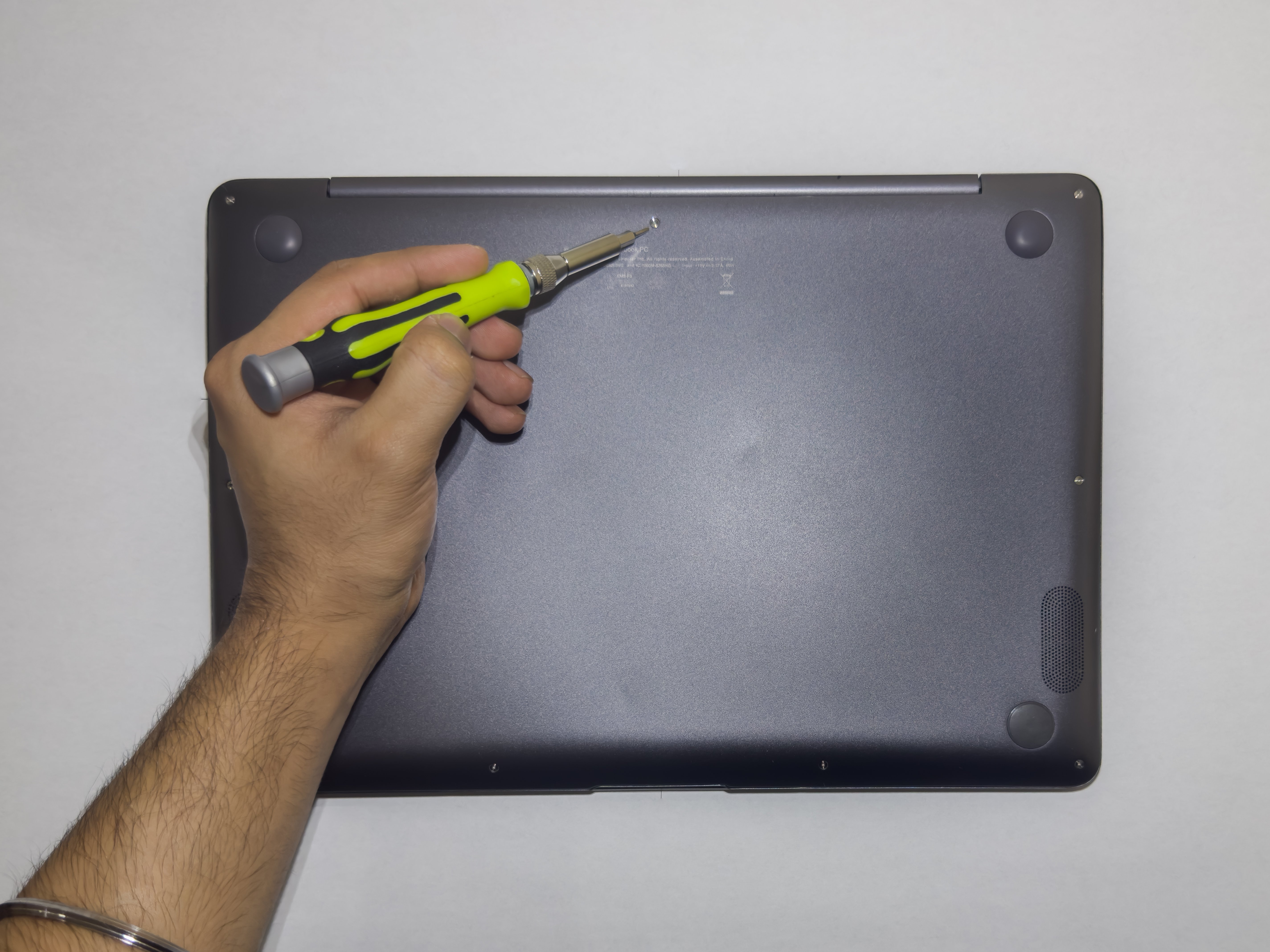
  • Hold the power button to turn off the laptop.
Step 2

Repair step

  • Remove the seven T5 Torx screws securing the bottom case to the chassis.
  • Remove the two T5 Torx screws that are threaded differently.
  • The top left and top right screws use different threads than the rest of the screws and should be kept separately to avoid damage.
Step 3

Repair step

  • Remove the two rubber feet from the bottom casing.
  • Remove the two screws holding the bottom casing to the chassis using a Phillips #1 screwdriver.
Step 4

Repair step

  • Use an iFixit opening tool to gently pry open the bottom case away from the top case.
  • The bottom case is secured to the upper case with four plastic clips near the edges of the laptop.
  • Gently pull the lower case away from the upper case of the laptop by lifting the top first.
Step 5

Repair step

  • Use a Phillips 1 screwdriver to remove the five screws holding the battery to the motherboard.
Step 6

Repair step

  • Carefully lift the battery from the bottom casing.
  • While removing the battery, ensure that the battery connector is raised enough so that it doesn't get in contact with the motherboard.
  • Lithium-ion batteries can be dangerous if handled poorly. Be cautious to not let any sharp objects near the battery to avoid puncturing it. Use the correct procedures to recycle the battery in your region.