FIXONIC
SellSavedMy Fixonic
Official iFixit API visual reference

Crown Range Hood AFG-AC/SS Light Bulb Replacement

If the lightbulb of your Crown Range Hood Model...

iFixit Library Stove Easy 5 - 15 minutes Guide 157748
Open the authorised source
Licensed iFixit integration

This attributed iFixit guide is displayed through Fixonic's recorded commercial API permission. iFixit remains the independent source and author of the procedure.

Guide overview

Before you begin

If the lightbulb of your Crown Range Hood Model AFG-AC/SS has burned out or has suddenly stopped working, use this guide to replace it. Before beginning this repair, be sure that your stove is off and has cooled down so you don't get hurt.

Step 1

Repair step

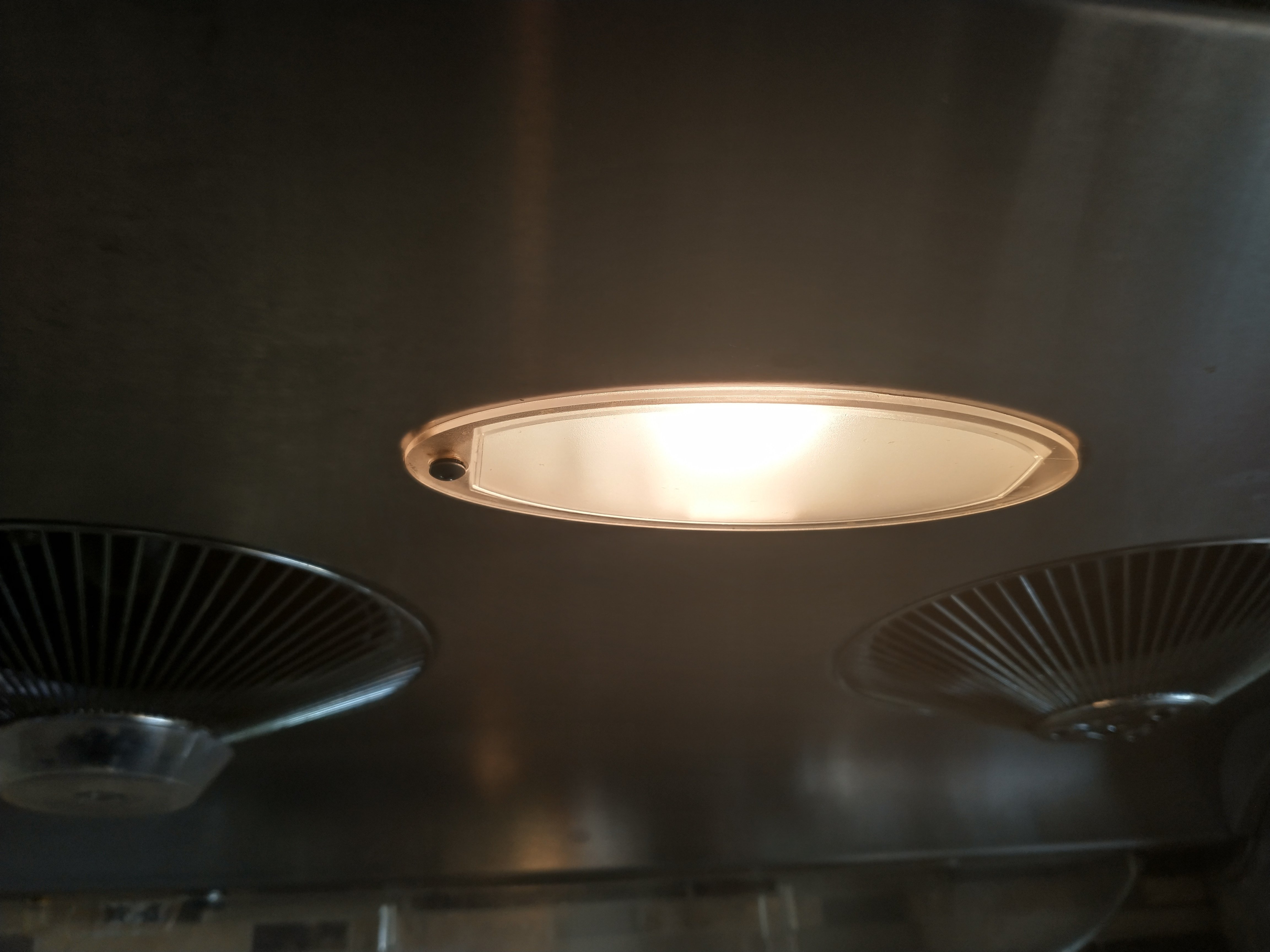
  • Check to make sure the the range hood is off.
  • To turn the range hood off, press the highlighted button.
  • The range hood should not emit any light or make any noise.
Step 2

Repair step

  • Use the Phillips #00 to remove the single screw securing the lightbulb panel to the ceiling of the range.
  • Too prevent both of the items from falling, hold onto the screw and panel during removal.
Step 3

Repair step

  • Slide the lightbulb cover out from the recessed area under the hood.
Step 4

Repair step

  • Twist the light bulb left to remove it from the range hood.
Step 5

Repair step

  • Use a cloth or a paper towel to clean the inside of the light bulb area.
  • Be sure to remove any debris or rust that might impair the installation of the new light bulb.
Step 6

Repair step

  • Guide the new lightbulb to the middle of the lightbulb base.
  • Install the new lightbulb with a twisting motion to the right.
  • Ensure the lightbulb is tightly secured onto the lightbulb base but don't overtighten.
Step 7

Repair step

  • Place the screw back into the light bulb cover.
Step 8

Repair step

  • Set the light bulb cover back onto the light recess.
  • Use the Philips #00 screwdriver to tighten the single screw that holds the light bulb cover in place.
Step 9

Repair step

  • Turn the light on to make sure your repair was successful!