FIXONIC
SellSavedMy Fixonic
Official iFixit API visual reference

Toshiba Satellite C55D-A5304 Laptop Key Replacement

If your Toshiba Satellite C55D-A5304 keys are...

iFixit Library Toshiba Satellite C55D-A5304 Laptop Very easy 30 seconds - 2 minutes Guide 160511
Open the authorised source
Licensed iFixit integration

This attributed iFixit guide is displayed through Fixonic's recorded commercial API permission. iFixit remains the independent source and author of the procedure.

Guide overview

Before you begin

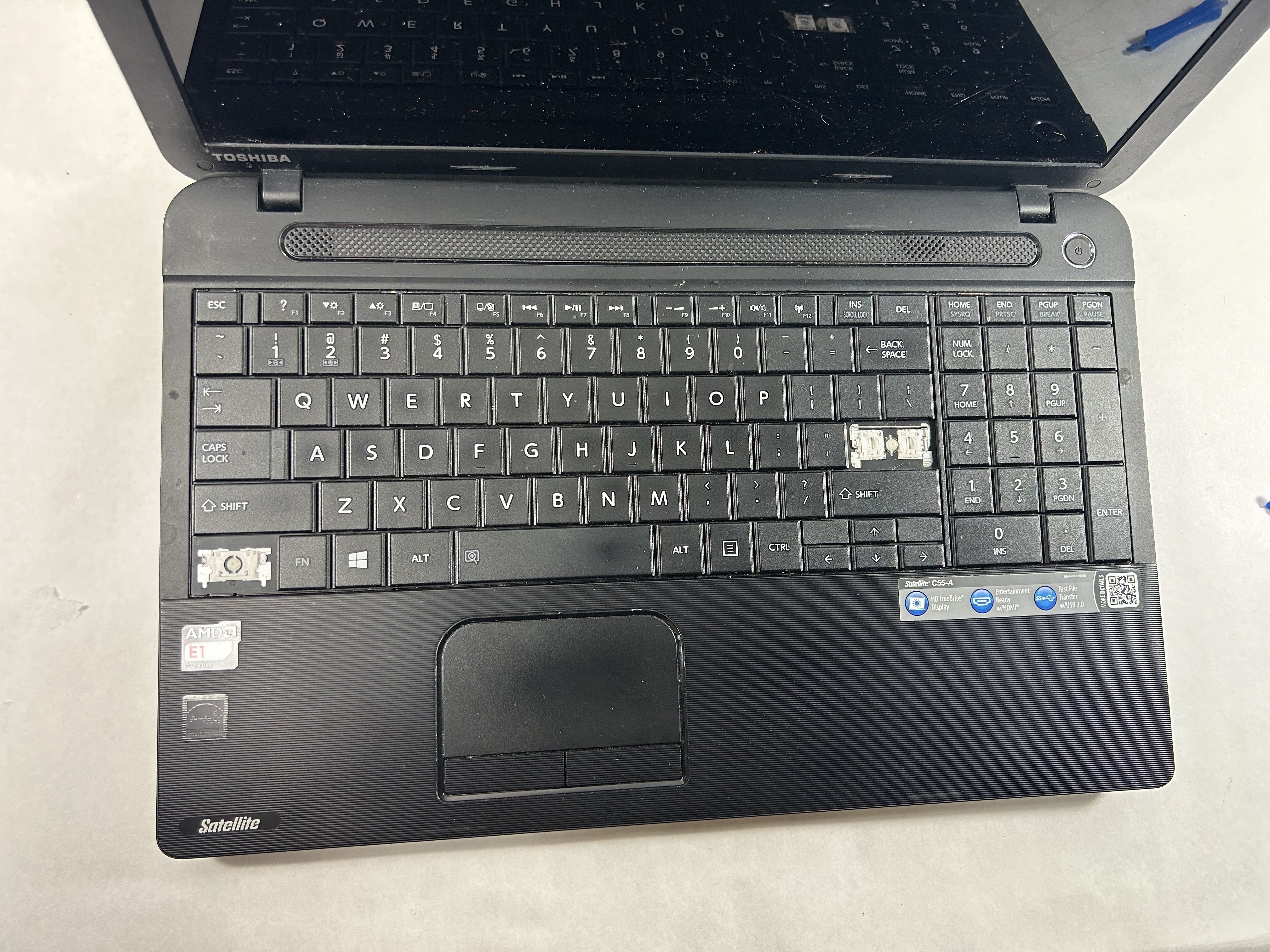
If your Toshiba Satellite C55D-A5304 keys are missing or falling off, use this guide to replace them. The keys are crucial to typing and without them your keyboard is unusable. Before beginning, unplug your laptop from any power source and be sure to remove the battery.

Step 1

Repair step

  • Make sure that the laptop is disconnected from all power sources and turned off.
  • Start with computer upside down with battery slot facing up.
Step 2

Repair step

  • Use the buttons of the sides of the battery to slide inwards and release the battery.
Step 3

Repair step

  • Take the battery out.
Step 4

Repair step

  • Open your laptop and face the keyboard towards yourself.
Step 5

Repair step

  • Push the key back into the keyboard where it was missing.