
FIXONIC
SellSavedMy Fixonic
Official iFixit API visual reference

How to Repair the Buttons on a Logitech Pebble Mouse

If you need to repair the buttons on your...

iFixit Library Logitech M Series Mouse Easy 6 - 10 minutes Guide 161026
Open the authorised source
Licensed iFixit integration

This attributed iFixit guide is displayed through Fixonic's recorded commercial API permission. iFixit remains the independent source and author of the procedure.

Guide overview

Before you begin

If you need to repair the buttons on your Logitech Pebble M350/M355 mouse, follow this guide. This guide will show you how to disassemble the mouse to reach the scroll wheel and buttons and apply a small amount of lubricant to them. Many users of this mouse have encountered a problem where the buttons eventually stop working. Since this isn't ideal for a device you use every day, the purpose of our guide is to provide a simple solution for this common problem.
Step 1

Repair step

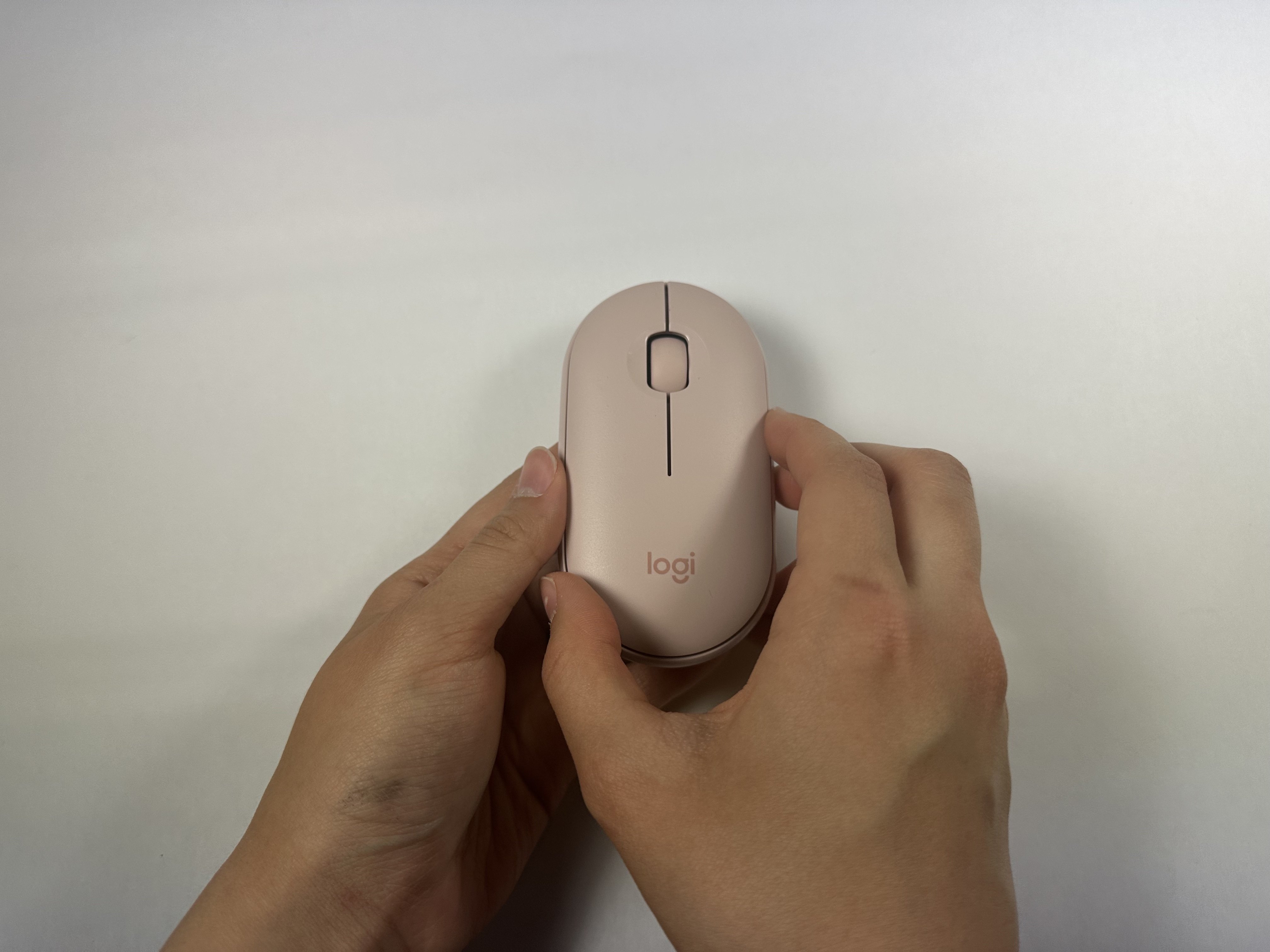
  • Use your hands to remove the magnetic top panel of the mouse.
Step 2

Repair step

  • Remove the USB adaptor in the small rectangular hole on the lower right corner.
  • Remove the battery.
Step 3

Repair step

  • Use a Phillips #000 screwdriver to remove one screw holding the inner panel in place.
Step 4

Repair step

  • Remove the the inner panel.
  • This may take a little bit of effort but it should come off fairly easily.
  • You can use the battery socket as leverage to remove the panel. To avoid breaking the panel, be gentle but firm.
Step 5

Repair step

  • Use a fine-tipped object or a Q-tip and dip it in a small amount of oil.
Step 6

Repair step

  • Gently wipe the metal axle where the scroll wheel is mounted with a small amount of 3-in-1 oil.
  • Repeat for the left and right click buttons.